

VersaTiles Style
VersaTiles Style generates styles and sprites for MapLibre.
Upgrading from v5? v6 is a breaking release: the palette builders (colorful,shadow, …) are
replaced byosm({ theme }), options are grouped (textScale→layout.scale.labels), all 34 of
the renamed colour keys moved under a group prefix, and both sprite sheets were renamed.
Unknown option keys now throw, and the error names the v6 replacement.
> - Migration from v5 — the full option, colour-key and type tables.
- Migrating sprite ids from v5 —basics→baseandmarkers→extras/icons.
- CHANGELOG — every breaking change in 6.0.0.
Styles Overview
The osm() function renders OpenStreetMap vector tiles using one of five built-in color palettes,
each available as a light theme and a dark one (colorful-dark, …). satellite() renders raster/satellite tiles with an optional
vector overlay.
| Palette | Preview |
| ------------- | ----------------------------------------------------------------------------------------------------- |
| colorful | 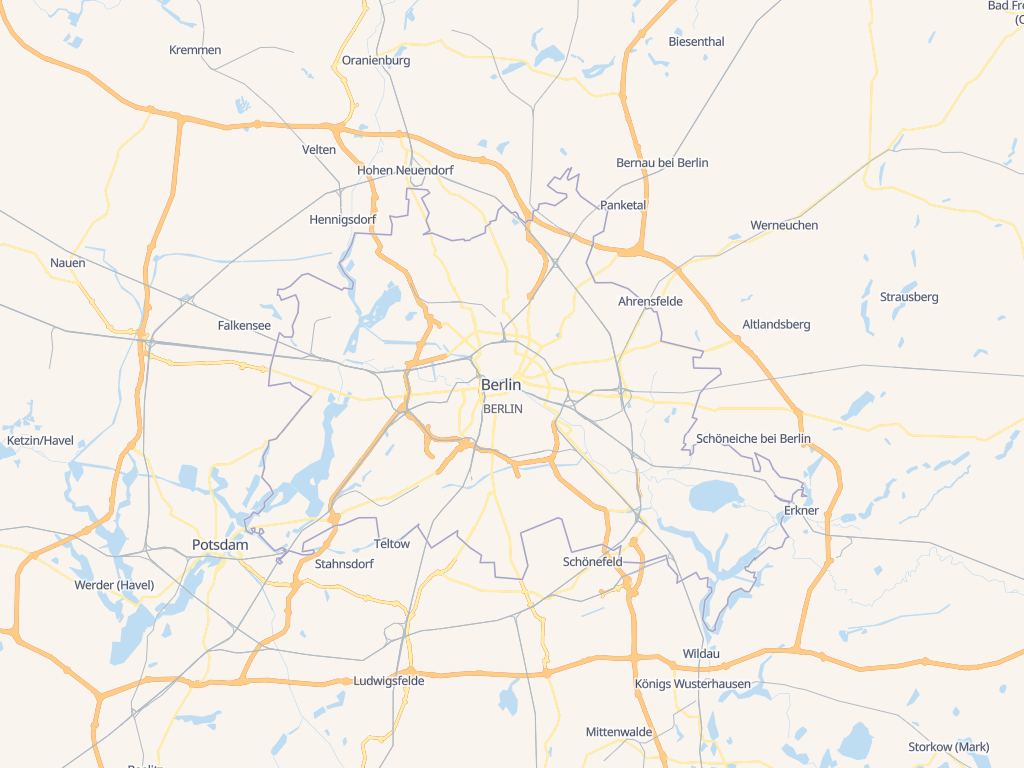 |
| natural |
|
| natural |  |
| muted |
|
| muted |  |
| gray |
|
| gray |  |
| toner |
|
| toner |  |
| satellite |
|
| satellite | 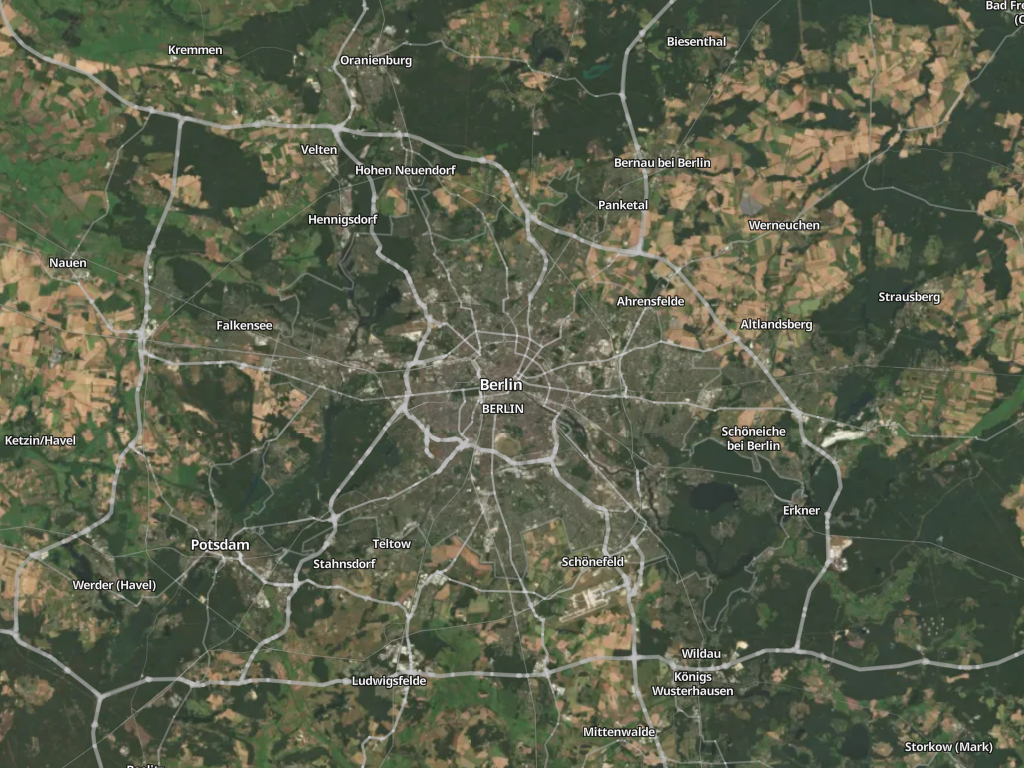 |
|
Using VersaTiles Styles
Prebuilt Styles and Sprites
Download the assets from the latest release:
- styles.tar.gz: Contains all styles in multiple languages.
tiles.versatiles.org as the source for tiles, fonts (glyphs), and icons (sprites).
- sprites.tar.gz: Includes map icons and other sprites.
- Sprite overview: every icon in all three sheets, with its sprite ID, title and aliases.
- versatiles-style.tar.gz: Contains a JavaScript file to generate styles dynamically in the browser.
Generating Styles On-the-Fly
Frontend Usage (Web Browser)
Download the latest release:
curl -Ls "https://github.com/versatiles-org/versatiles-style/releases/latest/download/versatiles-style.tar.gz" | gzip -d | tar -xf -Integrate it into your HTML application:
<div id="map"></div>
<script src="maplibre-gl.js"></script>
<script src="versatiles-style.js"></script>
<script>
  (async () => {
    const style = VersaTilesStyle.osm({
      theme: 'colorful-dark',
      text: { language: 'de' },
      recolor: { gamma: 0.5 },
    });
const map = new maplibregl.Map({
      container: 'map',
      style: await VersaTilesStyle.inlineSources(style),
    });
  })();
</script>
inlineSourcesis required, not optional.osm()andsatellite()are synchronous and do no
I/O: they leave each source as a { type, url } reference to a TileJSON and let MapLibre fetch it.
That works only if the TileJSON lists absolute tile URLs — and the VersaTiles ones list relative
templates (/tiles/osm/{z}/{x}/{y}), which MapLibre does not resolve. Handing such a style straight
to new maplibregl.Map() fails with
Request constructor: /tiles/osm/2/2/2 is not a valid URL and no tiles appear.> inlineSources fetches the TileJSON and folds it in, so the tile URLs come out absolute and the
attribution, bounds and maxzoom it carries are preserved. That last part matters: the attribution
is a licensing obligation.
> If your own tile server publishes absolute tile URLs, you can skip it and stay fully synchronous.
Requires MapLibre GL JS 5.0 or newer.
The generated styles set the globe projection
and a root sky. Older versions ignore both and
render a flat Mercator map with no sky — everything else works, so this degrades rather than breaks.
> npm users have this checked automatically through an optional peer dependency. Loading MapLibre
from a
Chat with me