VersaTiles Style
VersaTiles Style generates styles and sprites for MapLibre.
Upgrading from v6? v7 gives the map one light that shades terrain, 3D buildings and the globe's
atmosphere alike, and turns it on by default — so hillshade looks different. v7 requires MapLibre GL
JS 5.5.sunis nowlight, andhillshade.anchorislight.fixedToScreen. See Migration from v6.
> Upgrading from v5? v6 is a breaking release: the palette builders (colorful,shadow, …) are
replaced byosm({ theme }), options are grouped (textScale→text.scale), all 34 of
the renamed colour keys moved under a group prefix, and both sprite sheets were renamed.
Unknown option keys now throw, and the error names the v6 replacement.
> - Migration from v5 — the full option, colour-key and type tables.
- Migrating sprite ids from v5 —basics→baseandmarkers→extras/icons.
- CHANGELOG — every breaking change in 6.0.0.
Styles Overview
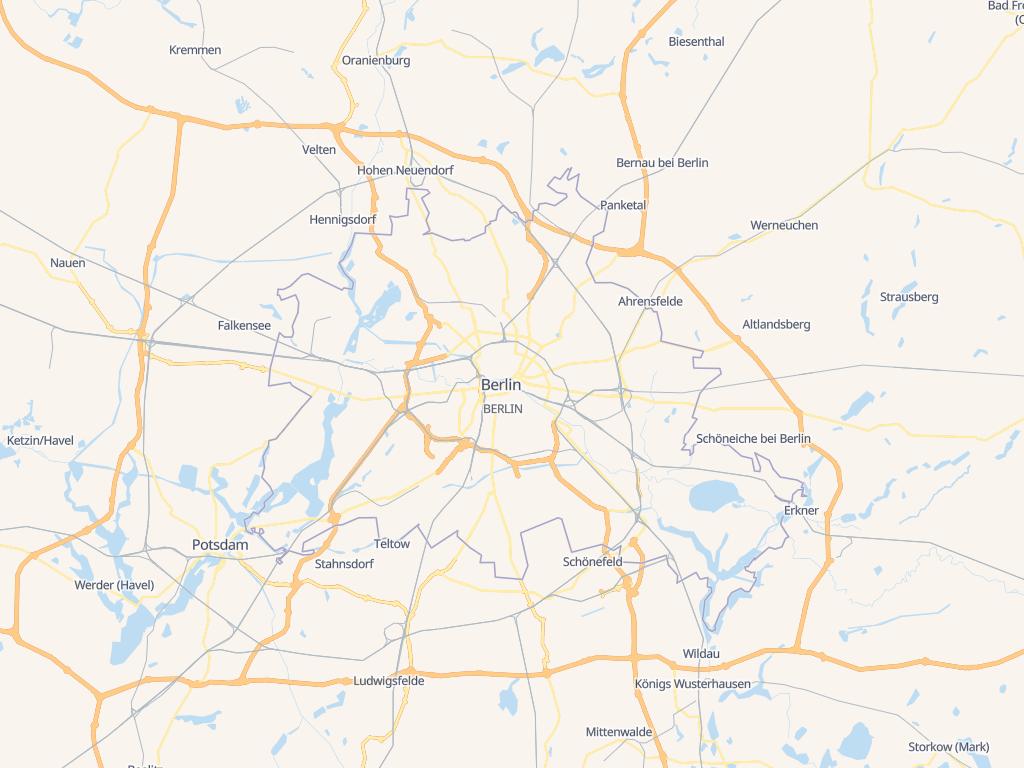
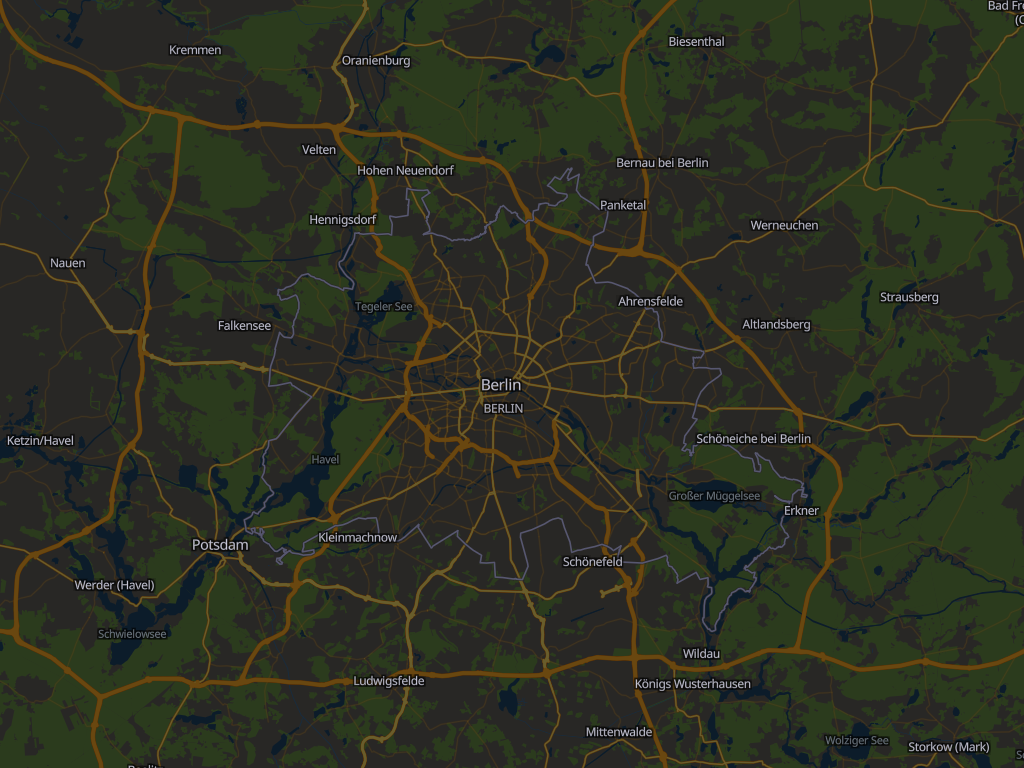
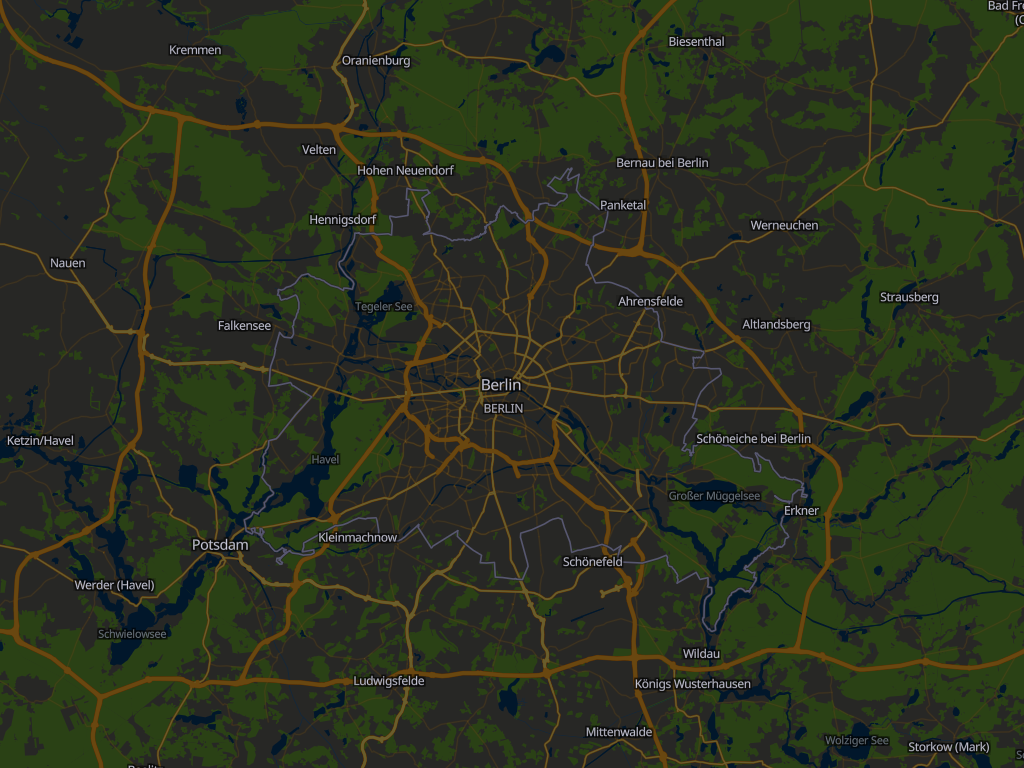
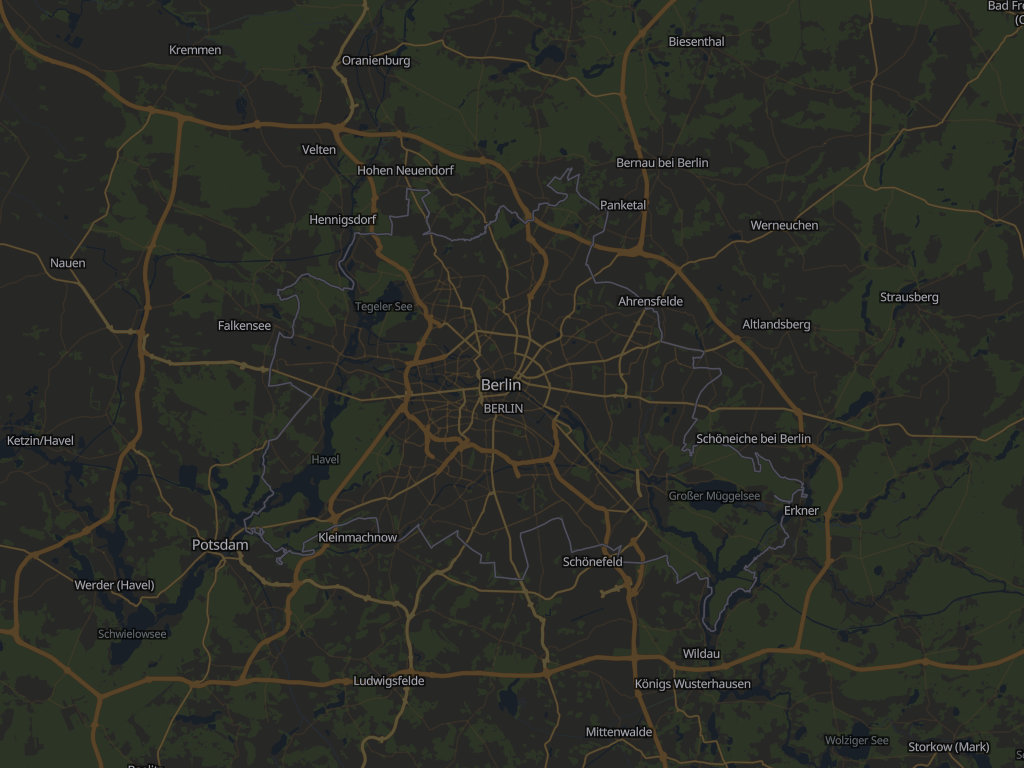
The osm() function renders OpenStreetMap vector tiles using one of five built-in color palettes,
each available as a light theme and a dark one (colorful-dark, …). satellite() renders raster/satellite tiles with an optional
vector overlay.
| Palette | Light | Dark |
| ------------- | :---------------------------------------------------------------------------------------------------: | :-----------------------------------------------------------------------------------------------------------: |
| colorful |
|
|
| natural |
|
|
| muted |
|
|
| gray |
|
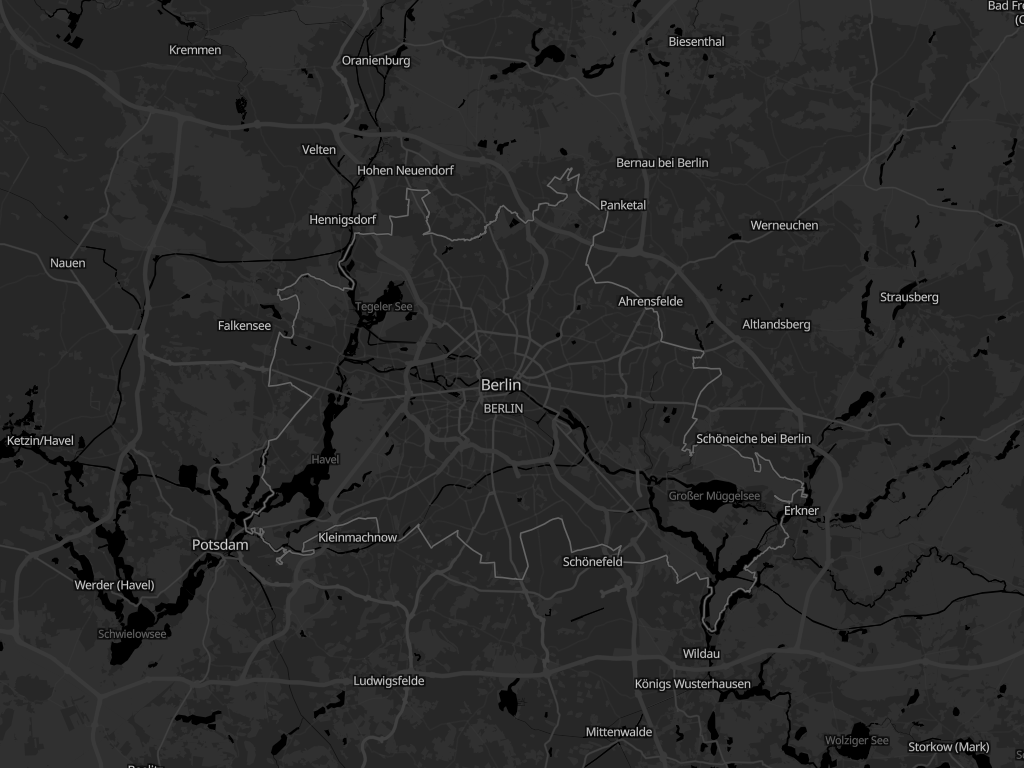
|
| toner |
|
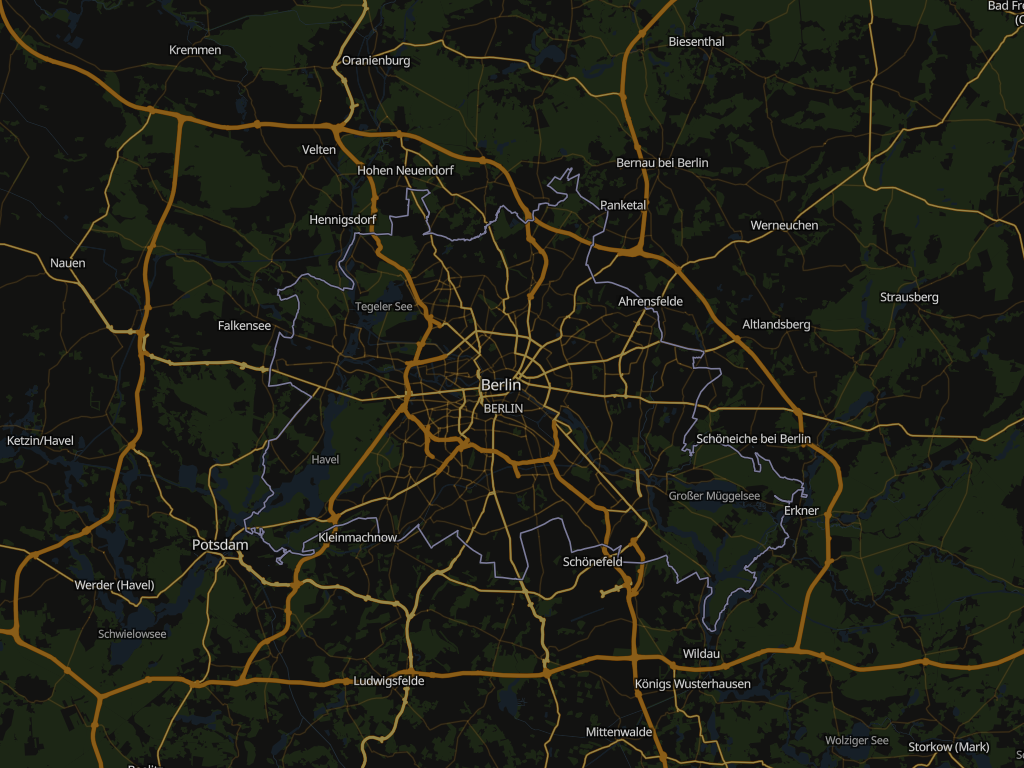
|
| satellite |
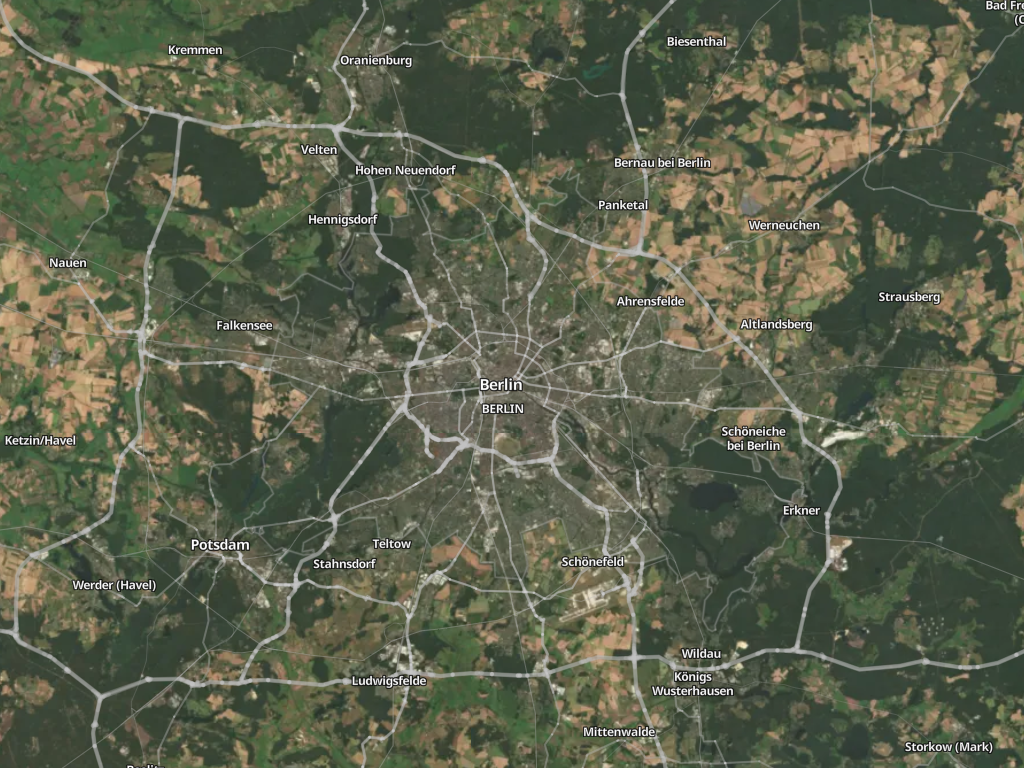
| — |
Lookalike themes
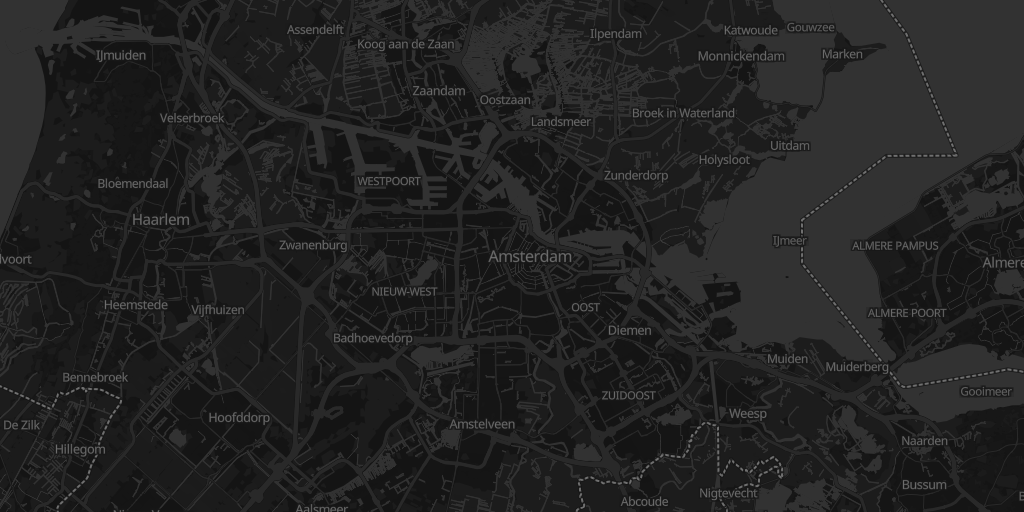
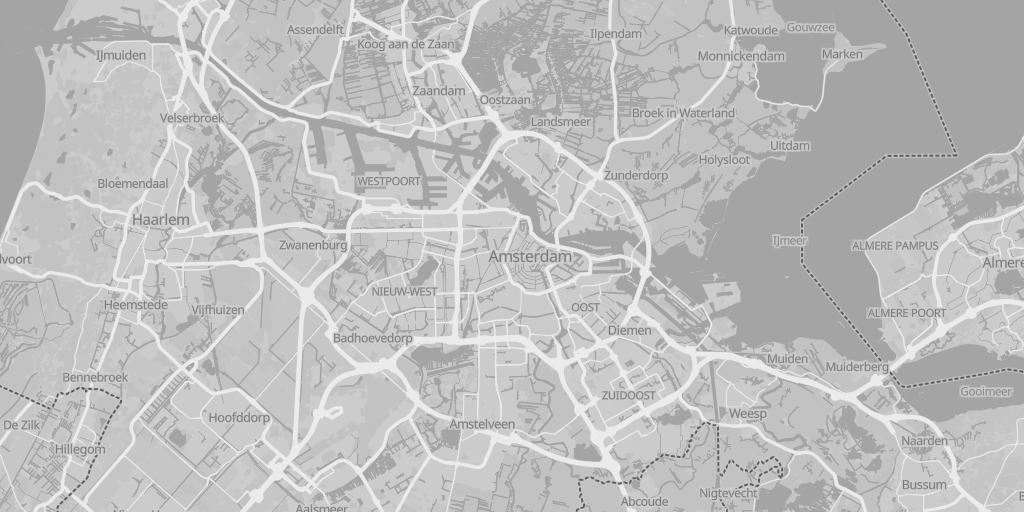
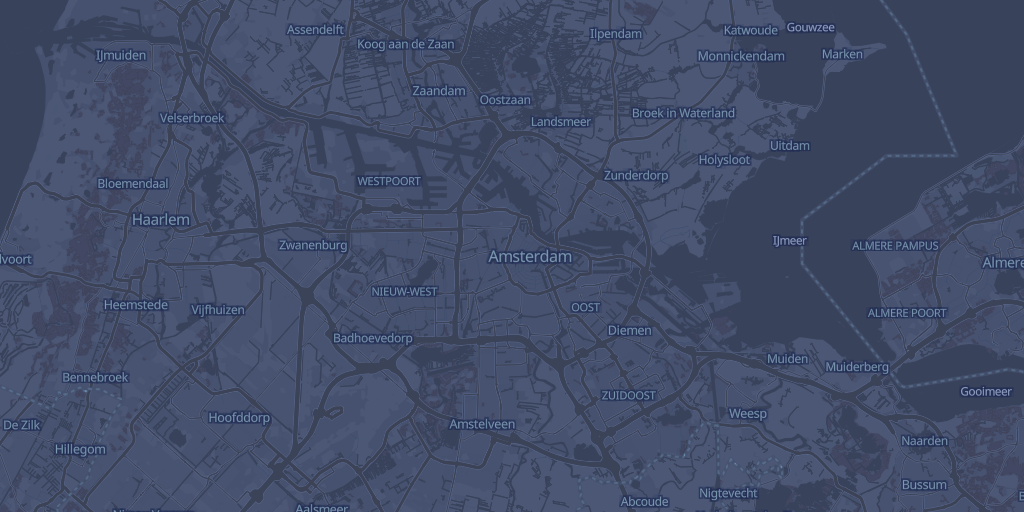
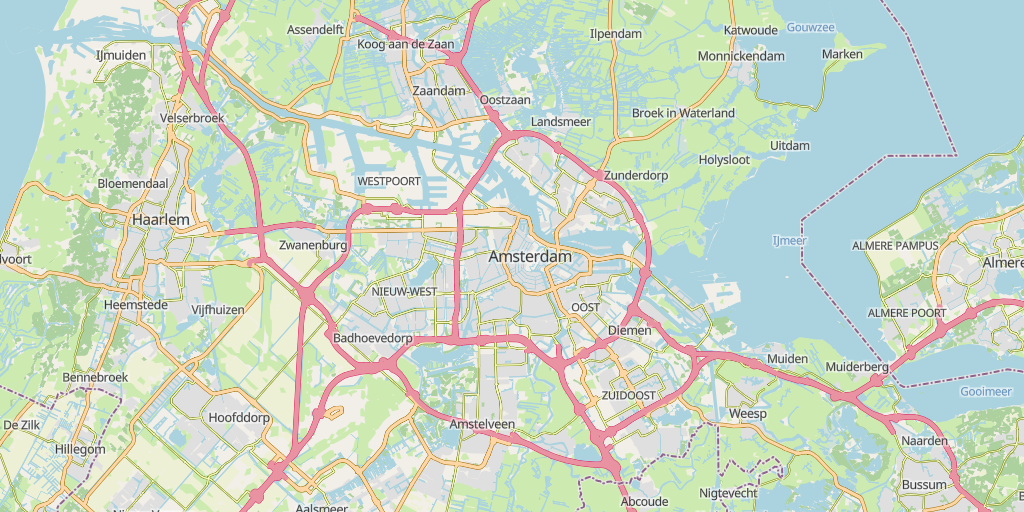
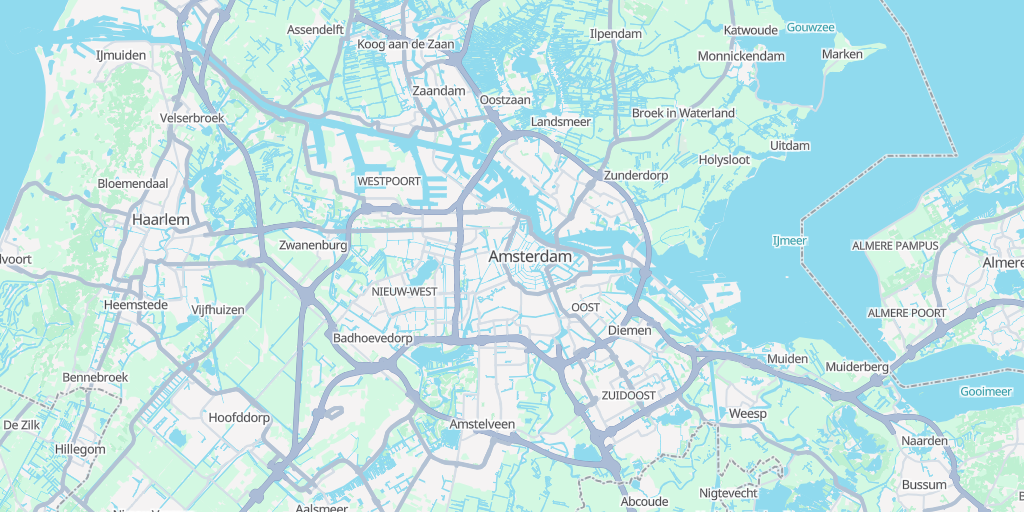
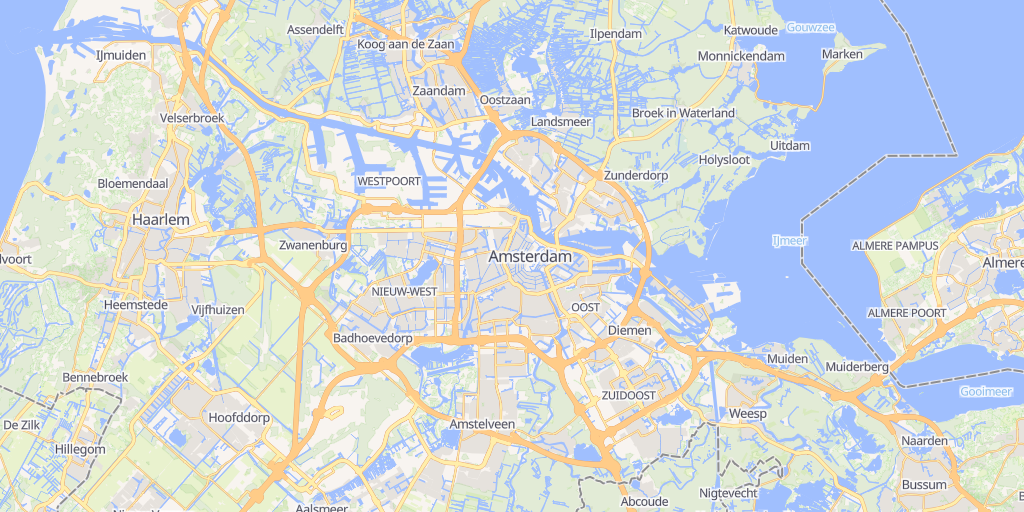
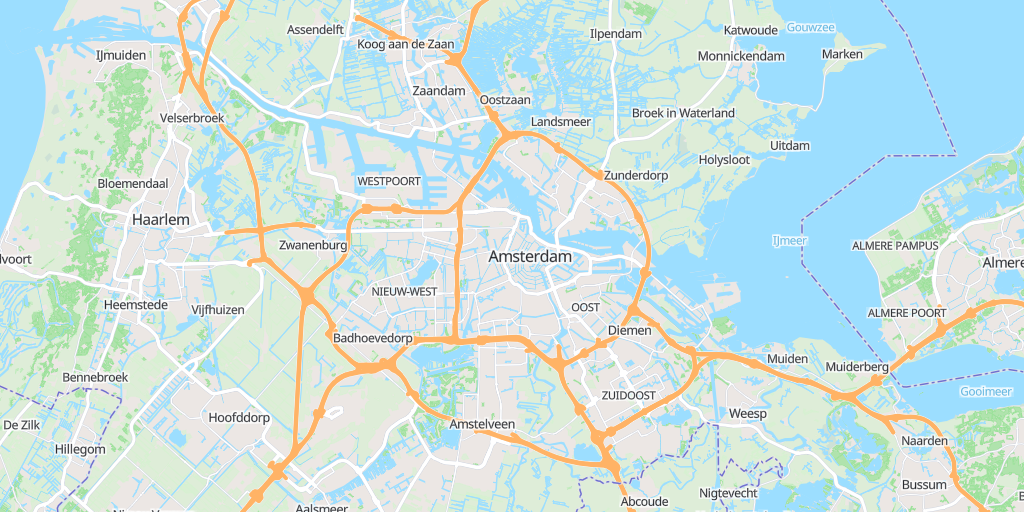
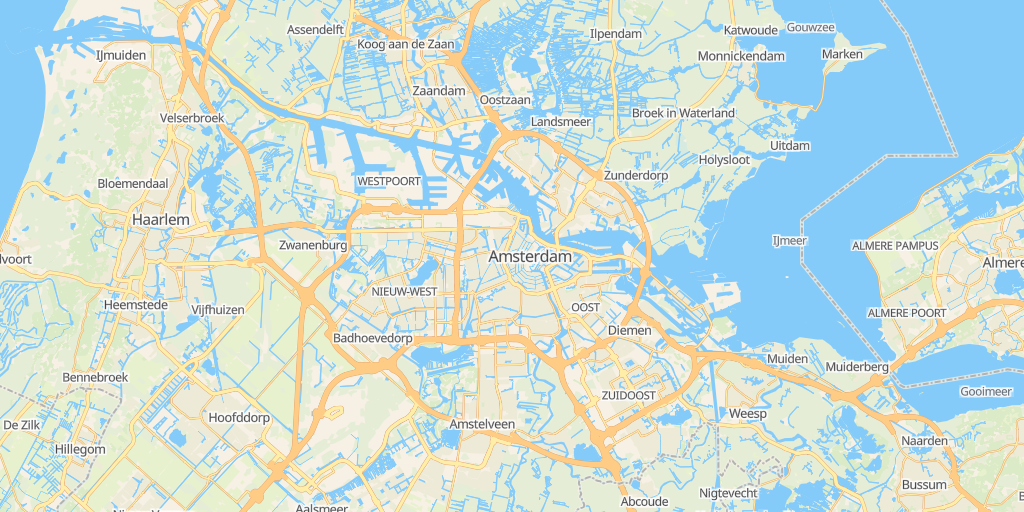
Further themes have a colour scheme that resembles another project's map. They are still VersaTiles styles — the same layers, labels and icons as every other theme, in different colours — which is why they carry names of their own. A lookalike has a dark theme only where the map it resembles has one. It may also draw its borders and paths the way that map does — solid where VersaTiles dashes them, or in another dash.
Lookalike themes are not part of the prebuilt styles.tar.gz; generate them with osm({ theme }).
| Theme | Resembles | Light | Dark |
| ------------- | ---------------------- | :---------------------------------------------------------------------------------------------------: | :-------------------------------------------------------------------------------------------------------------: |
| positrino | Positron, Dark Matter |
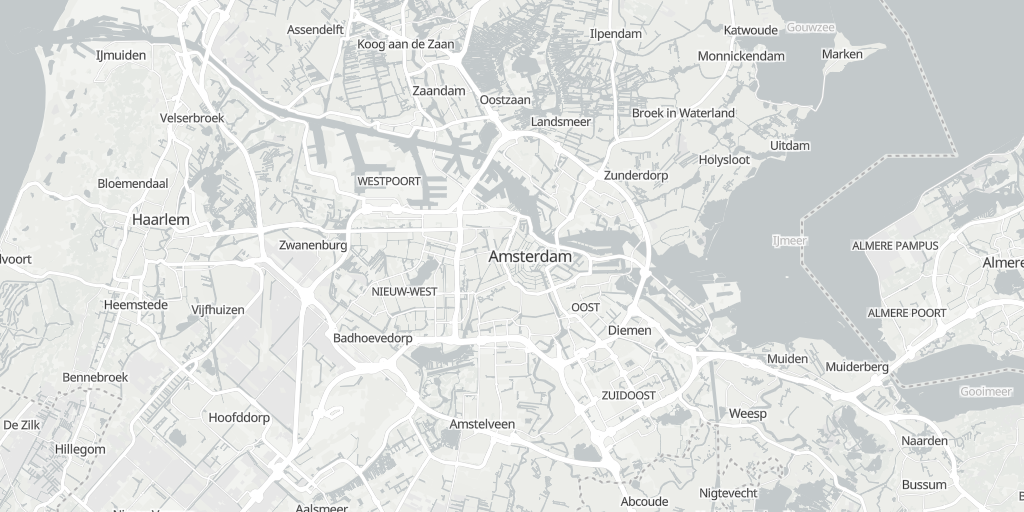
|
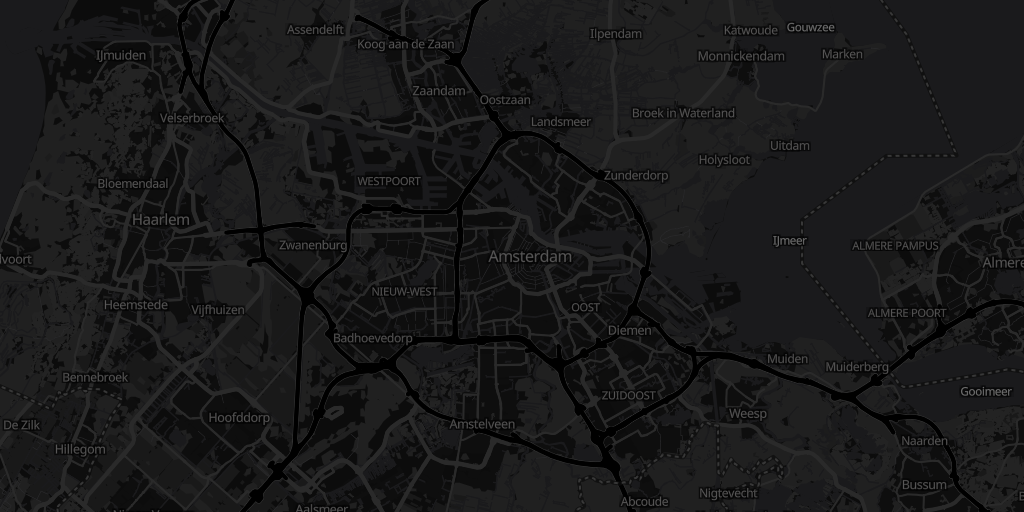
|
| protocol | Protomaps Light, Dark |
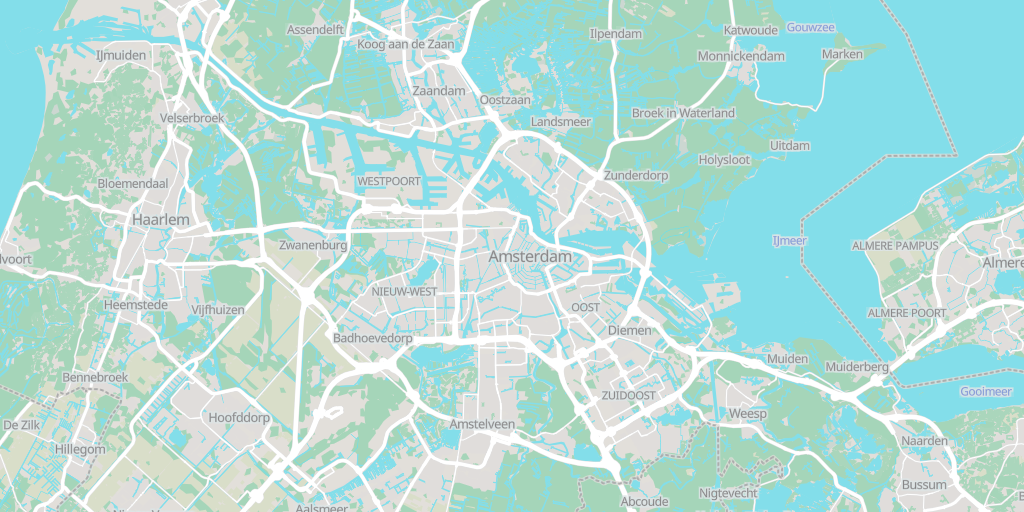
|
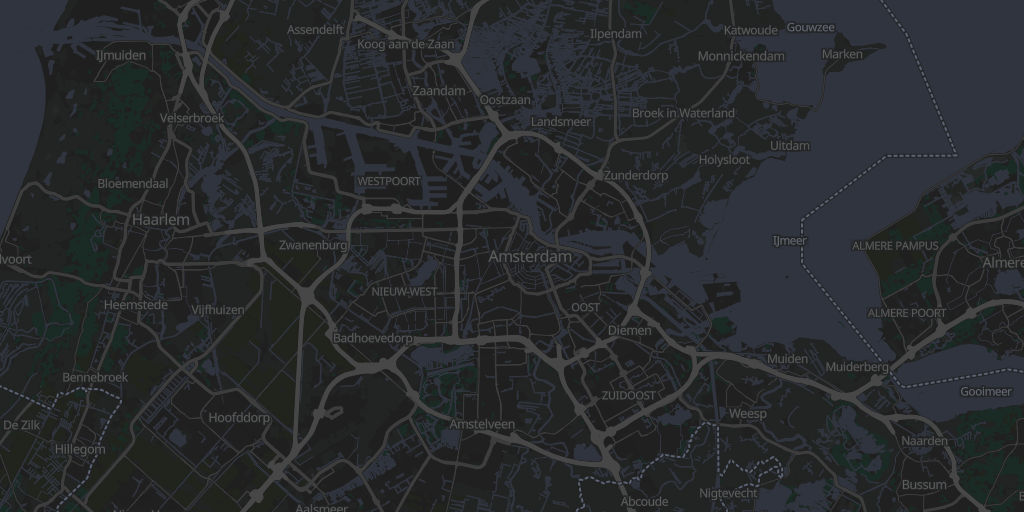
|
| protostar | Protomaps White, Black |
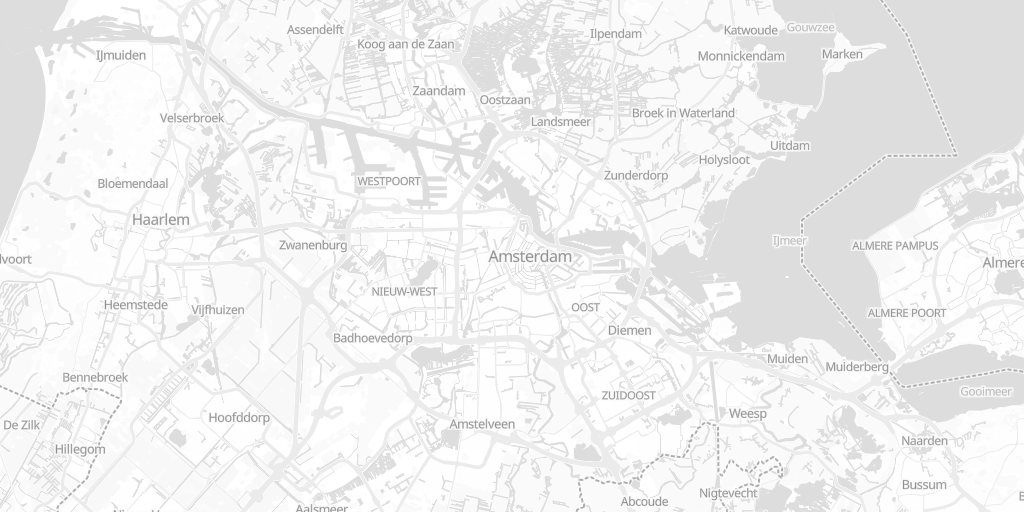
|
|
| protozoa | Protomaps Grayscale |
| — |
| fnord | Fiord Color | — |
|
| classic | OpenStreetMap Carto |
| — |
| googol | Google Maps |
| — |
| freedom | OSM Liberty |
| — |
| macbob | Mapbox Streets |
| — |
| mactaylor | MapTiler Streets |
| — |
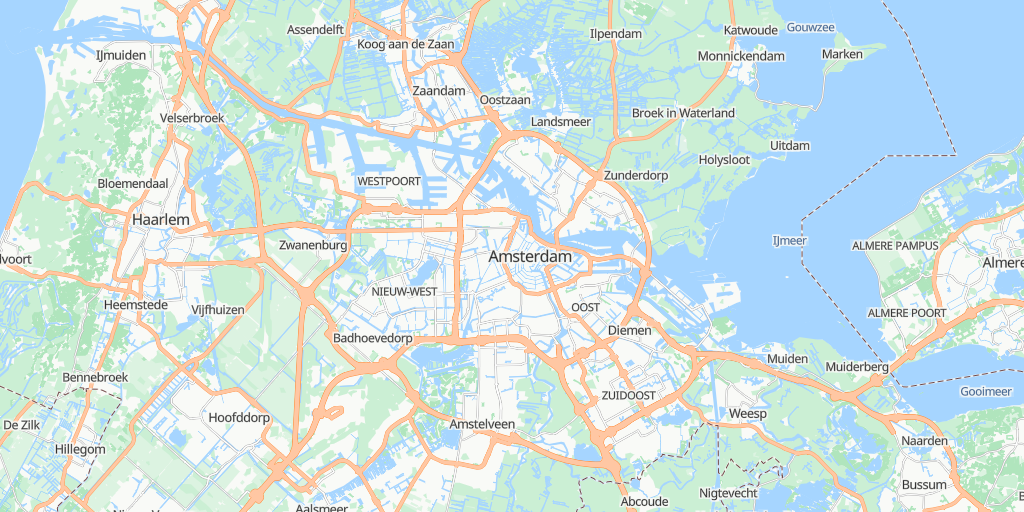
| bingo | Bing Maps |
| — |
Using VersaTiles Styles
Prebuilt Styles and Sprites
Download the assets from the latest release:
- styles.tar.gz: Contains the styles above in multiple languages (the lookalike themes are generated on demand).
tiles.versatiles.org as the source for tiles, fonts (glyphs), and icons (sprites).
- Note: The vector styles draw land cover under OSM. osm() leaves that off unless you set features.landcover.
- sprites.tar.gz: Includes map icons and other sprites.
- Sprite overview: every icon in all three sheets, with its sprite ID, title and aliases.
- versatiles-style.tar.gz: Contains a JavaScript file to generate styles dynamically in the browser.
Generating Styles On-the-Fly
Frontend Usage (Web Browser)
Download the latest release:
curl -Ls "https://github.com/versatiles-org/versatiles-style/releases/latest/download/versatiles-style.tar.gz" | gzip -d | tar -xf -
Integrate it into your HTML application:
<div id="map"></div>
<script src="maplibre-gl.js"></script>
<script src="versatiles-style.js"></script>
<script>
(async () => {
const style = VersaTilesStyle.osm({
theme: 'colorful-dark',
text: { language: 'de' },
recolor: { gamma: 0.5 },
});
const map = new maplibregl.Map({
container: 'map',
style: await VersaTilesStyle.inlineSources(style),
});
})();
</script>
inlineSourcesis required, not optional.osm()andsatellite()are synchronous and do no
I/O: they leave each source as a { type, url } reference to a TileJSON and let MapLibre fetch it.
That works only if the TileJSON lists absolute tile URLs — and the VersaTiles ones list relative
templates (/tiles/osm/{z}/{x}/{y}), which MapLibre does not resolve. Handing such a style straight
to new maplibregl.Map() fails with
Request constructor: /tiles/osm/2/2/2 is not a valid URL and no tiles appear.
> inlineSources fetches the TileJSON and folds it in, so the tile URLs come out absolute and the
attribution, bounds and maxzoom it carries are preserved. That last part matters: the attribution
is a licensing obligation.
> It also translates the VersaTiles extensions
to TileJSON, which MapLibre does not read, into the source properties MapLibre does. Without it:
> - MLT tiles (tile_format: application/vnd.maplibre-tile) are decoded as MVT, and the map stays empty.
- Terrain-RGB elevation (tile_schema: dem/mapbox) is decoded as Terrarium, so terrain and hillshade
show wrong heights.
- Raster tiles with tile_size: 256 are drawn at MapLibre's default of 512 px, at the wrong scale.
> You can skip it and stay fully synchronous only if the TileJSON lists absolute tile URLs and uses none
of these extensions.
Everything the bundle provides is listed under
versatiles-style.js in the API documentation —
that page is generated from the bundle's own entry point, so it is the definitive answer to "is this
available in the browser?". The surface is smaller than the npm one on purpose: the authoring helpers
(osm.minimizeOptions, osm.toCode, osm.validateOptions), the font-discovery functions,
randomColor, isDarkPalette and the TileJSON
validators are npm-only, because a page that builds a style and hands it to MapLibre never calls them
and would otherwise download them. The shipped versatiles-style.d.ts carries the same list as types.
Requires MapLibre GL JS 5.5 or newer.
The generated styles set the globe projection
and a root sky, which need 5.0, and
features.hillshadewriteshillshade-methodandhillshade-illumination-altitude, which need 5.5.
A version below 5.5 rejects a style with hillshade, so it fails to load.
> npm users have this checked automatically through an optional peer dependency. Loading MapLibre
from a tag, as above, bypasses that check entirely — so verify the version yourself.
To stay on Mercator deliberately, pass projection: 'mercator'.
Backend Usage (Node.js)
Install the library via NPM:
npm install @versatiles/style
Generate styles programmatically:
import { osm, inlineSources } from '@versatiles/style';
import { writeFileSync } from 'node:fs';
const style = osm({
theme: 'colorful',
text: { language: 'en' },
});
// resolves the TileJSON reference into absolute tile URLs — see the note above
writeFileSync('style.json', JSON.stringify(await inlineSources(style)));
The CDN bundle exposes osm(), satellite(), guessStyle(), guessSchema(), inlineSources(),
fetchTileJSON(), Color and the rest of the documented API. Five things ship in the npm package
only, because they serve tooling rather than pages:
minimizeOptions(),toCode()andvalidateOptions()onosm/satellite— storing options,
- the font-discovery helpers (
fetchFontFaces(),fontCovers(),fontScripts(),languageScript(),
textScripts(), FONT_SCRIPTS) — they serve a font picker, not a map.
randomColor()— picking a colour is authoring work, and its hue dictionary costs \~1.2 KB gzipped.isDarkPalette()— whether a theme name is a dark theme, for a tool that lists or groups themes.- the TileJSON validators (
assertTileJSONSpecification(),isTileJSONSpecification()and their
guessStyle() already validates what it
fetches.
A style.json written without inlineSources still carries a url reference, so whoever loads it
hits the same relative-tile problem. This is exactly what the published styles do — build-styles.ts
calls inlineSources before writing each one.
Style Generation Methods
osm() and satellite() are synchronous and do no I/O; guessStyle() is asynchronous,
because it has to read the TileJSON before it can decide what to build. All three return a MapLibre
StyleSpecification — pass it through inlineSources before handing it to MapLibre, as above:
osm(options)- OpenStreetMap vector style. Documentation
theme: a palette name ('colorful' | 'natural' | 'muted' | 'gray' | 'toner'), its dark theme with a -dark suffix ('colorful-dark', …), or a lookalike theme ('positrino', 'protocol', 'fnord', …).
- text: label language, scale and font — per label topic where wanted ({ language: 'de', font: 'noto_sans_regular', pois: { general: { scale: 1.2 } } }).
- icon, sky, light, projection: icon sizing, the sky block, the one light that shades terrain, 3D buildings and the globe's atmosphere, and the map projection.
- colors, recolor, layers, features, urls: see OsmOptions.
satellite(options)- raster/satellite style with an optional OSM overlay. Documentation — see SatelliteOptions.omt(options)andprotomaps(options)- the same style for OpenMapTiles and Protomaps Basemap tiles, each on its own subpath. They take the same options and carry the same statics asosm(); only the tile source option differs (urls.omt/urls.protomaps). Kept off the root entry so a page that draws only Shortbread does not download them.omt·protomaps— see Other tile schemas.
import { omt } from '@versatiles/style/omt';
import { protomaps } from '@versatiles/style/protomaps';
const a = omt({ theme: 'muted' });
// Protomaps ships a PMTiles archive, not a hosted endpoint, so there is no default source
const b = protomaps({ urls: { protomaps: 'pmtiles://https://example.org/planet.pmtiles' } });
guessStyle(source)- inspect a tileset, given as a TileJSON URL or object, and return the most appropriate style. Documentation
import { guessStyle } from '@versatiles/style';
const style = await guessStyle(tileJSON); // or the URL of a TileJSON document
// OpenMapTiles and Protomaps tilesets need their builder passed in — otherwise they fall back to
// the inspector style, because guessStyle itself imports no schema.
import { omt } from '@versatiles/style/omt';
const omtStyle = await guessStyle(tileJSON, { schemas: [omt] });
guessSchema(tileJSON)- recognise a vector tileset's schema ('shortbread' | 'openmaptiles' | 'protomaps' | 'mapbox') from its TileJSON object, synchronously and without I/O. It reads onlyvector_layers, and scores every schema so a caller can see why. Documentation
import { guessSchema } from '@versatiles/style';
const guess = guessSchema(tileJSON); // { type: 'vector', schema: 'openmaptiles', candidates: [...] }
inspectorStyle(tileJSON)- a colour-coded style drawing every source-layer of a vector tileset — a translucent fill, a line and anamelabel per layer, nothing filtered. For unfamiliar tiles, or for checking what a tileset actually carries rather than how it should look. Synchronous, no I/O. Documentation
import { inspectorStyle } from '@versatiles/style';
const style = inspectorStyle(tileJSON);
This is also what guessStyle() falls back to when it cannot build a tileset's schema — so if an OpenMapTiles map renders as flat translucent blobs, the schemas option is missing.
guessOptions(style)- from@versatiles/style/migrate: read a MapLibre or Mapbox style built for OpenMapTiles, Protomaps, Shortbread or Mapbox Streets tiles, and return theosm()orsatellite()options whose style looks most like it — for moving a map onto VersaTiles.deriveOptions(style, tileJSONs?, fontNames?)is its synchronous, I/O-free core.
import { osm } from '@versatiles/style';
import { guessOptions } from '@versatiles/style/migrate';
const guess = await guessOptions('https://example.org/my-style/style.json');
// diff: false because this is a rebuilt style, not an edit of the running one
if (guess.kind === 'osm') map.setStyle(osm(guess.options), { diff: false });
// guess.report.diagnostics says what was lost, guessed at or chosen between — each with a stable
// code and the option it concerns; guess.report.provenance says where each option came from.
fetchFontFaces(urls?),fontCovers(face, language),fontScripts(face),languageScript(language),textScripts(text),FONT_SCRIPTSandlabelLanguage(language)- for a font picker over thefontof eachtexttopic: the faces a glyph server publishes (from itsfont_families.json), with titles; whether a face has the glyphs for a label language; which writing systems a face covers, read from thecodeblocksin that file — a hint, not a guarantee — and which a text uses; and the language'user'stands for.osm.textGroupslists the layers each topic sets.
import { fetchFontFaces, fontCovers, fontScripts } from '@versatiles/style';
const faces = await fetchFontFaces(); // undefined when the server publishes no list
const forGreek = faces?.filter((face) => fontCovers(face, 'el') !== false);
const forCyrillic = faces?.filter((face) => fontScripts(face).includes('Cyrl'));
Build Instructions
Prerequisites
To build new sprites, ensure optipng is installed.
SVG Source Requirements
- SVGs must consist only of paths and should not contain any
transform()attributes. - Styles and colors within the SVG are ignored.
- All length values must be specified in pixels without units.
Recommended icon sources
When adding new icons, Pinhead Map Icons (source) is a useful starting point — a CC0-licensed collection of 1000+ cartographic SVGs designed to be legible at pin-marker scale, unifying icons from Maki, Temaki, OSM Carto, and NPMap.
Configuration
Define icon sets in the configuration file: scripts/config/sprites.ts
Development
Run the project in development mode:
npm run dev
A local server will be available at src/themes/... and src/shortbread/..., and reload the page to view the changes.
Bundle Composition
Sized by the bundle's own source map: 112 KB raw, 35.7 KB gzipped, across 86 modules.
Dependency Graph
Licenses
- Source Code: MIT
- Iconsets and Rendered Spritemaps: CC0 1.0 Universal