
Intro.js

User onboarding and product walkthrough library
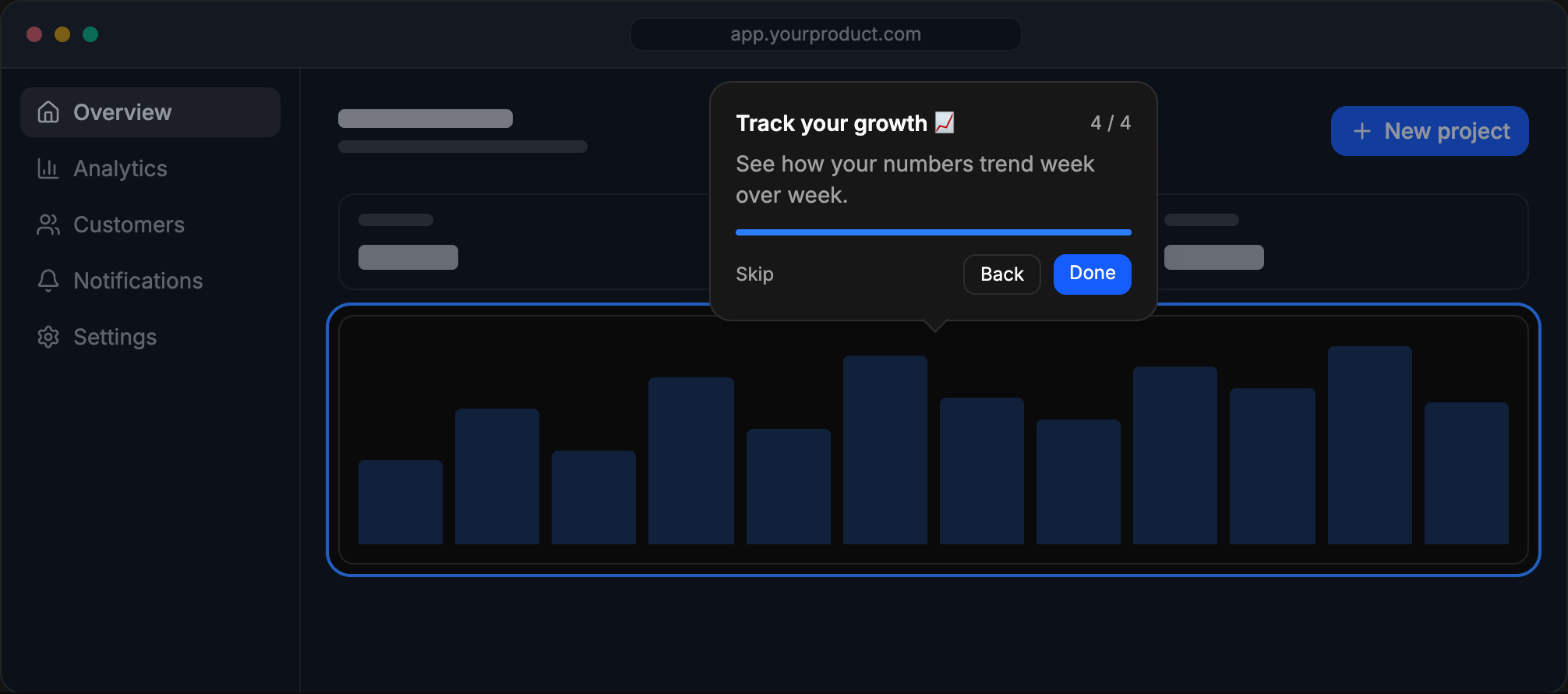
Why Intro.js
- Self-hosted. Tours run entirely in your app. No third-party service, no tracking script, no user data leaves your servers.
- No runtime dependencies. Plain JavaScript that works with any framework, or none.
- Tours and hints. Step-by-step walkthroughs with
introJs.tour()and contextual hints withintroJs.hint(). - Analytics-ready. Send tour events (start, step, skip, complete, exit) to Google Analytics, Mixpanel or Segment with
tour.onEvent()and see where users drop off. See the analytics guide. - Themes. Built-in
dark,light,auto,modern,flattener,nassim,nazaninandroyalthemes, plus your own. See the theme guide. - Localization. 13 built-in languages (English, Spanish, French, German, Persian, Arabic, Russian, Chinese, Portuguese, Italian, Japanese, Turkish and Korean). The browser's language is picked automatically, or set one with the
languageoption. - RTL support and TypeScript source.
Installation
npm install intro.js
or
yarn add intro.js
Or load it from a CDN: jsDelivr or cdnjs.
Quick start
1) Include intro.js and introjs.css (or the minified versions). Add introjs-rtl.css for right-to-left languages.
import introJs from "intro.js";
import "intro.js/introjs.css";
2) Define the steps, either in JavaScript:
introJs
  .tour()
  .setOptions({
    steps: [
      { title: "Welcome", intro: "Let's take a quick tour." },
      { element: "#search", intro: "Search anything from here." },
      { element: ".settings", intro: "Your settings live here." },
    ],
  })
  .start();
or with data-intro attributes in your HTML:
<button data-step="1" data-intro="Start here!">New project</button>introJs.tour().start();See all options and attributes.
3) Hints work the same way:
introJs.hint().addHints();Documentation
- Documentation
- Theme guide
- Analytics guide
- Examples
- Framework wrappers (React, Vue, Angular and more): see the documentation
Build
Install Node.js, then run:
npm install
npm run build   # build to dist/
npm run dev     # watch mode with a local server
Contributors ✨
 Afshin Mehrabani 💻 📖 |
 bozdoz 💻 📖 |
 Parvin Mehrabani 💻 📖 |
Support and discussion
Usage trends
License
Intro.js is dual-licensed.
Commercial license
To use Intro.js in a commercial website, application, theme or plugin without releasing your source code, buy a commercial license at introjs.com.