
The Folders Language
Created 2015 | Updated 2026 | One of Forty-Four Esolangs, by the creator of Rivulet and Velato
Where directories are code and drive space is infinite
About
Folders is a non-textual language, where code is expressed in containment and order alone. The names of the folders are ignored, apart from alphabetical ordering. In other words, they are pure ordered trees.
Inspired by the Whitespace language, Folders is devoted to the idea of dematerialized code. It began with the question What is more empty than a file with no visible text? The empty folder is clutter, an appendage with no purpose. In git, it is ignored entirely (for this reason, it is suggested that Folders programs put .gitignore files in their deepest reaches).
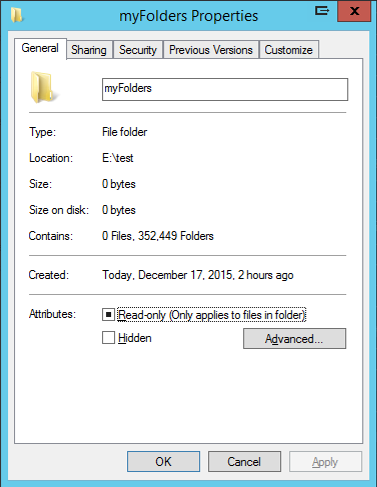
Folders began as a Windows language. In Windows, folders are an even more extreme measure of emptiness: they take up no disk space at all. For proof, create 352,449 folders and get properties on it. In this way, Folders offers not only a dematerialized approach to code but also infinite storage capacity. Keep all your data encoded in folder names and never worry about running out of space again.
For those who use other operating systems, the emulator below gives some of the experience of how Folders manages data and code.
The original implementation can be found on github.
Encoding
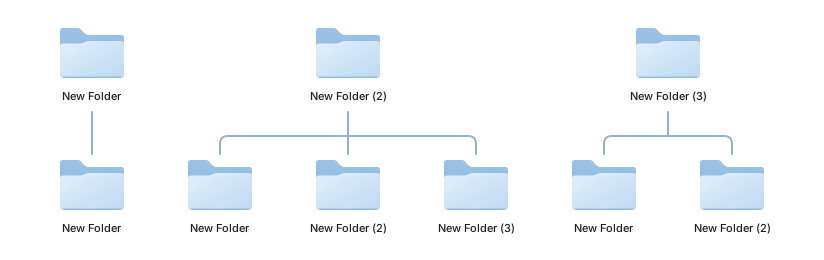
Each command folder has at least one child folder. The number of subfolders in the first folder (alphabetically) indicates the type of command; any arguments are indicated in a second folder; some commands require a third folder. Expressions are the same: the number of folders in the first sub-folder determine what kind of expression it is. The full Language Spec is below.
Temporary data is stored as folders; unlike Folders code, it is the name of the folder that stores the data.
Folders FS
The Folders interpreter does not create temp files; anything not held immediately in memory is stored as a set of temp folders. Unlike Folders code, the name of the folder stores the data itself. The prefered I/O of Folders is another set of folders. This means you can encode all your data in folders, bypassing the "material realm" of files entirely and giving you infinite disk space (attempt at your own risk). Folders lang for code, Folders FS for data storage.
Visualizations
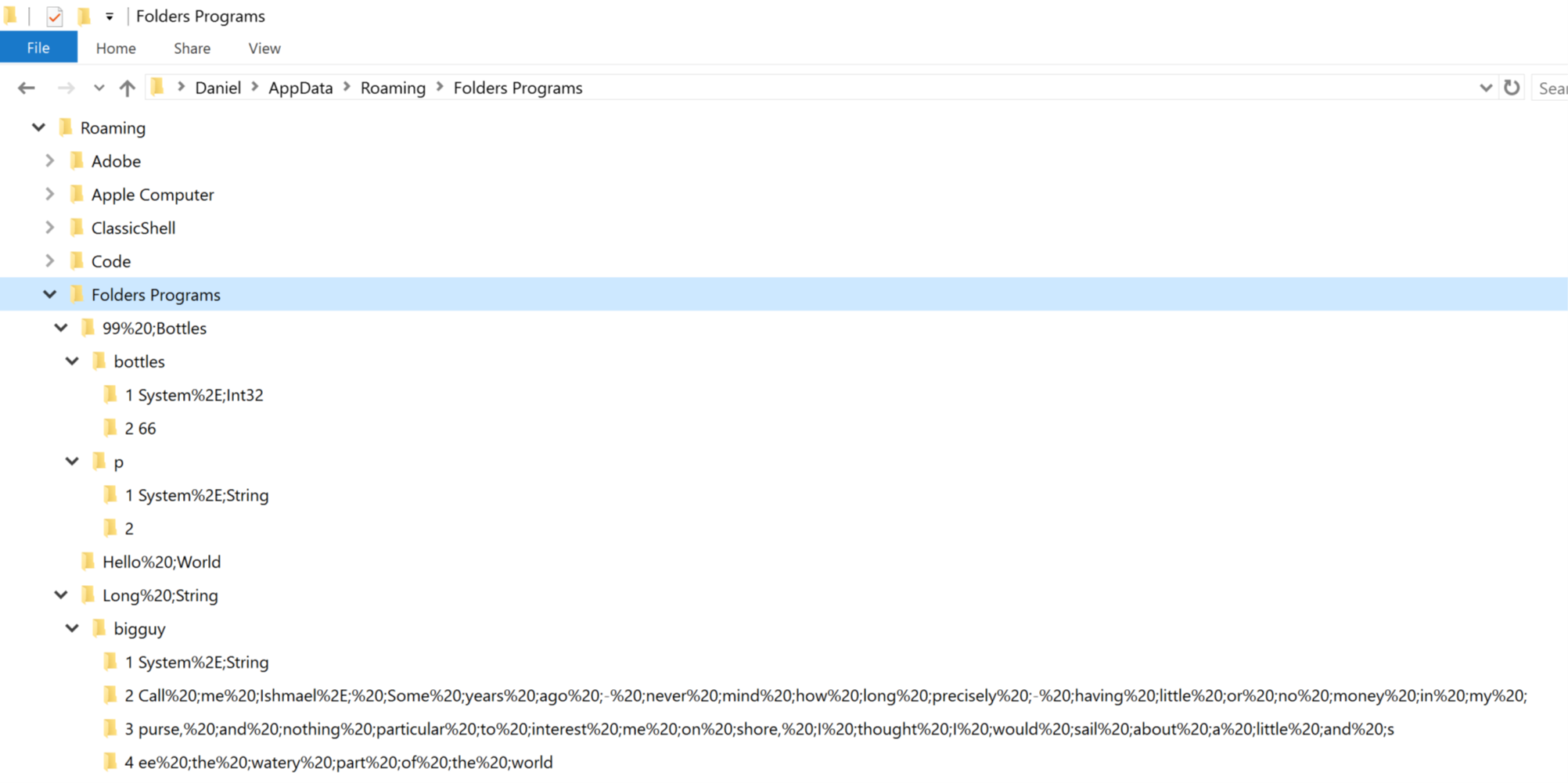
A Folders program is a nil-terminated nested list. Its simplest form is pure containment and order, like this all-array JSON:
[[[[],[]],[],[[]]],[[[],[]],[],[[],[]]],[[[],[]],[],[[],[],[]]],[[[],[]],[],[[],[],[],[]]],[[[],[],[]],[[]],[[[],[],[],[],[]],[],[[[],[],[],[]]]]],[[[],[],[]],[[],[]],[[[],[],[],[],[]],[],[[[],[],[],[[]]]]]],[[[],[],[]],[[],[],[],[]],[[[],[],[],[],[]],[],[[[],[],[],[]]]]],[[[]],[[[],[],[],[],[],[],[],[]],[[],[[],[],[],[]]],[[[],[],[],[],[]],[],[[[],[],[],[[]]],[[[]],[[]],[[]],[]]]]],[[[[],[],[],[]],[[],[[]]]],[[[],[],[],[]],[[[],[],[],[],[]],[[],[],[]],[[[[]],[],[[]],[]]]]],[[[],[],[]],[[],[],[]],[[[]],[[],[[]]],[[],[[],[]]]]],[[[],[],[]],[[]],[[],[[],[]]]],[[[],[],[]],[[],[]],[[],[[],[],[]]]],[[[],[],[]],[[],[],[],[]],[[[]],[[],[[],[],[],[]]],[[[],[],[],[],[]],[],[[[],[],[],[[]]]]]]]]]]
That is also how the JS emulator saves/reads Folders programs.
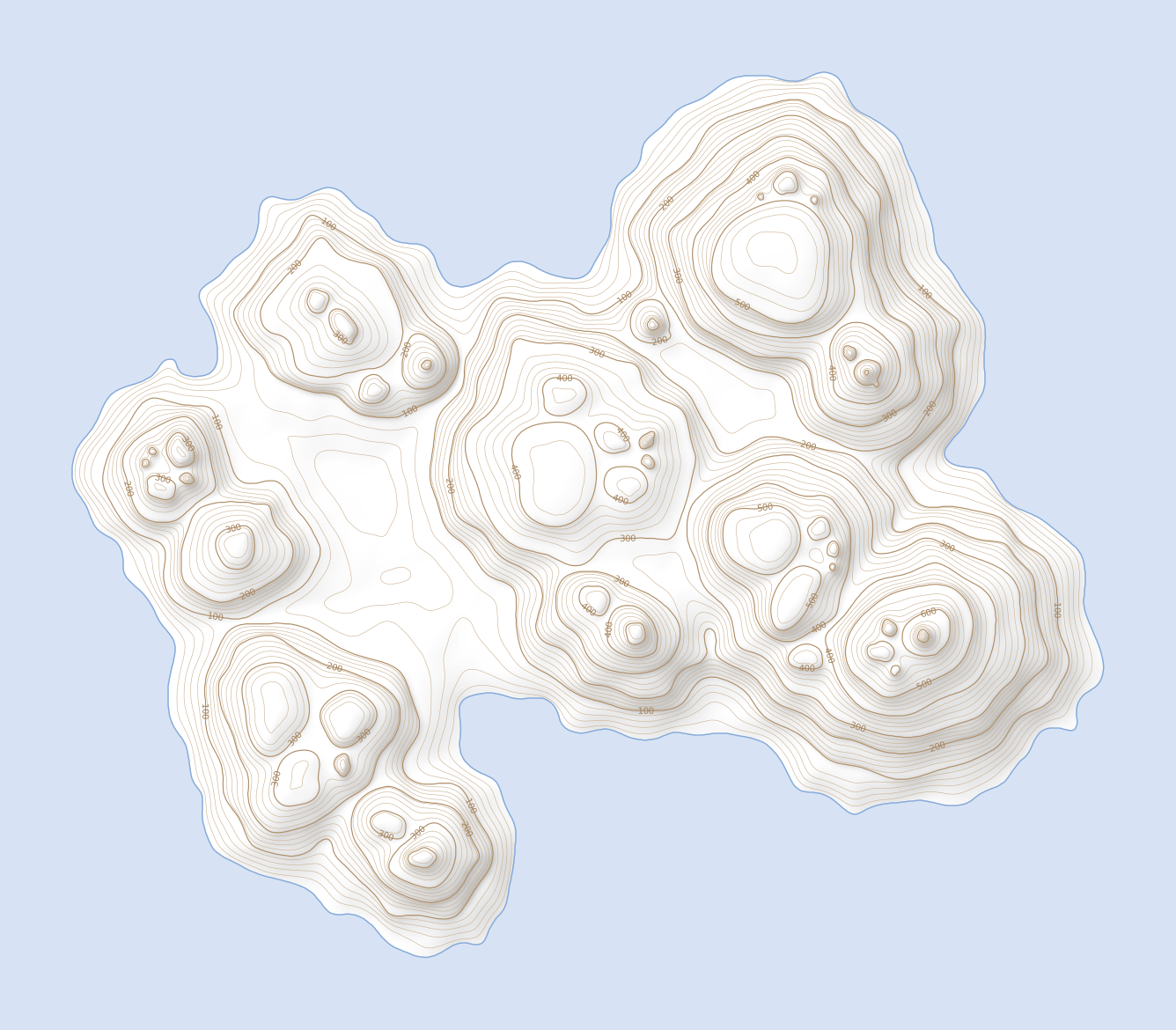
However, other systems of visualization are possible. Folders programs are content as structure and can be applied to raw data of any type. Here is a Truth Machine as a contour map. The thicker lines are containers, and the order of folders is read starting at the upper left (NW corner) and proceeding counter-clockwise.

Other visualizations might be a family tree (with all single parents), a botanical branching structure (like a splitting stalk of wheat), or the paths through a maze.
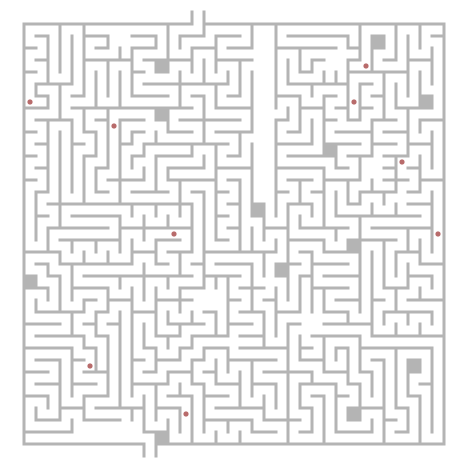
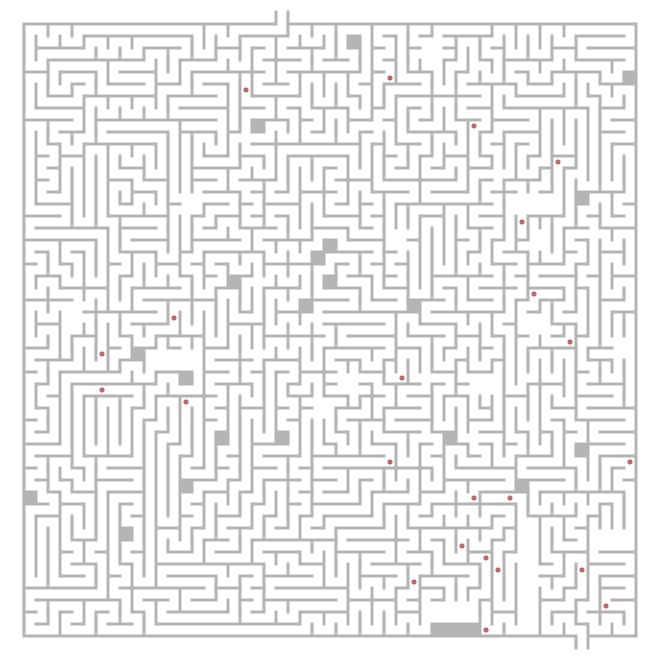
The red dots indicate a threshhold from a container to a single child.
Language Spec
The language itself is a very simple imperative language with a short list of semantic rules.
For Commands and Expressions, the number of folders in their first child folder determines their use. Types are used directly.
Commands
| Command | # of Folders | Details |
|---|---|---|
| if | 0 folders | Second sub-folder holds expression, third holds list of commands |
| while | 1 folder | Second sub-folder holds expression, third holds list of commands |
| declare | 2 folders | Second sub-folder holds type, third holds var name (in number of folders) |
| let | 3 folders | Second holds var name (in number of folders), third holds expression |
| 4 folders | Second sub-folder holds expression | |
| input | 5 folders | Second sub-folder holds var name |
Expressions
| Type | # of Folders | Details |
|---|---|---|
| variable | 0 folders | Second sub-folder holds var name |
| add | 1 folder | Second sub-folder holds first expression to add, third holds second expression |
| subtract | 2 folders | Second sub-folder holds first expression to subtract, third holds second expression |
| multiply | 3 folders | Second sub-folder holds first expression to multiply, third holds second expression |
| divide | 4 folders | Second sub-folder holds first expression to divide, third holds second expression |
| literal value | 5 folders | Second sub-folder holds the type of the value (e.g. two folders for a string, third holds the value) |
| equal to | 6 folders | Second and third folders hold expressions to compare |
| greater than | 7 folders | Second and third folders hold expressions to compare |
| less than | 8 folders | Second and third folders hold expressions to compare |
Types
| Type | # of Folders |
|---|---|
| float | 1 folder |
| string | 2 folders |
| char | 3 folders |