
🚀 Mwaki Denis — Developer Portfolio✨😁
Welcome to the official repository of my developer portfolio! A modern, sleek, and fully responsive personal website built using Vite + React + TypeScript, styled with Tailwind CSS and enhanced with shadcn/ui components.
This portfolio is more than just a webpage — it's a complete showcase of my journey, skills, projects, and professional story as a passionate software engineer.
🔥 Features
- 🎨 Beautiful UI/UX with Dark/Light Mode Toggle
- 📱 Fully responsive across all devices (320px - 2xl)
- 💬 Chat Section with several sections
- 🎬 Animated GIFs
- 📜 About Me & Career Journey Timeline
- 🧠 Technical Skills Overview with Progress Bars
- 🏆 Certifications Section (Improved grid layout)
- ✍️ Integrated Blog Highlights & Blog Section
- 💼 Project Portfolio with:
- 📱 Fully responsive across all devices
- A Chat Section With Several sections😁😁😁😁😁😁😁😁
- Gifs
- 📜 About Me & Career Journey Timeline
- 🧠 Technical Skills Overview with Progress Bars
- 🏆 Certifications Section
- ✍️ Integrated Blog Highlights & Blog Section
- 💼 Project Portfolio with:
>>>>>> 650c615b9e811d9733401503e6e894e73740400c
- 🎓 Education History Section
- 🧭 Career Timeline
- 💬 Testimonials Carousel
- ⭐ Interactive Rating/Feedback Section
- 📞 Contact Form with Validation
- 📍 Embedded Google Maps Location (optional)
- 📱 Floating WhatsApp Contact Icon
- 🧩 Modular, Reusable Components
- 🧪 SEO Meta Tags & Social Sharing Optimized
- 📂 Organized Codebase & Folder Structure
- 🌍 Social Media Integration
- 📎 Resume Download Link
- 📌 Sticky Navbar & Smooth Scrolling
- 🔗 External Link Previews (with rich cards)
- 🧠 Clean and maintainable TypeScript Codebase
- Added Pricing Info
🛠️ Tech Stack
- Vite — lightning-fast dev server & build tool
- React + TypeScript — for robust component logic
- Tailwind CSS — utility-first styling
- shadcn/ui — elegant and accessible UI components
📦 Prerequisites
Make sure you have Node.js and npm installed. We recommend installing them using nvm:
# Install nvm (if not installed)
curl -o- https://raw.githubusercontent.com/nvm-sh/nvm/v0.39.7/install.sh | bash
Install latest LTS version of Node.js
nvm install --lts
Verify installations
node -v
npm -v
🚀 Getting Started
Follow these steps to run the project locally:
Step 1: Clone the repository
git clone https://github.com/mwakidenis/portfolio_website.gitStep 2: Navigate to the project folder
<<<<<<< HEAD
cd portfolio_website-main
=======
cd mwakidenis-portfolio
>>>>>>> 650c615b9e811d9733401503e6e894e73740400c
Step 3: Install dependencies
npm install<<<<<<< HEAD
Step 4: Create environment variables
Create a .env file in the root directory:
VITE_GITHUB_TOKEN=your_github_token_here
VITE_GITHUB_USERNAME=your_github_username
Step 5: Run the development server
=======Step 4: Run the development server
>>>>>> 650c615b9e811d9733401503e6e894e73740400c
npm run devThe site will be available at http://localhost:5173
<<<<<<< HEAD
🌐 Deployment to Vercel
Option 1: Deploy via Vercel CLI
# Install Vercel CLI
npm i -g vercel
Login to Vercel
vercel login
Deploy
vercel
Option 2: Deploy via GitHub
- Push your code to a GitHub repository
- Go to Vercel Dashboard
- Click "Add New..." → "Project"
- Import your GitHub repository
- Configure the project:
Vite
- Build Command: npm run build
- Output Directory: dist
- Add environment variables in Vercel:
VITE_GITHUB_TOKEN (optional, for higher API rate limits)
- VITE_GITHUB_USERNAME (your GitHub username)
- Click "Deploy"
Environment Variables
| Variable | Description | Required |
|----------|-------------|----------|
| VITE_GITHUB_TOKEN | GitHub Personal Access Token for API rate limits | No |
| VITE_GITHUB_USERNAME | Your GitHub username (default: mwakidenis) | No |
To create a GitHub token:
- Go to GitHub Settings → Developer settings → Personal access tokens
- Generate new token (classic)
- Select
public_reposcope - Copy the token and add to Vercel environment variables
📁 Project Structure
src/
├── components/
│   ├── sections/          # Page sections
│   ├── ui/               # shadcn/ui components
│   ├── chat/             # Chat functionality
│   └── *.tsx             # Reusable components
├── data/                 # Static data (projects, certificates)
├── hooks/                # Custom React hooks
│   └── useGithubProjects.ts
├── lib/                  # Utility functions
├── pages/                # Page components
├── types/                # TypeScript type definitions
└── App.tsx               # Main application
🎨 Color System
- Primary Theme: Coal Black (#0B0B0F, #111114, #16161C)
- Accent Colors: Electric Blue, Neon Purple, Emerald, Amber, Crimson, Cyan, Pink, Lime
- Dynamic Tags: Tech stack badges auto-rotate through accent colors
=======
>>>>>> 650c615b9e811d9733401503e6e894e73740400c
🌐 Live Demo
📬 Contact
<<<<<<< HEAD Have feedback or opportunities? Let's talk! ======= Have feedback or opportunities? Let’s talk!
>>>>>> 650c615b9e811d9733401503e6e894e73740400c
📧 Email:
💬 WhatsApp:
🌍 LinkedIn:
🐙 GitHub:
📝 License
This project is open source and available under the MIT License.
💡 Inspiration
This portfolio was crafted to reflect my passion for software development, clean design, and user-focused experiences. Hope it inspires you too!
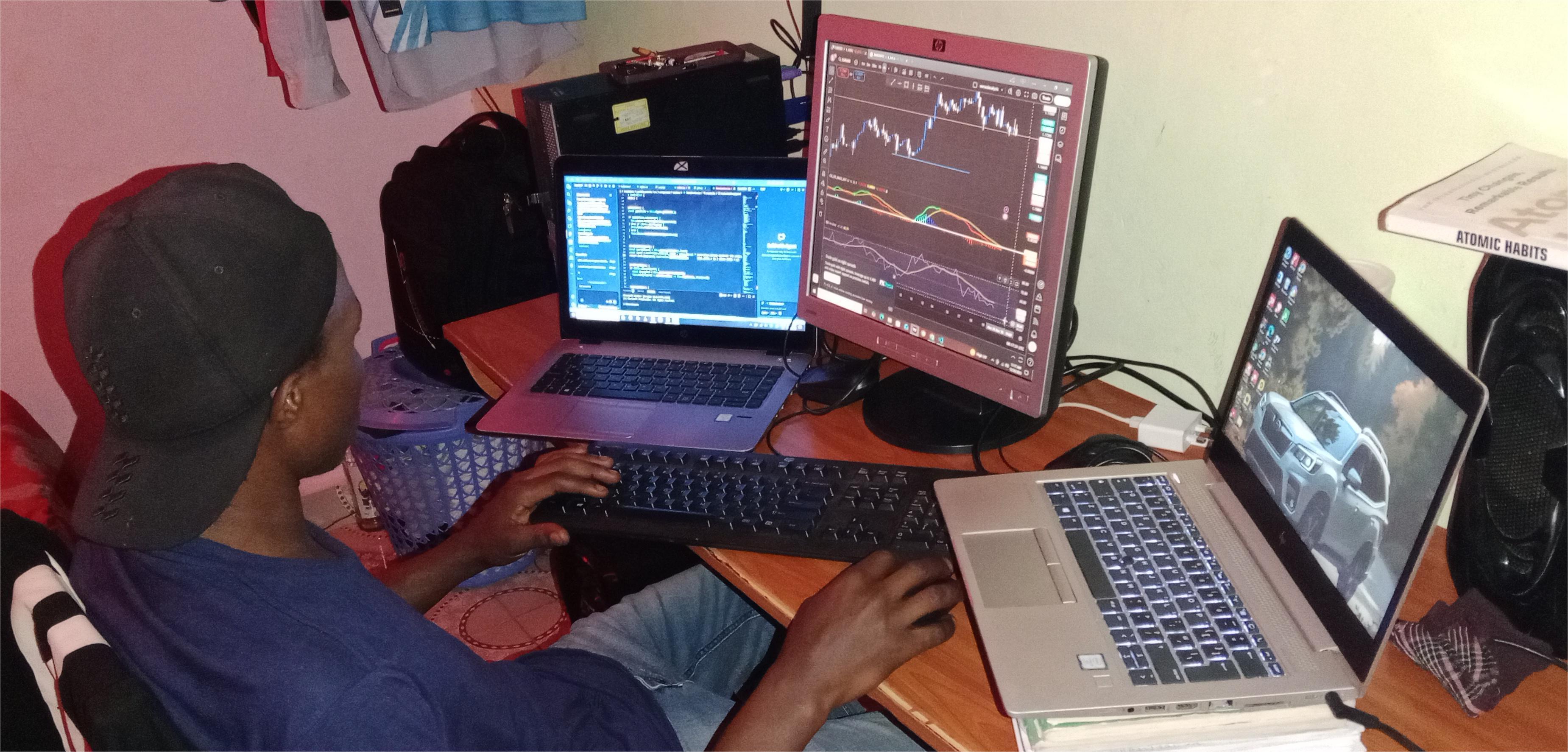
Project Admin ⚡
mwakidenis |
 Contributors
I extend my heartfelt gratitude for any invaluable contribution to this project! Your efforts play a pivotal role in elevating the repo to greater heights.
<<<<<<< HEAD Last updated: 2026-10-08 03:01 UTC ======= Last updated: 2026-10-08 03:01 UTC
>>>>>> 650c615b9e811d9733401503e6e894e73740400c