
Shine Stacker


Shine Stacker is a focus stacking application that combines multiple images taken at different focus distances to produce images with extended depth of field. It provides an interactive GUI and a Python API for advanced image processing workflows in macro photography and microscopy. 👉 Learn more about focus stacking on Wikipedia.
Shine Stacker provides multiple stacking algorithms and gives users detailed control over image alignment, normalization, fusion, and retouching. It can be used interactively through the GUI or programmatically through its Python API.
Key Features
- 🪟 Cross-Platform GUI: Native app built with Qt6, available for Windows, macOS, and Linux.
- 🔬 Multiple Stacking Algorithms: Pyramid-based and depth-map methods with configurable processing options.
- 🚀 Batch Processing: Automatically align, balance, and stack hundreds of images — suitable for macro or microscopy datasets.
- 🎨 Image Processing: Automatic image alignment, colour balancing, noise and vignetting correction, and other processing options.
- 🧩 Modular Architecture: Combine configurable modules for alignment, normalization, and blending to build custom workflows.
- 🖌️ Retouch Editor: Interactively refine your stacked image by painting in details from individual frames and applying filters.
- 📊 Jupyter & Python Integration: Use Shine Stacker as a library inside your Python or Jupyter workflows.
- 🎞️ Supported Formats: TIFF 8–16 bits, PNG 8–16 bits, JPEG, including transparency layer, and most RAW formats via
rawpy.
Interactive GUI
The graphical interface provides an integrated workflow for configuring, running, and refining focus stacks:
- Project View – Configure, preview, and run stacking workflows with optional intermediate results.
- Retouch View – Manually refine the final image by blending details from selected frames and applying filters.
See Shine Stacker in Action
A short demonstration of the interactive project and retouching interface.
Who is Shine Stacker for?
Shine Stacker is designed for photographers, microscopists, and researchers who need precise control over focus stacking and reproducible image-processing workflows.
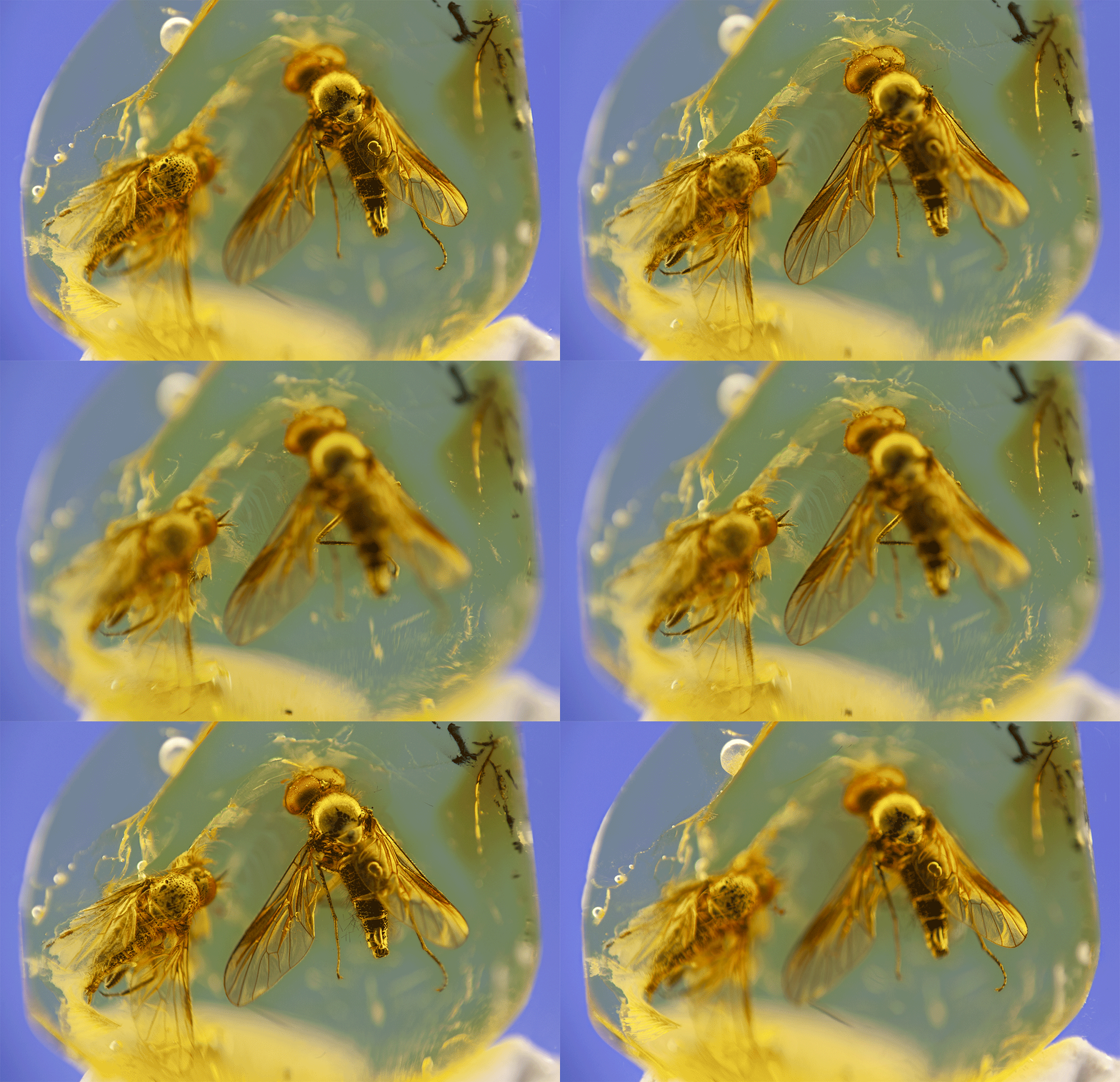
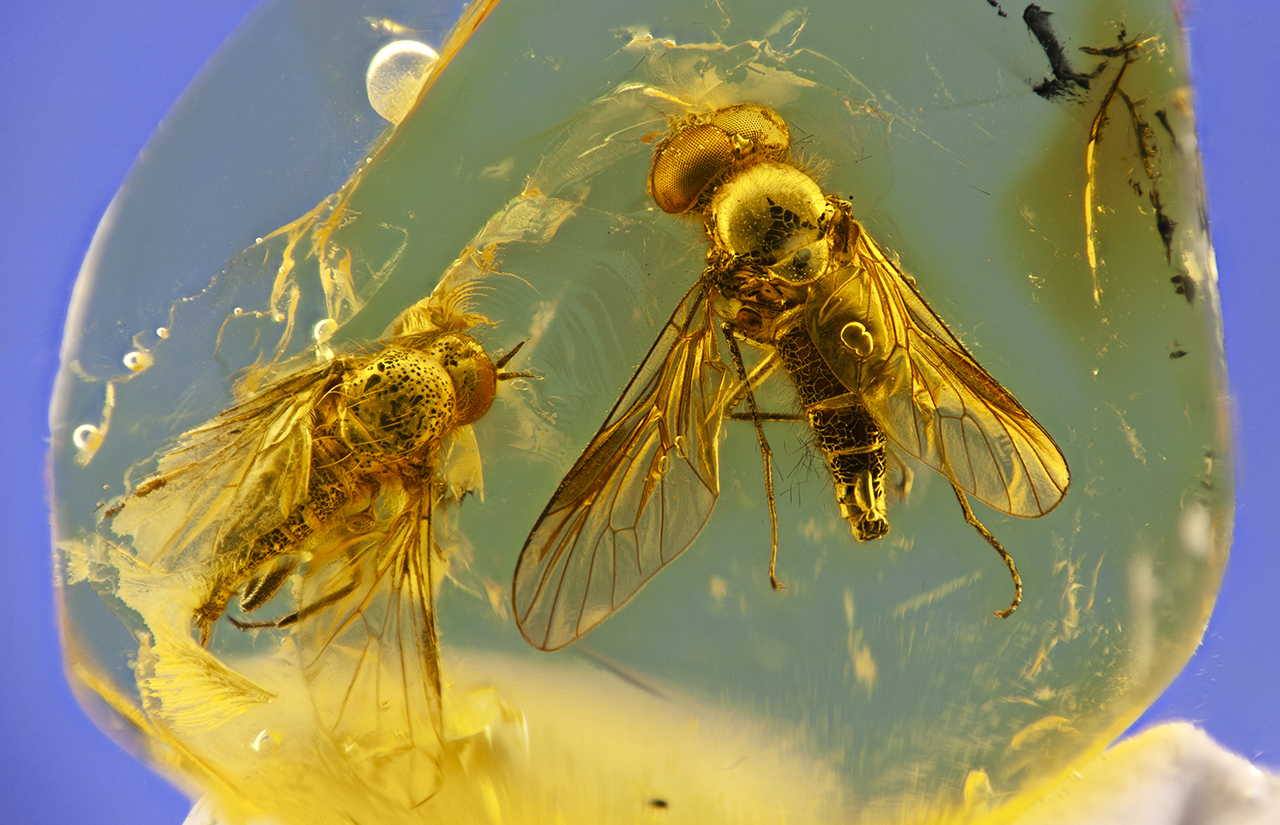
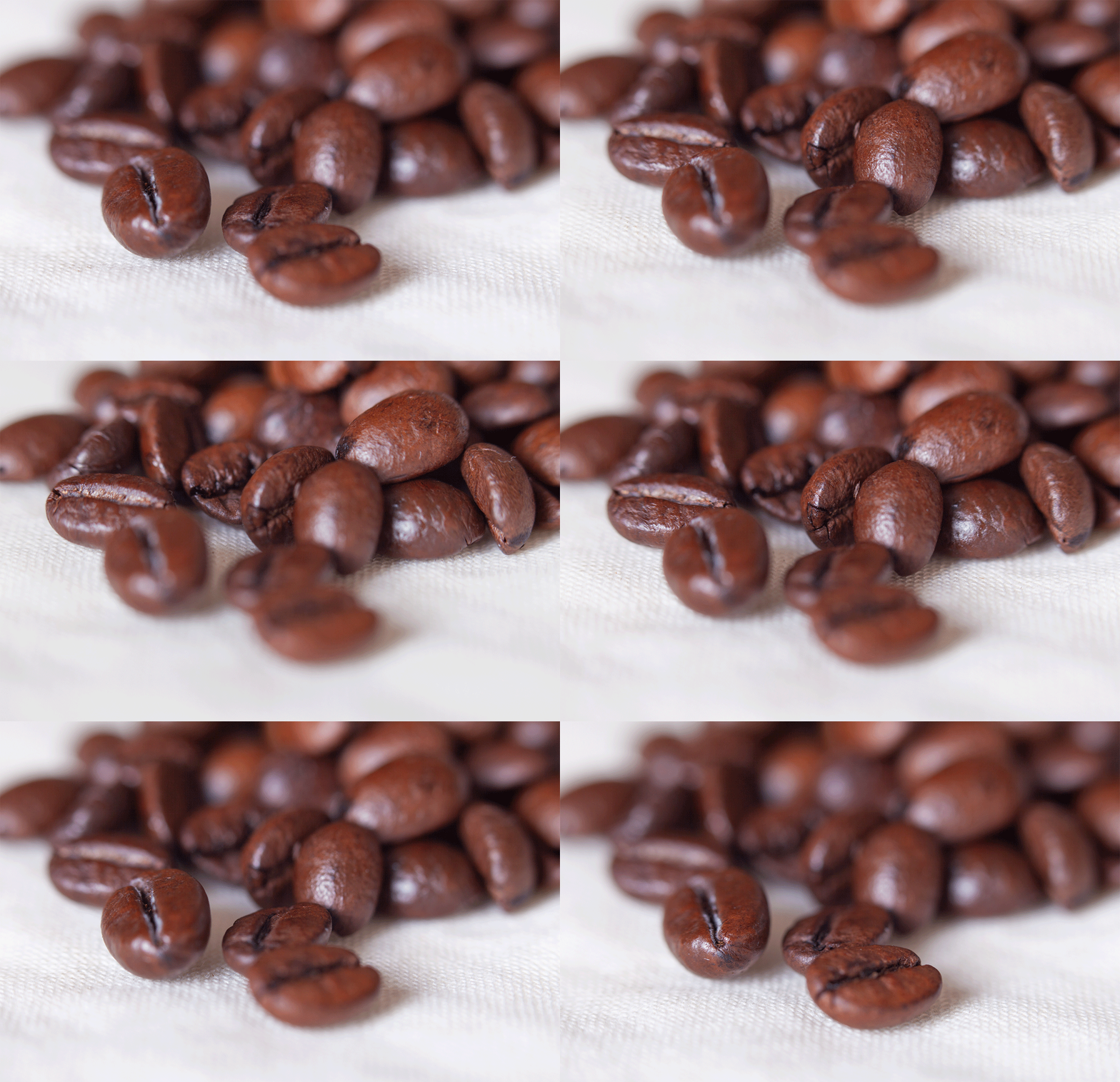
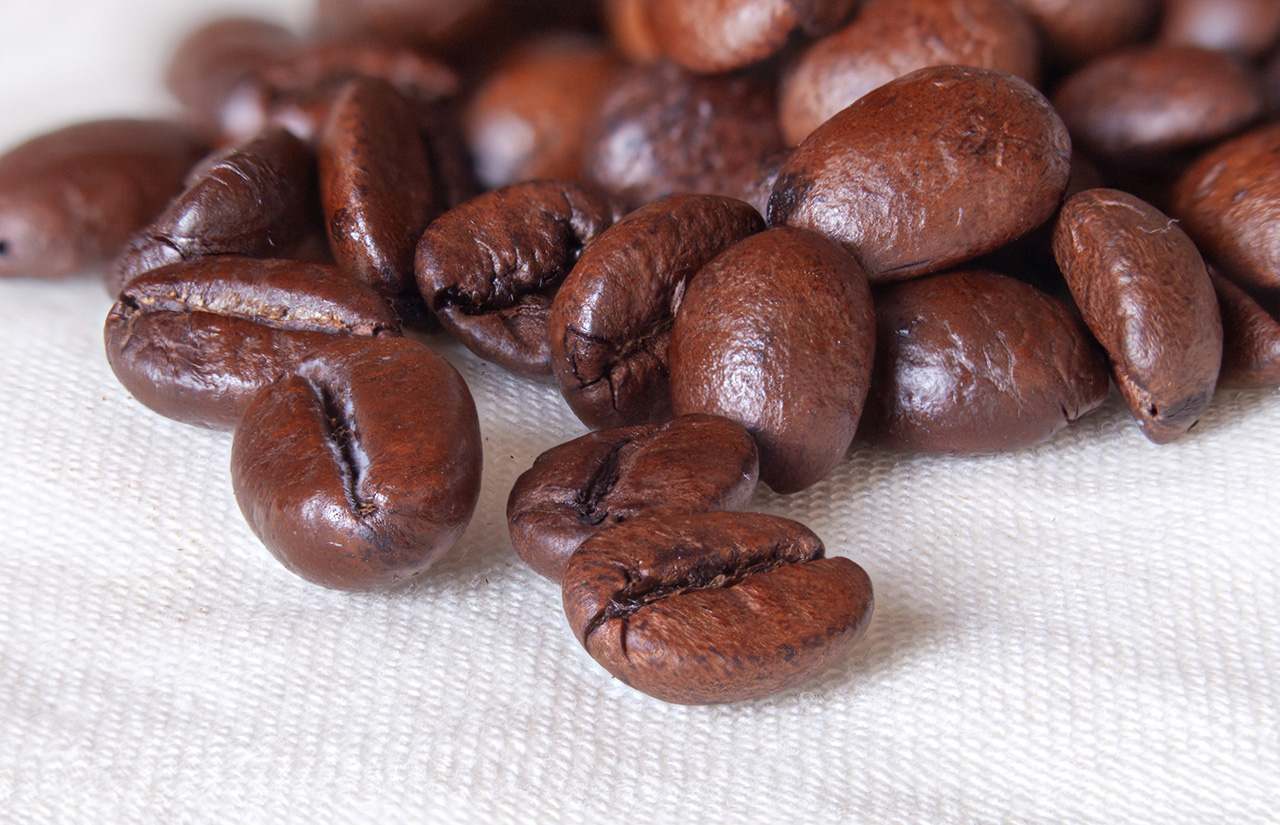
Get Started
Resources
🌍 Website • 📖 Documentation • 📝 Changelog • 💬 Community & reviews
Installation
See the main documentation for detailed installation instructions.
Platform notes:
- Windows: If you download the installer or ZIP archive, you may need to whitelist the app in your antivirus software.
- macOS: See the installation note for macOS users.
Acknowledgements & References
The first version of the core focus stack algorithm was inspired by the Laplacian pyramids method implementation by Sami Jawhar, used under permission. The implementation in the latest releases was rewritten from the original code.
Key references:
- Pyramid Methods in Image Processing, E. H. Adelson, C. H. Anderson, J. R. Bergen, P. J. Burt, J. M. Ogden, RCA Engineer, 29-6, Nov/Dec 1984
- A Multi-focus Image Fusion Method Based on Laplacian Pyramid, Wencheng Wang, Faliang Chang, Journal of Computers 6 (12), 2559, December 2011
License

- Code: The software is provided as is under the GNU Lesser General Public License v3.0. See LICENSE for details.
- Logo: The Shine Stacker logo was designed by Alessandro Lista. Copyright © Alessandro Lista. All rights reserved. The logo is not covered by the LGPL-3.0 license of this project.
Attribution request
📸 If you publish images created with Shine Stacker, please consider adding a note such as:
Created with Shine Stacker – https://github.com/lucalista/shinestacker
This is not mandatory, but highly appreciated.
Developed and maintained by Luca Lista.
💡 Contributions, feedback, and feature suggestions are warmly welcome.
If you enjoy Shine Stacker, consider giving it a ⭐️ on GitHub — it really helps visibility!