
TargetJS: The "State → Transition → Render" Framework
Code order defines the UI sequence.


TargetJS is a JavaScript UI framework that transforms how applications handle state and execution flow. Instead of treating state merely as data for rendering, TargetJS integrates the active UI runtime including in-progress animation and execution flow directly into the state itself. This unified state approach allows developers to capture and restore the exact state of an interface at any millisecond.
TargetJS also lets code order directly define the UI sequence. UI, transitions, API calls, event handling, and state are unified into self-contained Targets that chain together through Code-Ordered Reactivity.
It can be used as a full-featured framework or as a lightweight library alongside other frameworks. It is also a highly performant web framework, as shown in the framework benchmark.
What problems TargetJS solves
UI frameworks model the final result, not the transition
Traditional frameworks model the UI as a function of data: change data, re-render the UI. When data changes from A → B, the UI immediately jumps to render B. The framework doesn’t naturally represent the journey from A → B. But modern, rich user experiences are more like: A → transition → B.
TargetJS redefines state to include both the transition and the active UI runtime. This allows transitions to adapt dynamically on the fly, for example, pausing when an element leaves the screen or changing speed on scroll. It also allows the entire UI to be captured mid-animation and restored later, resuming exactly where it left off.
Fragmentation across multiple mental models
In many applications, state, animation, events, loading, timing, and callbacks are all handled through separate concepts or APIs. This creates glue code and a mental split between them.
TargetJS unifies them under one concept and one model. Methods and fields are unified and both become reactive units with their own state, lifecycle, timing, execution conditions, looping, and callbacks. This shifts fields from passive values to active participants, reducing boilerplate and keeping application logic consolidated.
UI sequences are difficult to trace in code
UIs often follow sequences like this:
Click → animate button → fetch data → render results → animate items → highlight one item
In traditional code, that sequence is often scattered across different places such as event handlers, effects, promises, and callbacks.
TargetJS code order and target reactivity allow the implementation to more closely mirror the actual UI sequence.
🚀 Why TargetJS?
- Unified State: UI values, transitions, and runtime execution are part of the same state.
- Restorable UI and Runtime: UI and runtime state can be captured and later the complete state can be restored including transitions and execution flow from the saved point.
- UI as Sequence: Code describes the UI story from top to bottom, just like the user experiences the interaction: "When this finishes, do that."
- Adaptive Transitions: Transitions can pause, resume, change speed, and respond to input.
- Ultra-Compact: Minimal code, with no coordination variables.
- Zero Boilerplate Async: Targets handle waiting for nested asynchronous operations automatically.
- Animation by Default: Turn value into high-performance animations simply by adding
steps.
⚡ Quick Start (30 Seconds)
1. Install
npm install targetj2. Example
This creates the following sequence:
bounce → move → turn red → logNotice how the code reads in the same order as the UI sequence. The $$ suffix makes each target wait for all preceding targets to complete.
Click the square while it is animating to capture its current state. Click it again to restore that state and resume the animation from the exact point at which it was saved.
The checkpoint captures more than the square's visual state. It captures the runtime behind it including transition progress and pending targets. Restoring it resumes the whole sequence from that exact point, not just what was on screen. You can try the example at https://targetjs.io/examples/firstExample.html
import { App, state } from "targetj";
App({
  width: 100,
  height: 100,
  backgroundColor: "blue",
  cursor: "pointer",
// Starts immediately.
  scale: { value: [0.5, 1.2, 1], steps: 100 },
// $$ waits for the previous target to finish.
  x$$: { value: [0, 180], steps: 200 },
backgroundColor$$: {
    value: "crimson",
    steps: 200
  },
done$$() {
    console.log("Sequence complete");
  },
// 1st click: save a checkpoint. 2nd click: restore it and resume.
  onClick() {
    state().toggle();
  }
}).mount("#app");
Targets
In TargetJS, targets are the fundamental unit of behavior instead of methods. Methods and properties both are internally transformed into targets that the framework schedules and executes.
Mental Model
A target can:
- execute a method
- hold a value
- move toward a new value over time
- pause while moving toward a value
- wait for previous targets to complete
- react when previous targets update
- fetch data
- respond to events
- create children
- run callbacks
- control its own lifecycle
Target Controls
A target can also be defined as an object with optional controls that manage its lifecycle and execution.
| Property | Description |
|------|------|
| value | The data or function that determines the target's state. |
| steps | Turns a value change into an animation. |
| interval | Delay (ms) between steps or executions. |
| cycles | Number of times the target repeats. |
| loop | Controls repetition, either actively for continuous execution or passively when the value changes. |
| active | Boolean property controlling when value is executed. |
| enabledOn | Determines whether the target is enabled for execution. |
| pauseOn | Pauses execution while the target is in progress. |
| easing | Predefined easing function controlling how values update over steps. |
| onComplete | Callback triggered when this target (and its children) finishes. |
| onValueChange | Callback triggered when the target emits a new value. |
| on | Callback triggered on every step of a specific property. |
Compact Execution Syntax
Target names can include special suffixes that determine when they execute. This provides a compact alternative to coordinating the same behavior with callbacks.
| Syntax | Name | Behavior |
| -------- | -------- | -------------------------------------------------------------------------------------------------------------------------------------------------------------------- |
| name | Standard | Runs immediately in code order unless active is false. |
| name$ | Reactive | Runs whenever the preceding sibling Target updates. Similar to activating the next Target from onValueChange() or on. |
| name$$ | Deferred | Runs after the entire preceding Target chain including children, animations, and API calls has completed. Similar to activating the next Target from onComplete(). |
To prevent a Target from running automatically, set active: false and activate it later with .activateTarget().
Examples: Like Button → Animated Like (in 3 Steps)
Let’s see how TargetJS handles a complex interaction that would usually require 50+ lines of React/CSS. The example demonstrates how to run four asynchronous operations in a strict sequence. In other words, each step has to wait for all the previous ones to complete.
1) Like button
One object defines a UI element without separate HTML/CSS. Static targets map directly to DOM styles/attributes. You can still use CSS if wanted.

<div id="likeButton"></div>import { App } from "targetj";
App({
width: 220,
height: 60,
lineHeight: 60,
textAlign: "center",
borderRadius: 10,
html: "♡ Like",
// Runs immediately on mount
scale: { value: [1.2, 1], steps: 12, interval: 12 },
backgroundColor: { value: ["#ffe8ec", "#f5f5f5"], steps: 12, interval: 12 }
}).mount("#likeButton");
2) Adding the Interaction
We move the animation into an onClick and add a deferred heart animation.
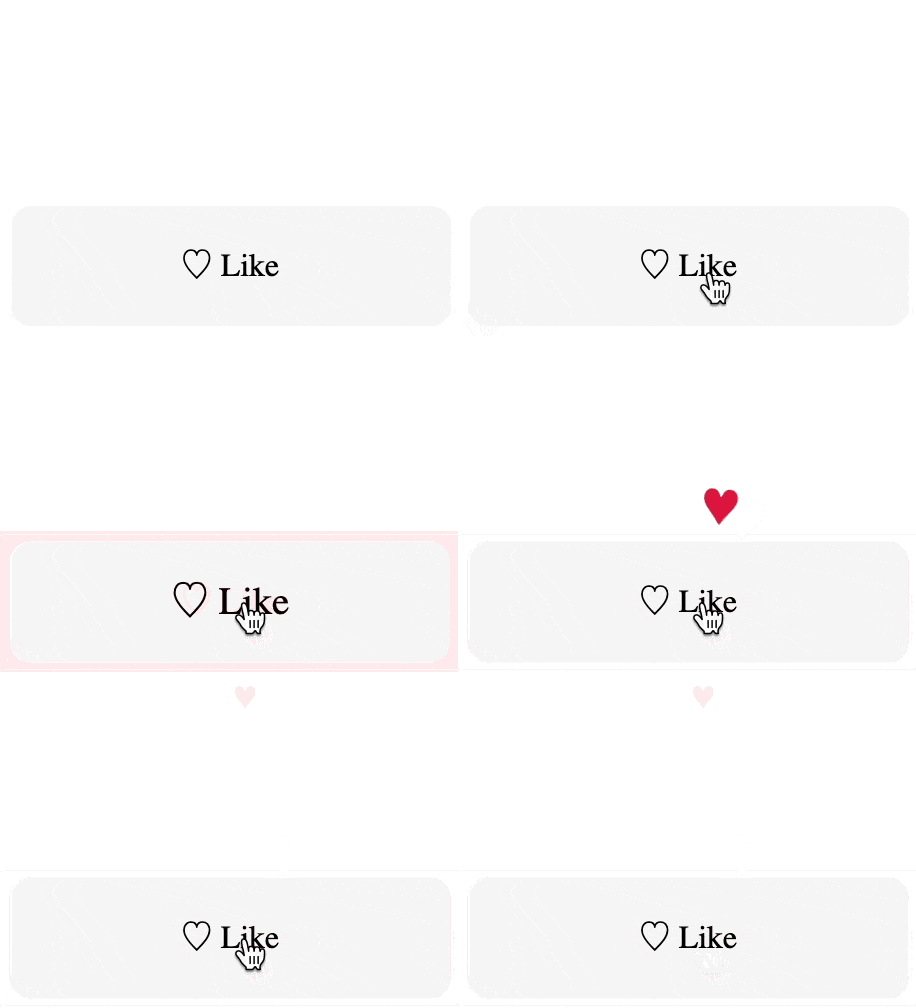
<div id="likeButton"></div>import { App } from "targetj";
App({
width: 220, height: 60, lineHeight: 60, textAlign: "center",
borderRadius: 10, backgroundColor: "#f5f5f5",
cursor: "pointer", userSelect: "none",
html: "♡ Like",
onClick() {
this.setTarget('scale', { value: [1.2, 1], steps: 8, interval: 12 });
this.setTarget('backgroundColor', { value: [ '#ffe8ec', '#f5f5f5' ], steps: 12, interval: 12 });
},
heart$$: { // Wait for the button animation to finish, THEN add and animate the heart.
html: "♥", color: "crimson", fontSize: 20,
fly() {
const cx = (this.parent.getWidth() - this.getWidth()) / 2;
this.setTarget('x', { value: [cx, cx + 22, cx - 16, cx + 10, cx ], steps: 50, cycles: 2 }); // Repeat it twice
this.setTarget('y', { value: [0, -120], steps: 400 });
}
}
}).mount("#likeButton");
3) The Full Async Workflow
We handle UI, two animations, a POST request, and a cleanup.
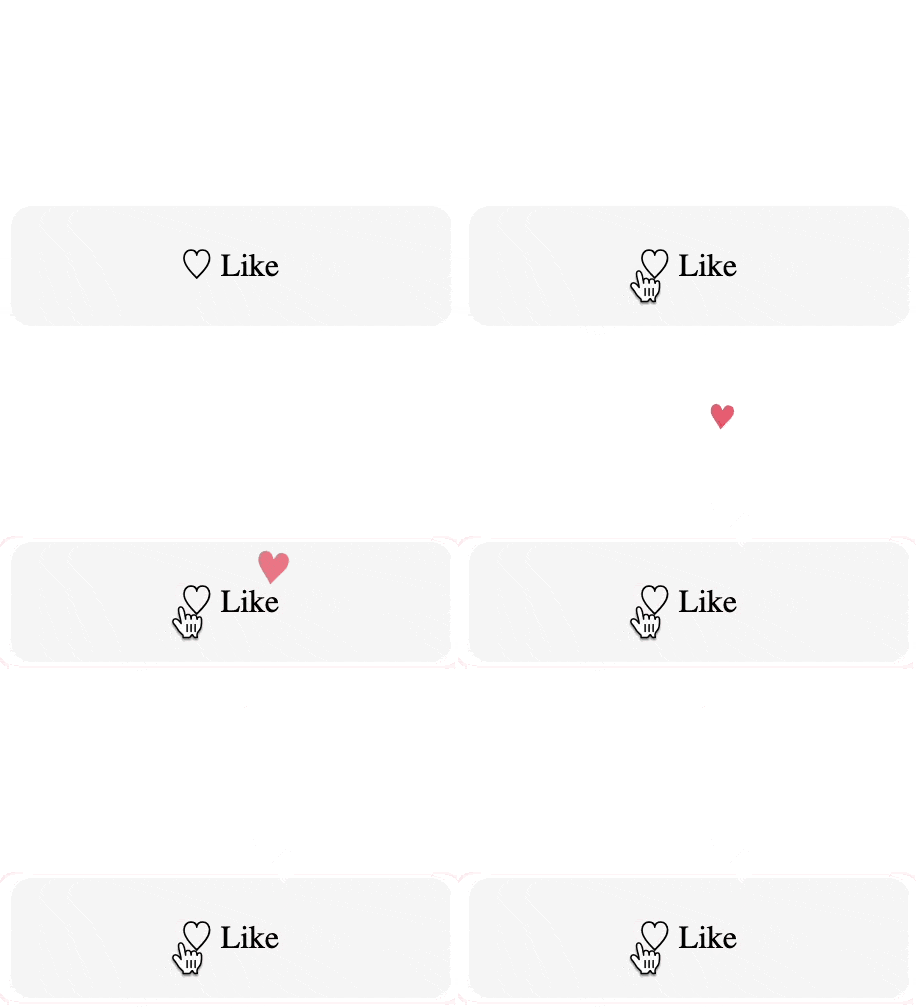
<div id="likeButton"></div>import { App } from "targetj";
App({
width: 220, height: 60, lineHeight: 60, textAlign: "center",
borderRadius: 10, backgroundColor: "#f5f5f5", cursor: "pointer", userSelect: "none",
role: "button", tabIndex: 0,
html: "♡ Like",
onClick() {
this.setTarget('scale', { value: [1.2, 1], steps: 8, interval: 12 });
this.setTarget('backgroundColor', { value: [ '#ffe8ec', '#f5f5f5' ], steps: 12, interval: 12 });
},
heart$$: {
html: "♥", color: "crimson", fontSize: 20,
fly() {
const cx = (this.parent.getWidth() - this.getWidth()) / 2;
this.setTarget('x', { value: [cx, cx + 22, cx - 16, cx + 10, cx ], steps: 50, cycles: 2 }); // Repeat it twice
this.setTarget('y', { value: [0, -120], steps: 400 });
}
},
// Wait for the nested animation in heart$$ to finish , then fetch
fetch$$: { method: "POST", id: 123, url: "/api/like" },
// Wait for fetch to finish, then cleanup
removeHearts$$() { this.removeChildren(); },
onKey(e) { if (e.key === "Enter") this.activateTarget("onClick"); }
}).mount("#likeButton");
Summary
Each target has its own state and lifecycle. Targets execute automatically in the order they are written. $$ defers execution until all prior sibling targets (including their children) are fully complete. Animations, API calls, event handling, and child creation are all treated uniformly as targets. Complex asynchronous flows can be structured by organizing work into parent and child targets. In addition, targets provide built-in capabilities such as onComplete callbacks, pauseOn, enabledOn, looping with delays, and more. This also makes the code more compact, as it avoids using extra variables to track progress and reduces the need for loops and conditional statements.
Table of Contents
- 📦 Alternative Installation Via CDN
- Using TargetJS as a Library
- Deeper Examples:
📦 Alternative Installation Via CDN
Add the following
Chat with me