

TINKER
Toolbox for Everyone.
[![Windows][windows-image]][release-url] [![macOS][mac-image]][release-url] [![Linux][linux-image]][release-url] [![Downloads][download-image]][release-url] ![License][license-image]
[windows-image]: https://img.shields.io/badge/-Windows-blue?style=flat-square&logo=windows [mac-image]: https://img.shields.io/badge/-macOS-black?style=flat-square&logo=apple [linux-image]: https://img.shields.io/badge/-Linux-yellow?style=flat-square&logo=linux [download-image]: https://img.shields.io/github/downloads/liriliri/tinker/total?style=flat-square [release-url]: https://github.com/liriliri/tinker/releases [license-image]: https://img.shields.io/github/license/liriliri/tinker?style=flat-square
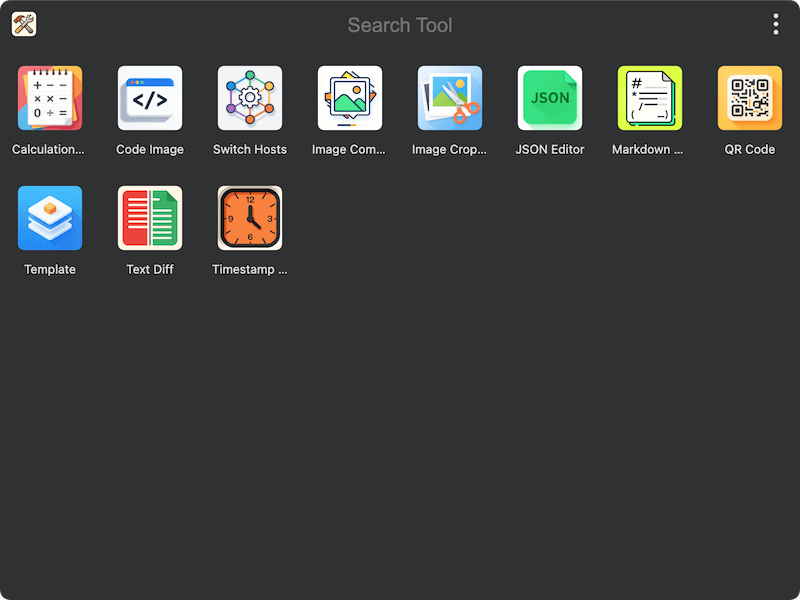
TINKER is a toolbox that brings together a variety of productivity tools. It can be driven from the command line, and AI agents can call any installed tool via Agent Skills.
Installation
Click here to download and install TINKER. Windows x64, Mac arm64, Mac x64 and Linux x86_64 are supported.
Built-in Plugins
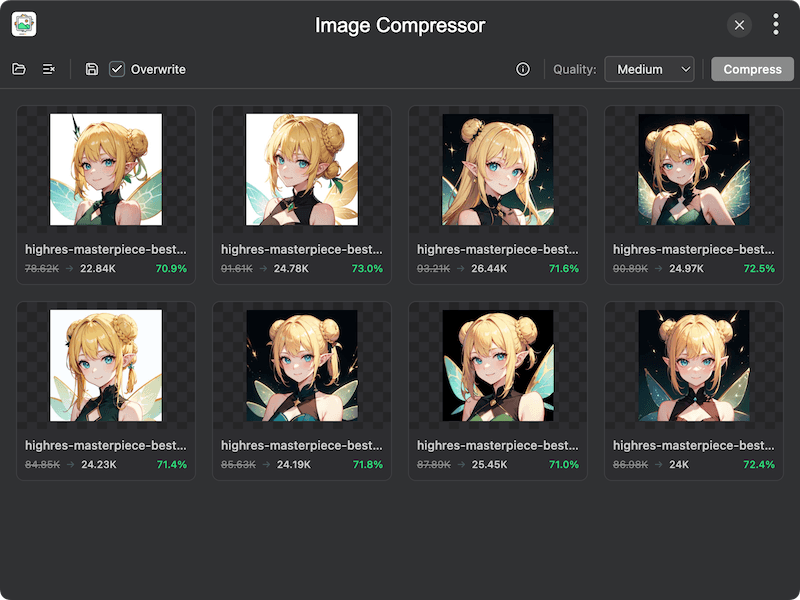
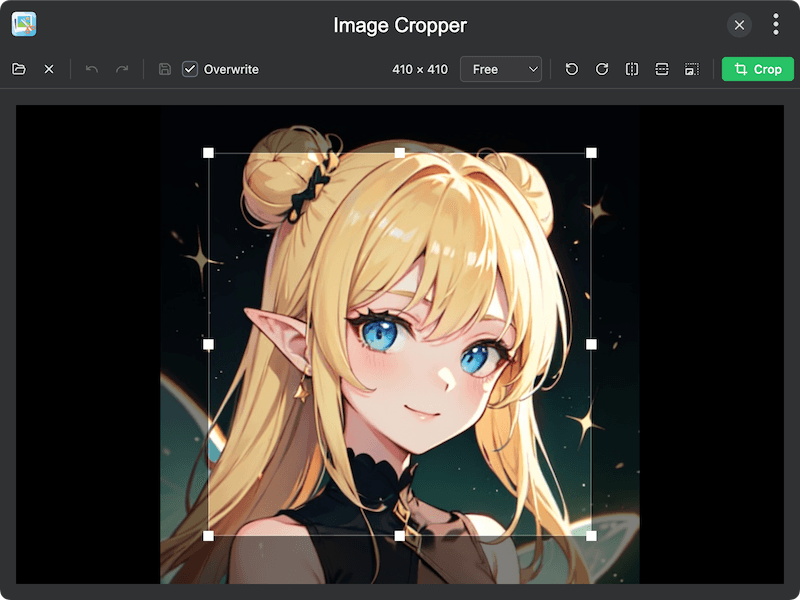
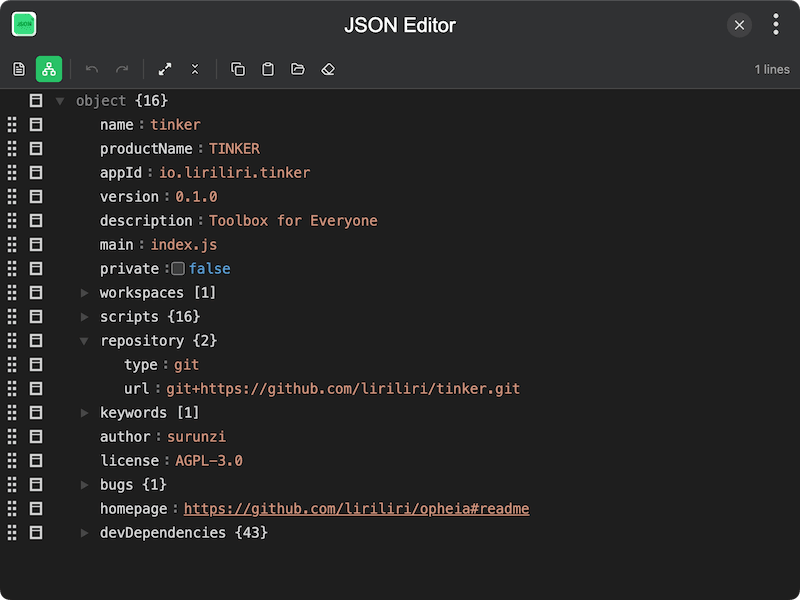
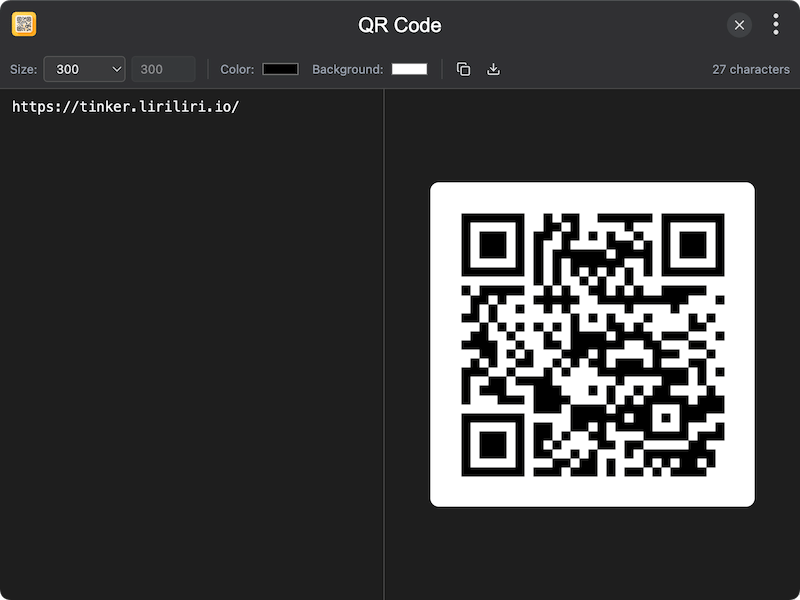
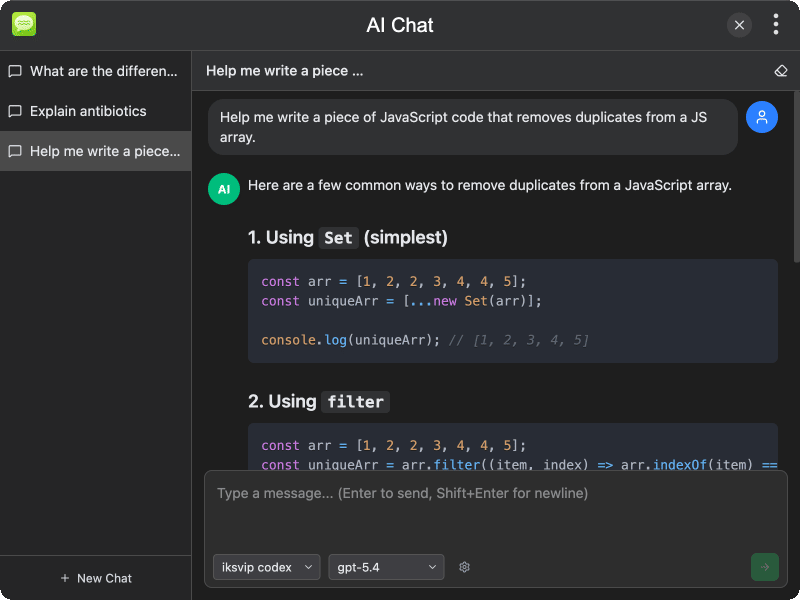
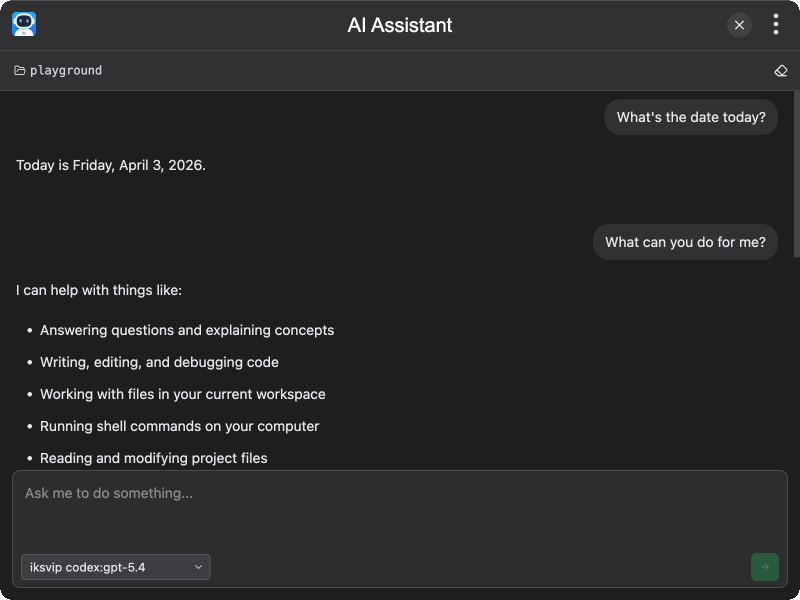
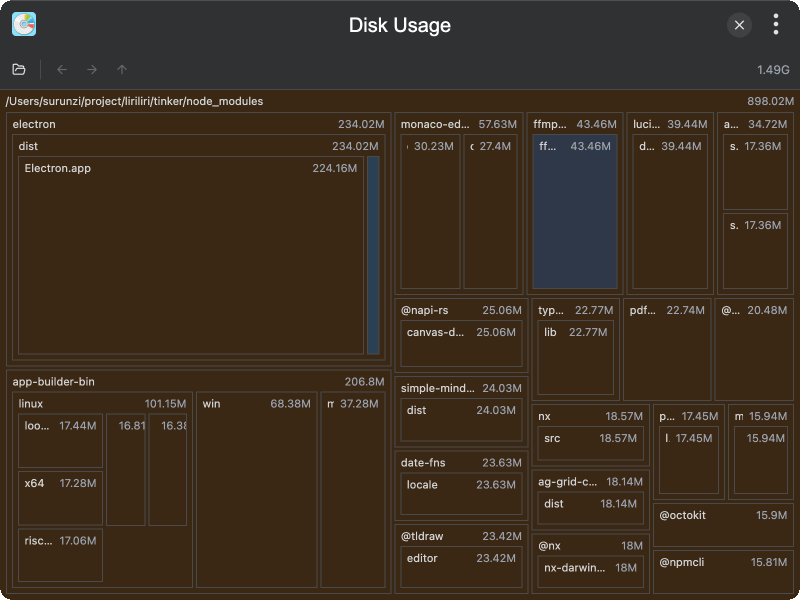
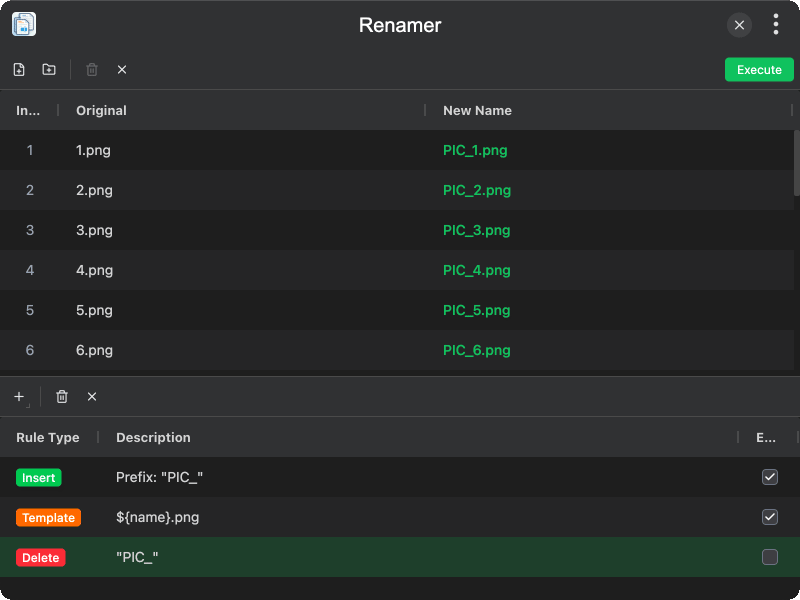
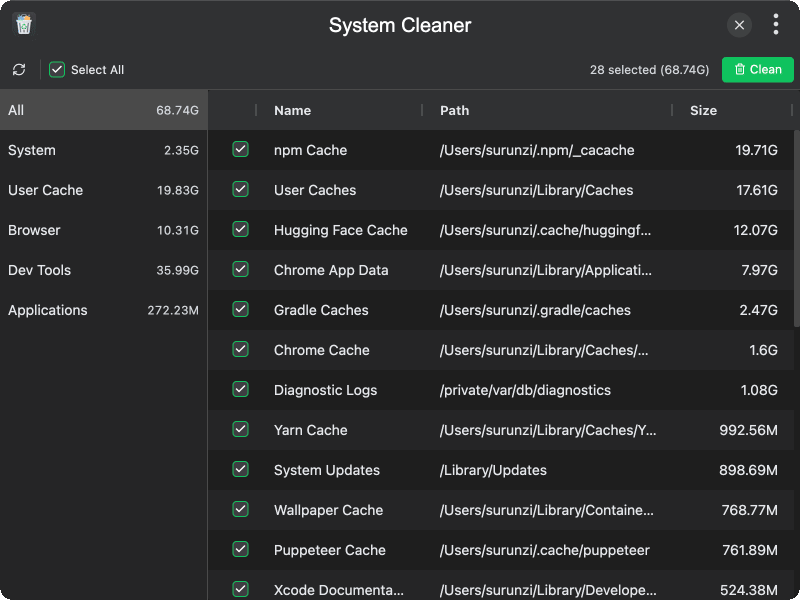
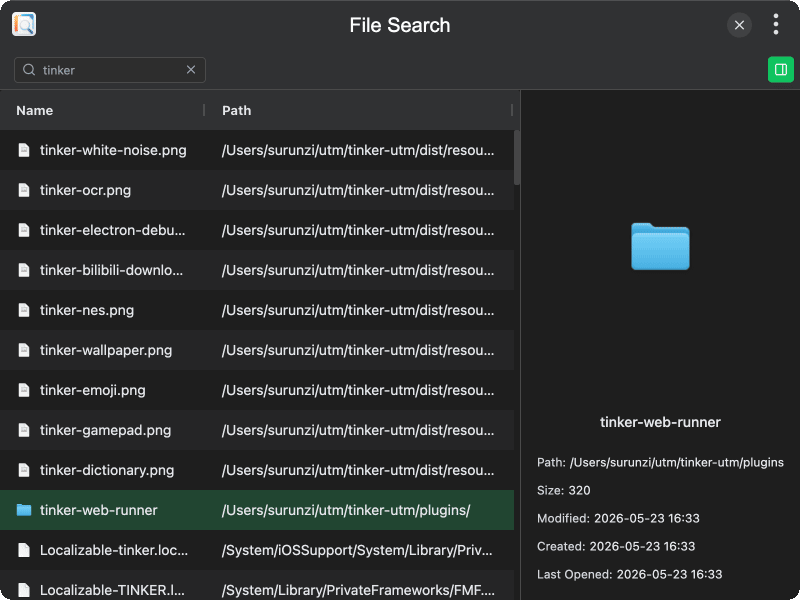
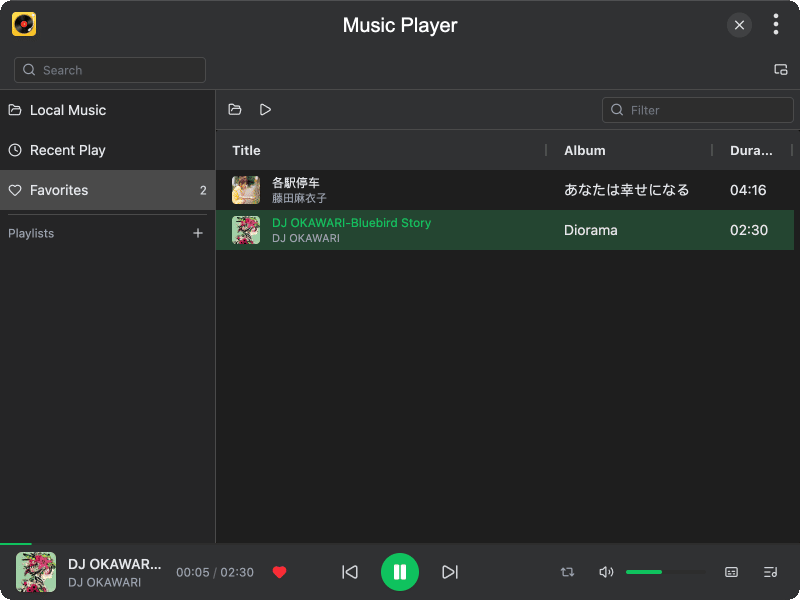
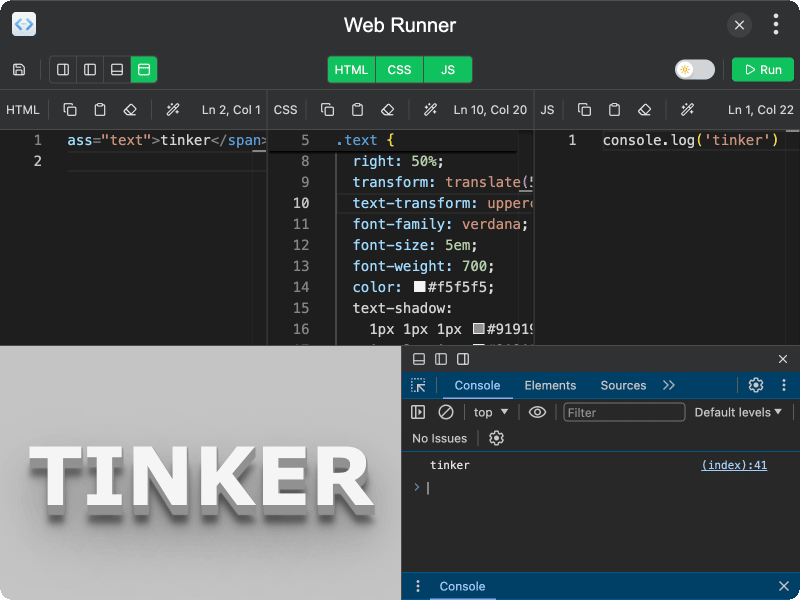
TINKER integrates a rich set of high-quality built-in plugins to help you efficiently accomplish various tasks.
| Calculation Pad | Code Image |
|---|---|
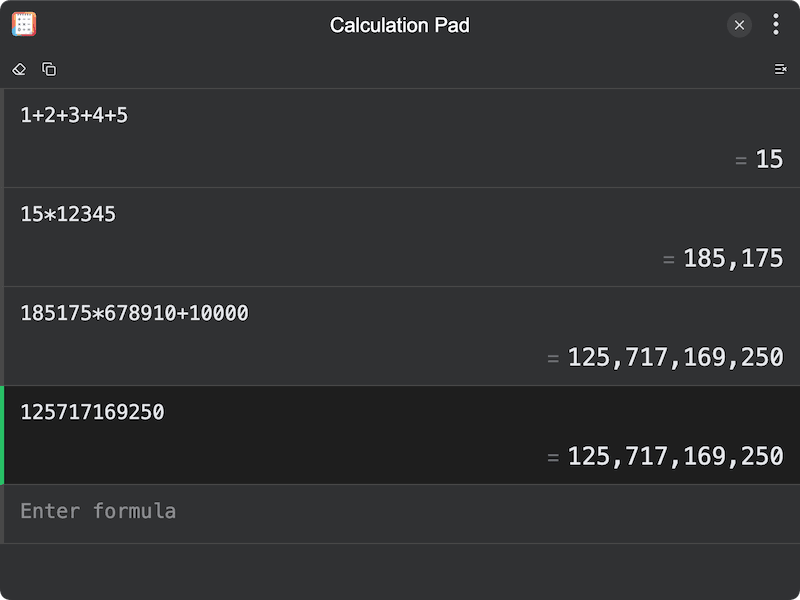 |
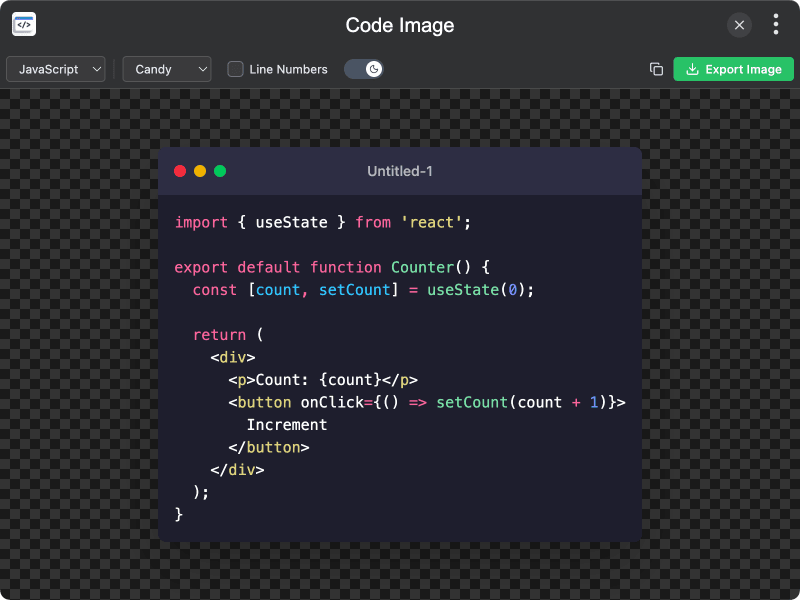 |
| Switch Hosts | Image Compressor |
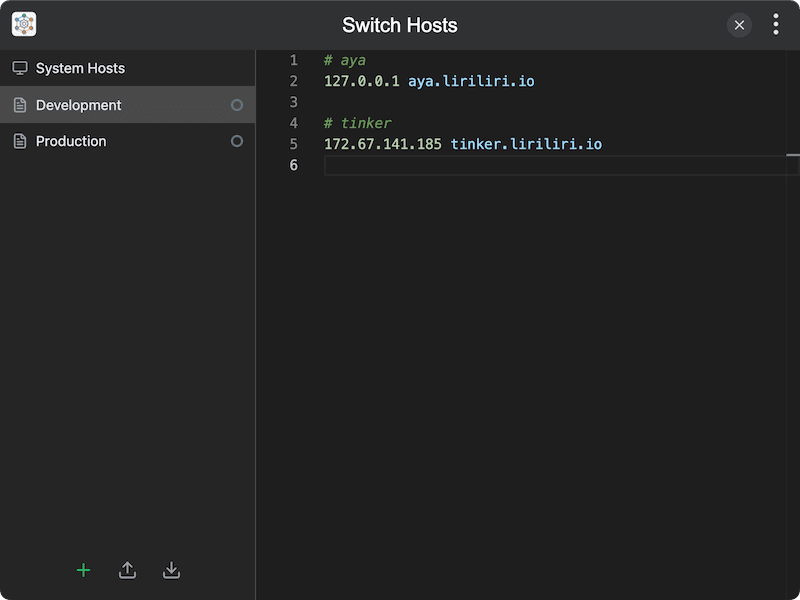 |
 |
| Image Cropper | JSON Editor |
 |
 |
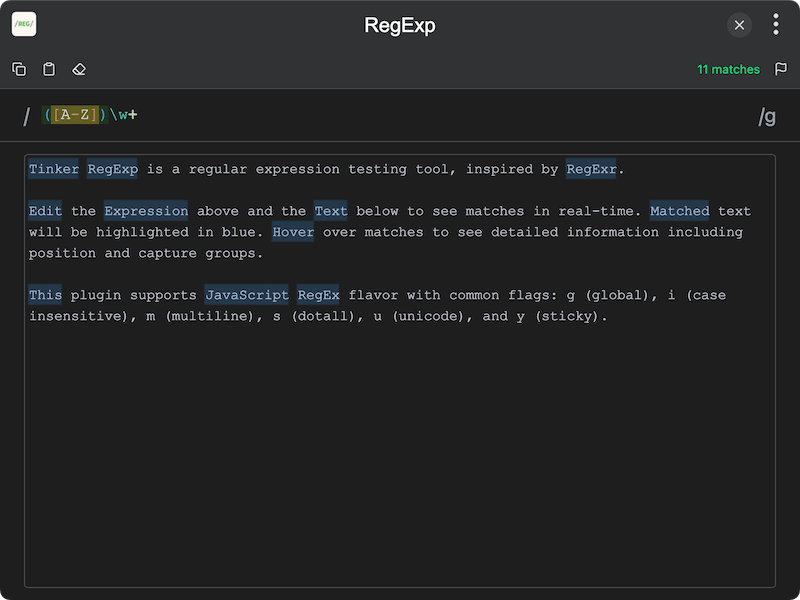
| QR Code | RegExp |
 |
 |
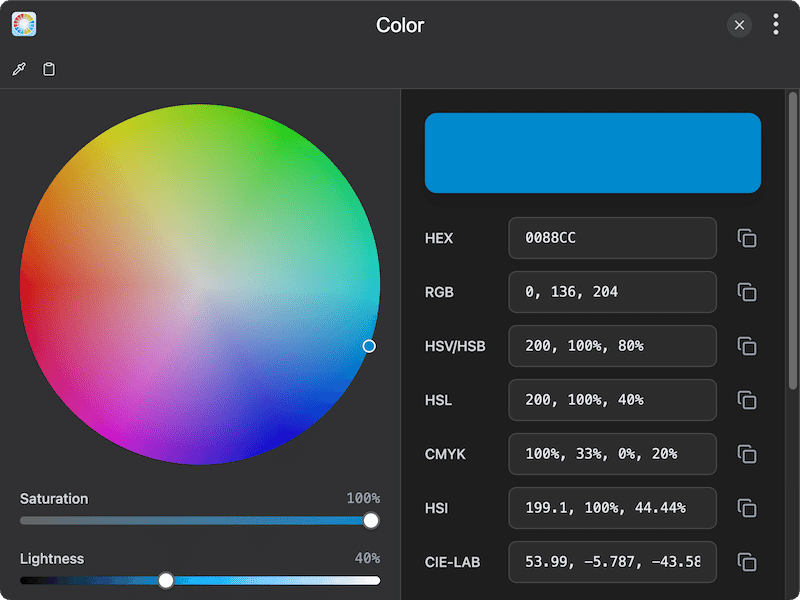
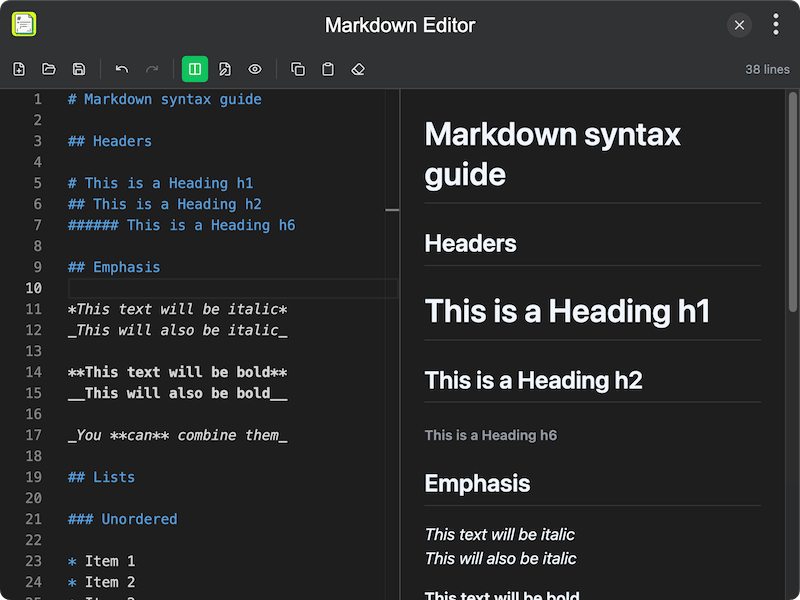
| Color | Markdown Editor |
 |
 |
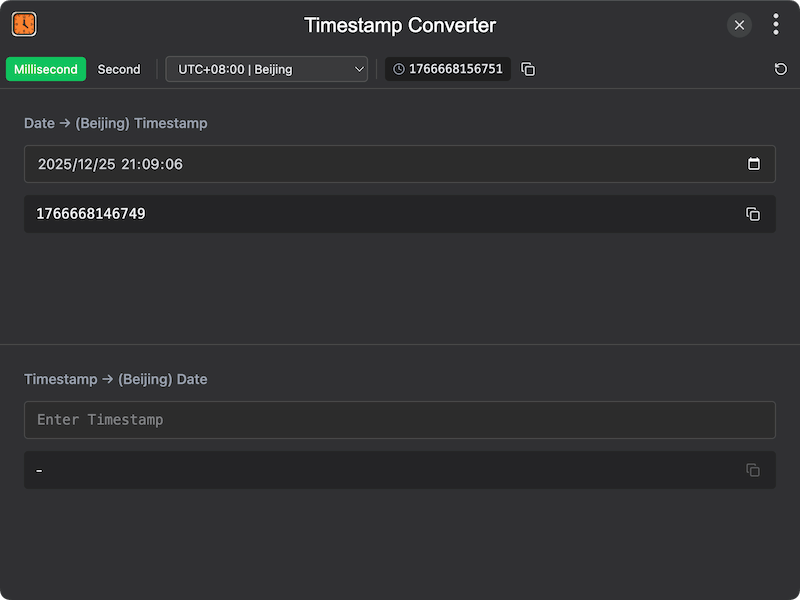
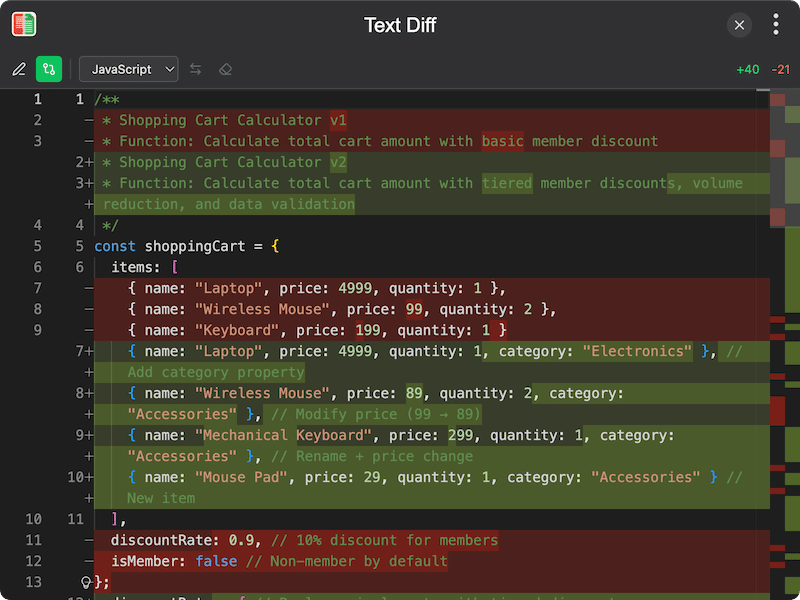
| Timestamp Converter | Text Diff |
 |
 |
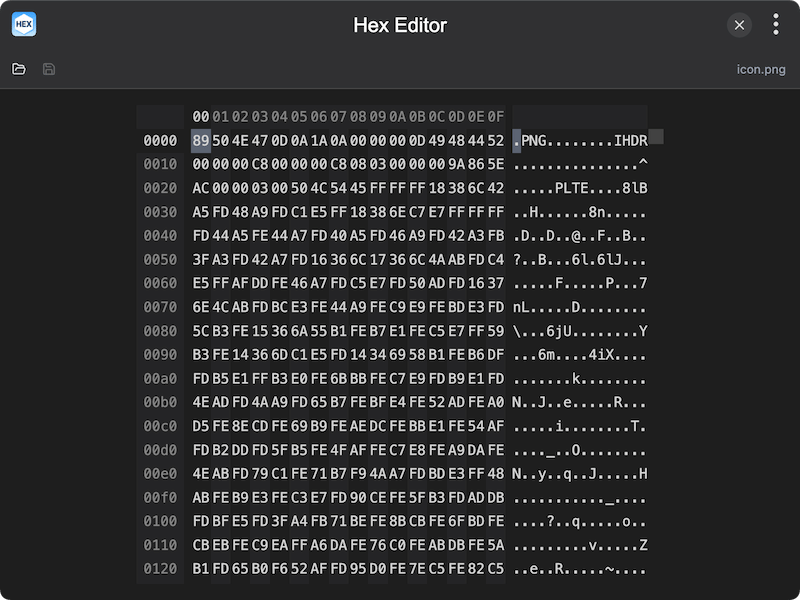
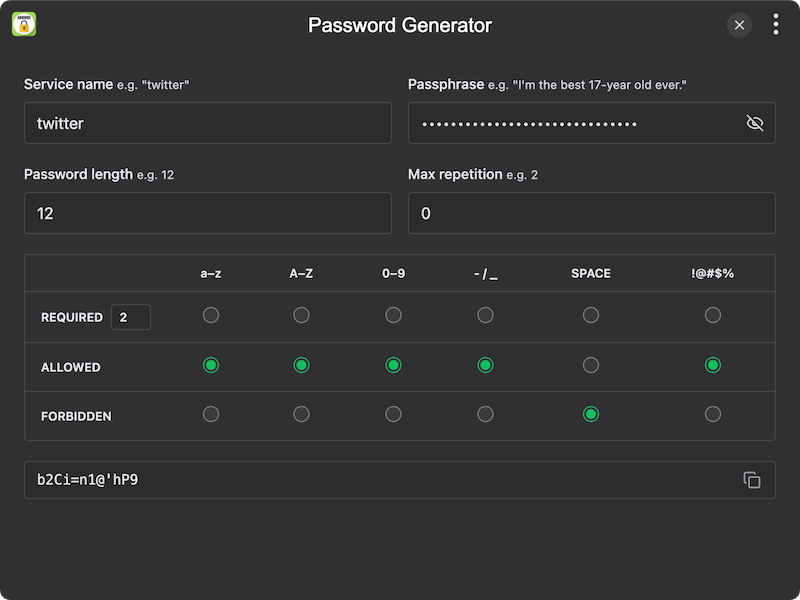
| Hex Editor | Password Generator |
 |
 |
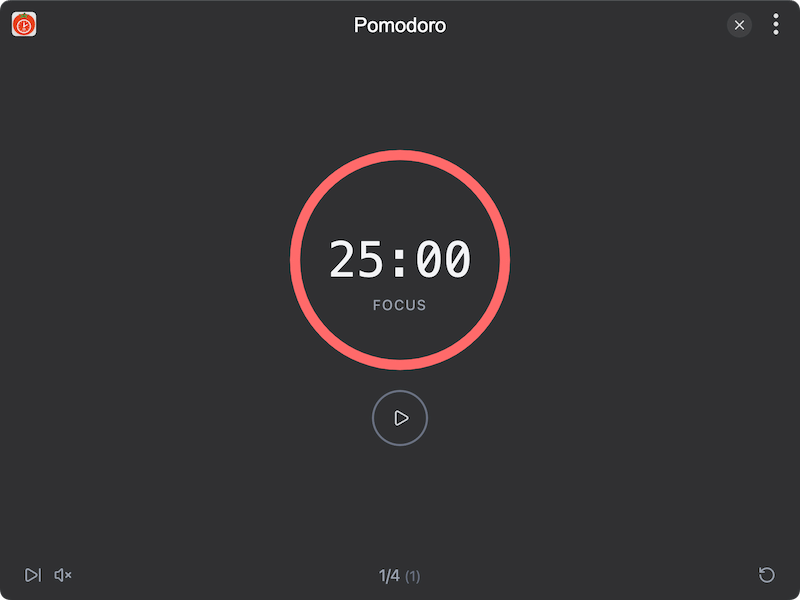
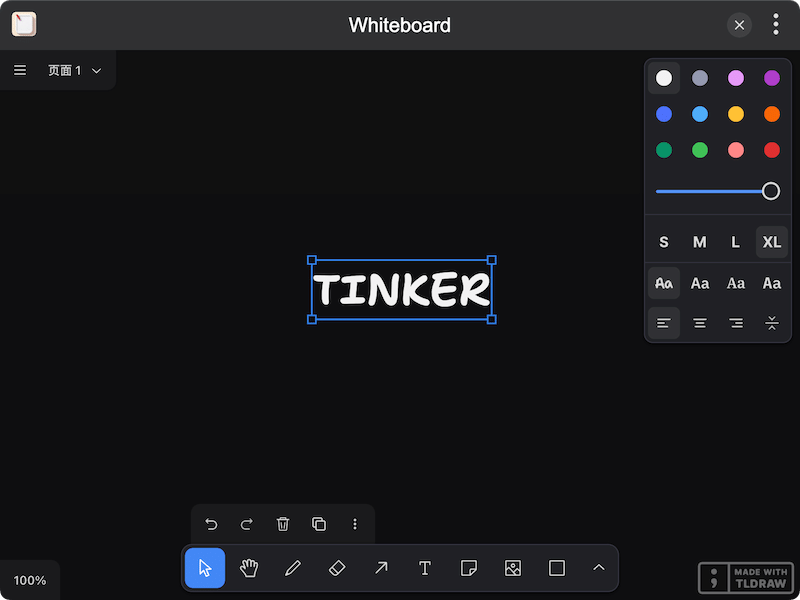
| Pomodoro | Whiteboard |
 |
 |
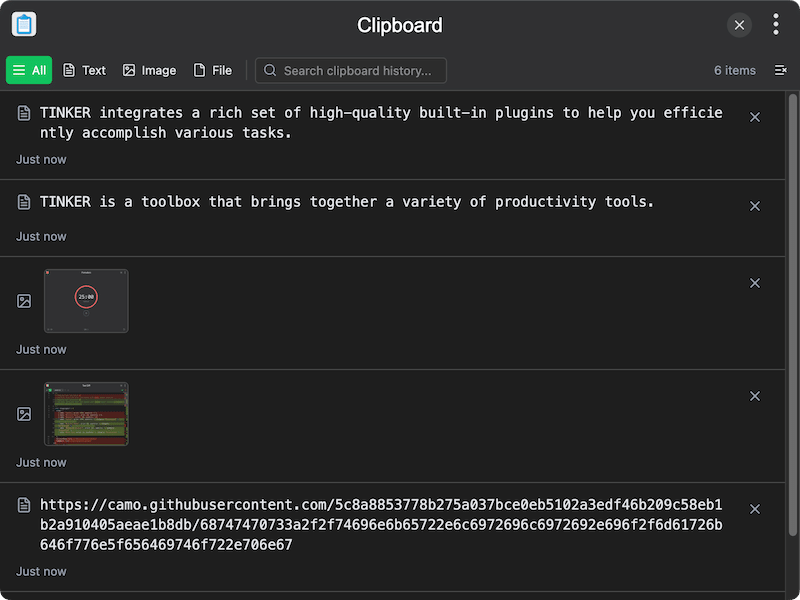
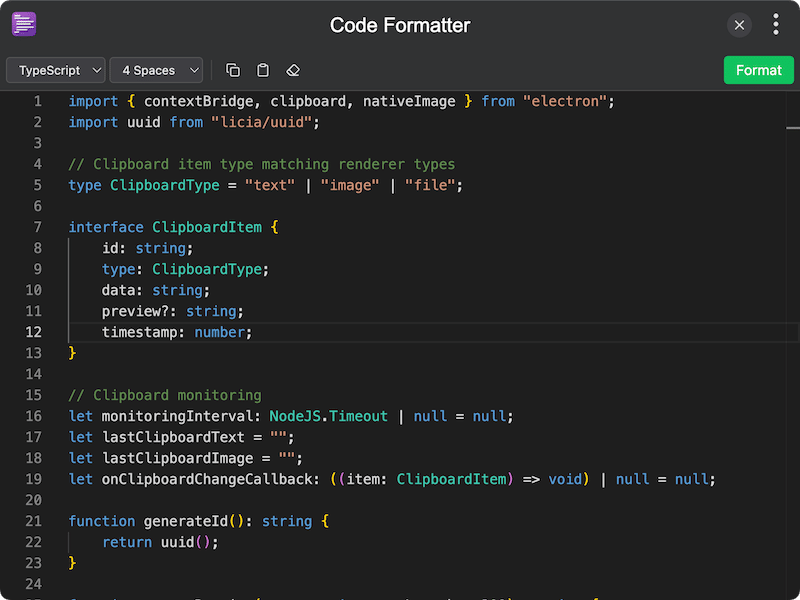
| Clipboard | Code Formatter |
 |
 |
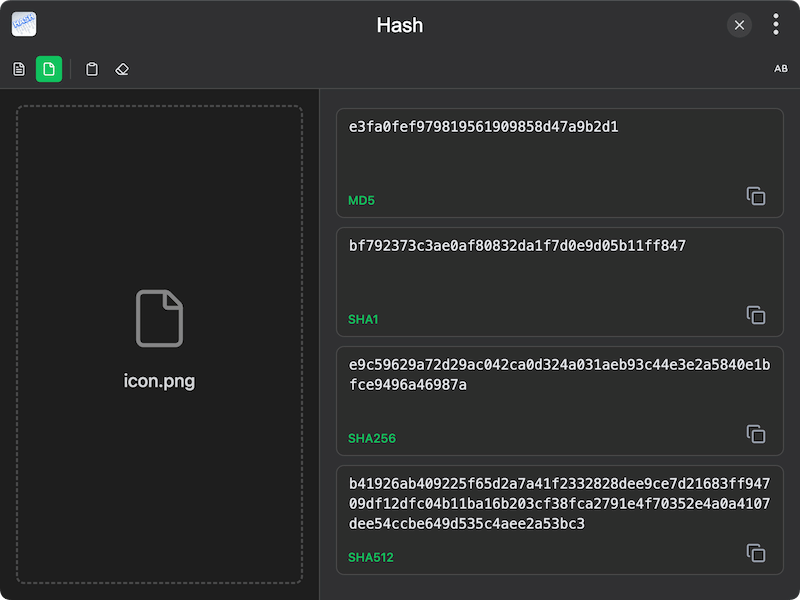
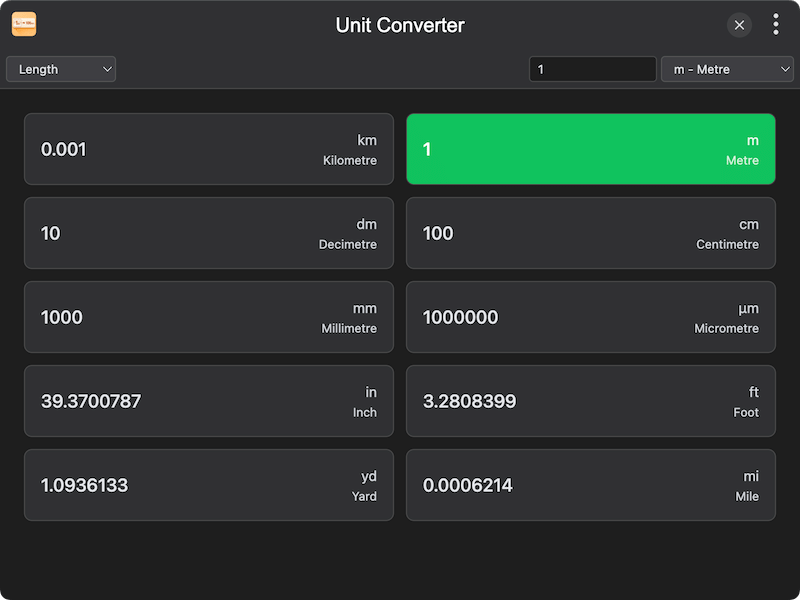
| Hash | Unit Converter |
 |
 |
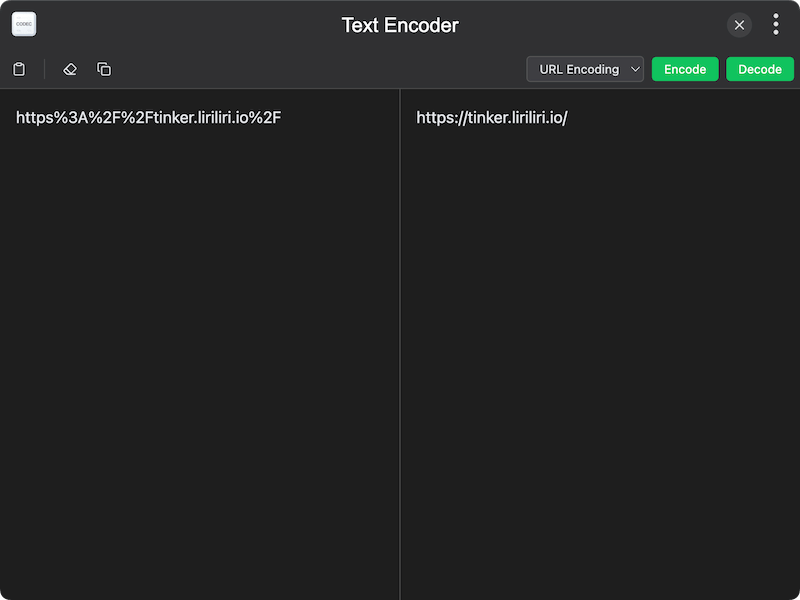
| Text Encoder | |
 |
 |
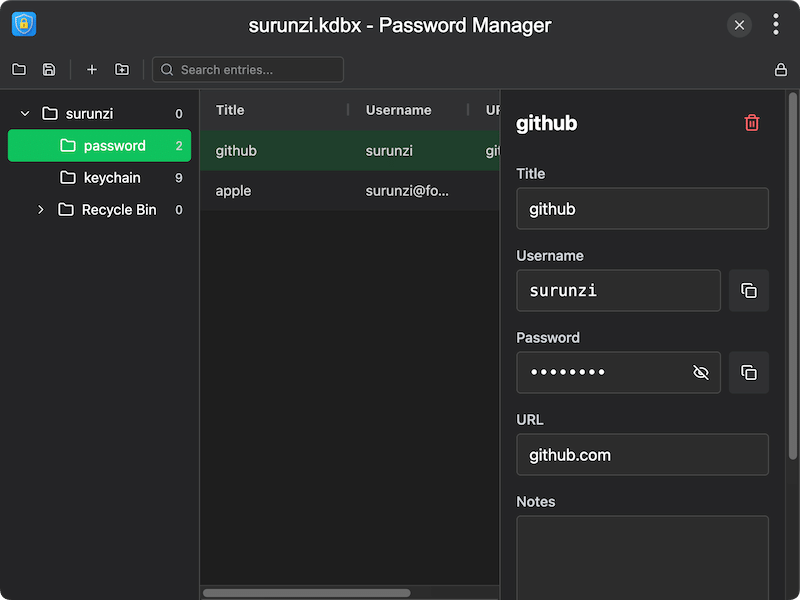
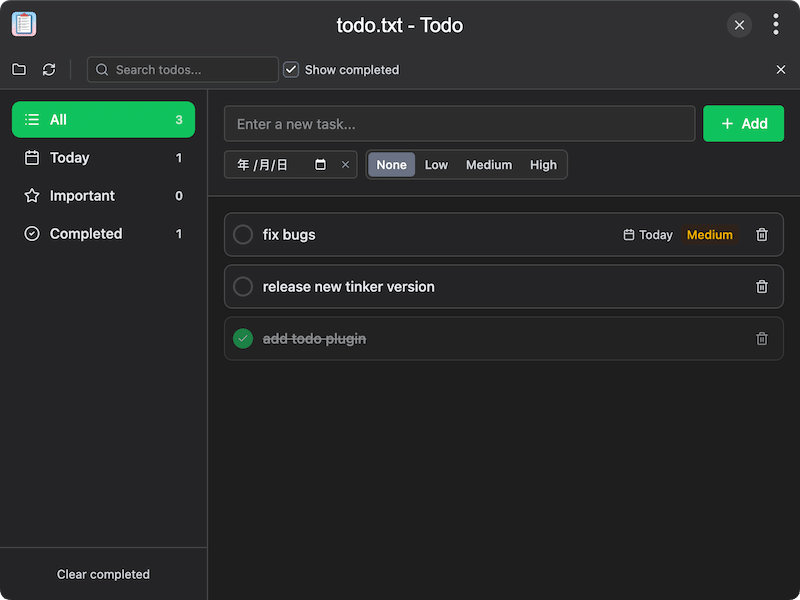
| Password Manager | Todo |
 |
 |
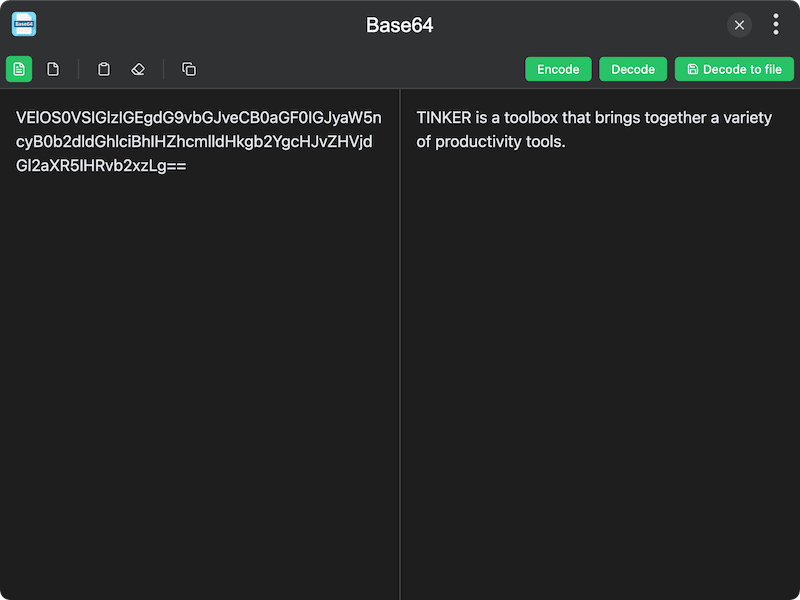
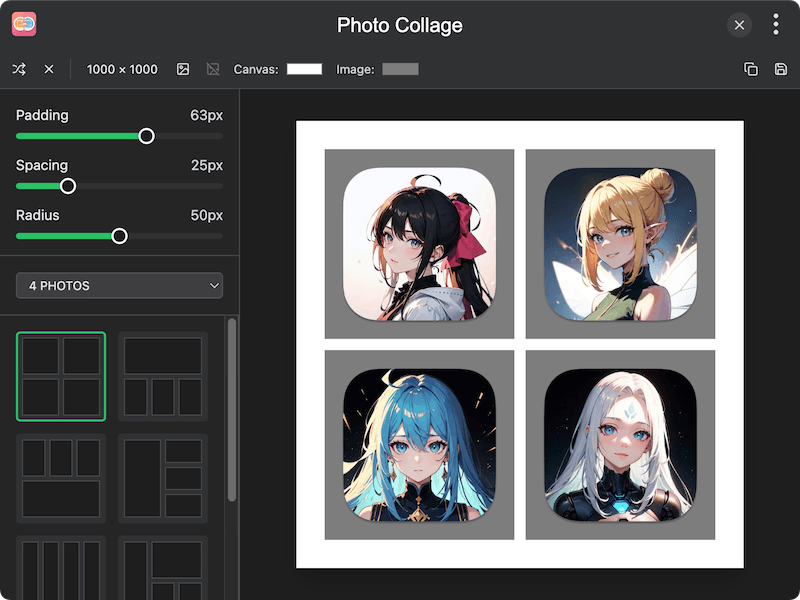
| Base64 | Photo Collage |
 |
 |
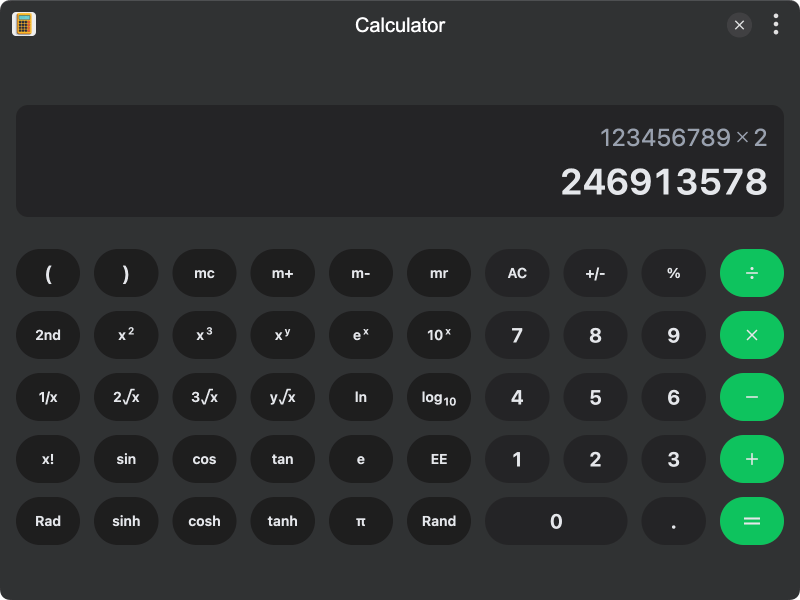
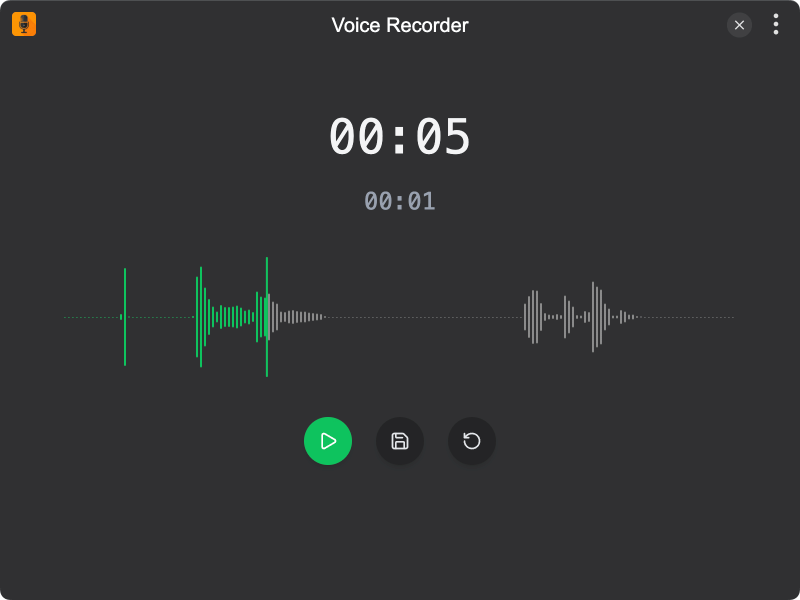
| Calculator | Voice Recorder |
 |
 |
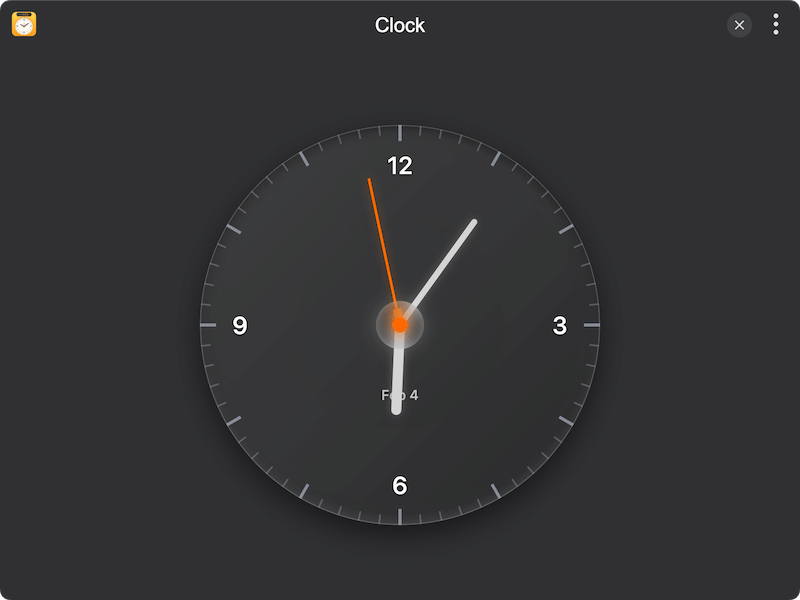
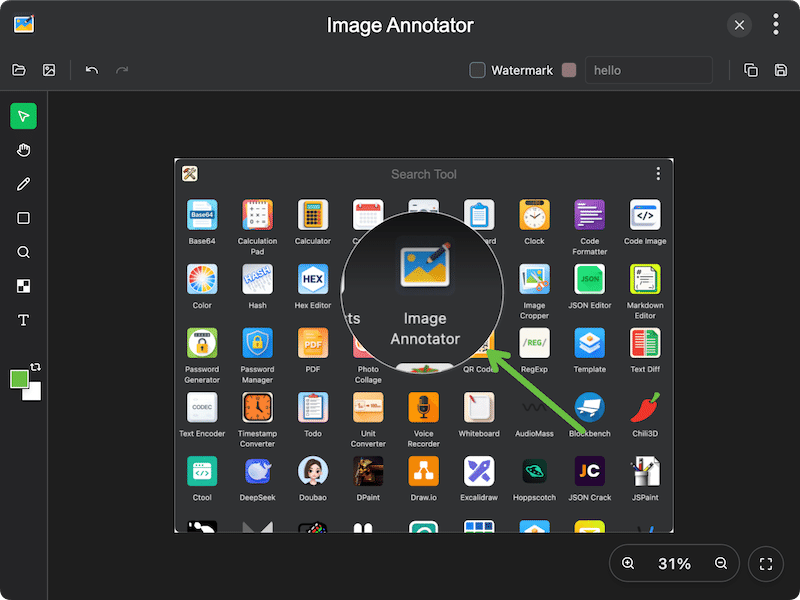
| Clock | Image Annotator |
 |
 |
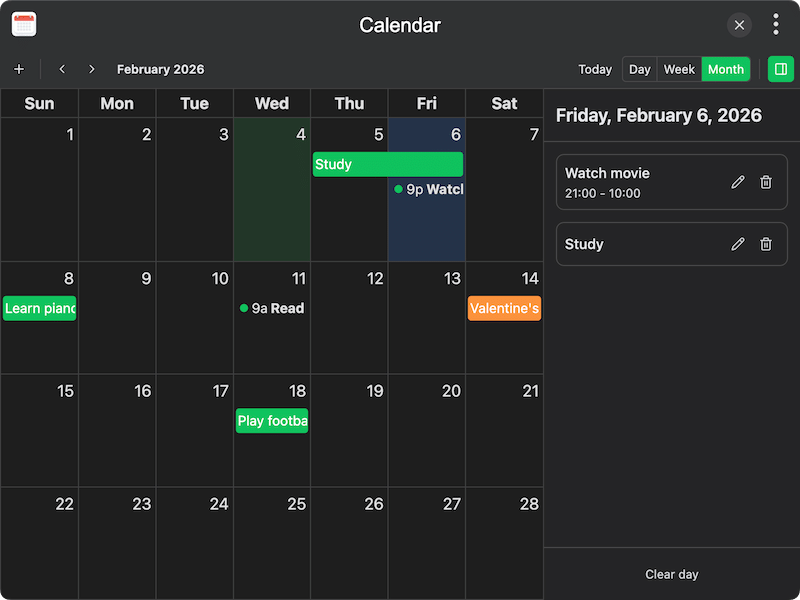
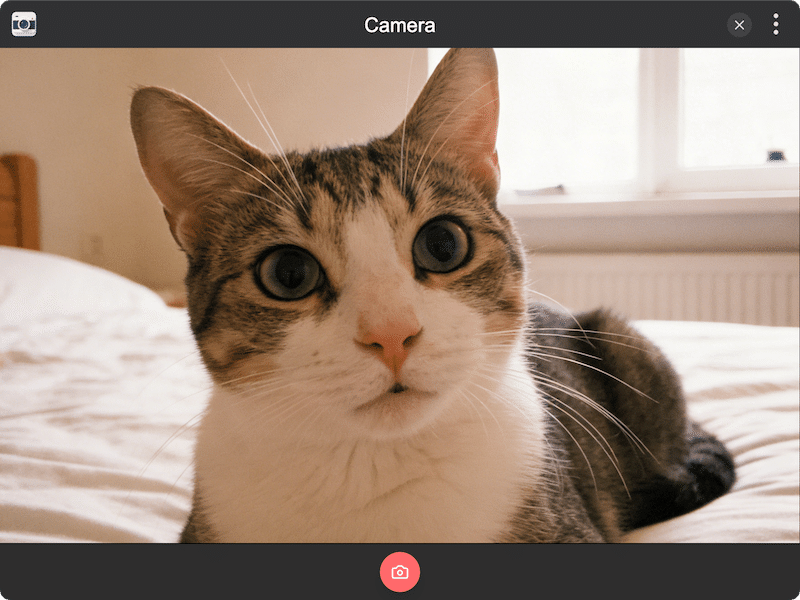
| Calendar | Camera |
 |
 |
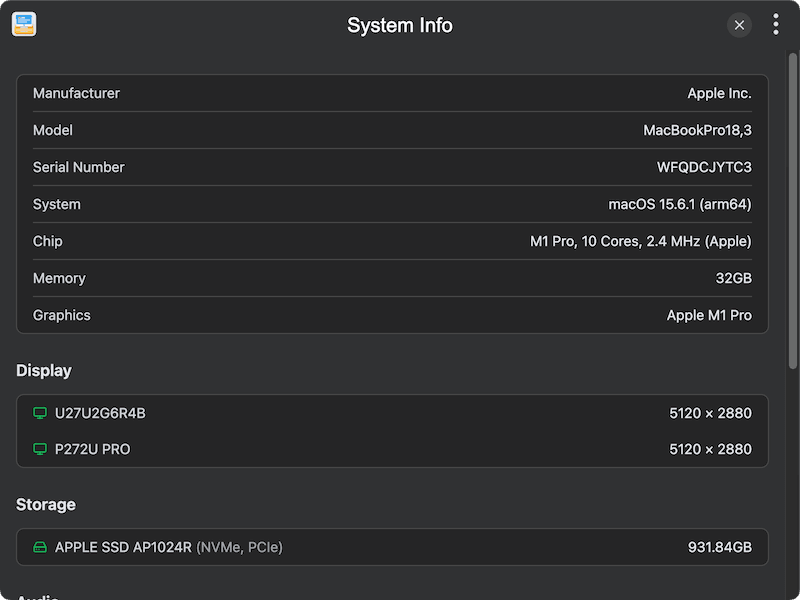
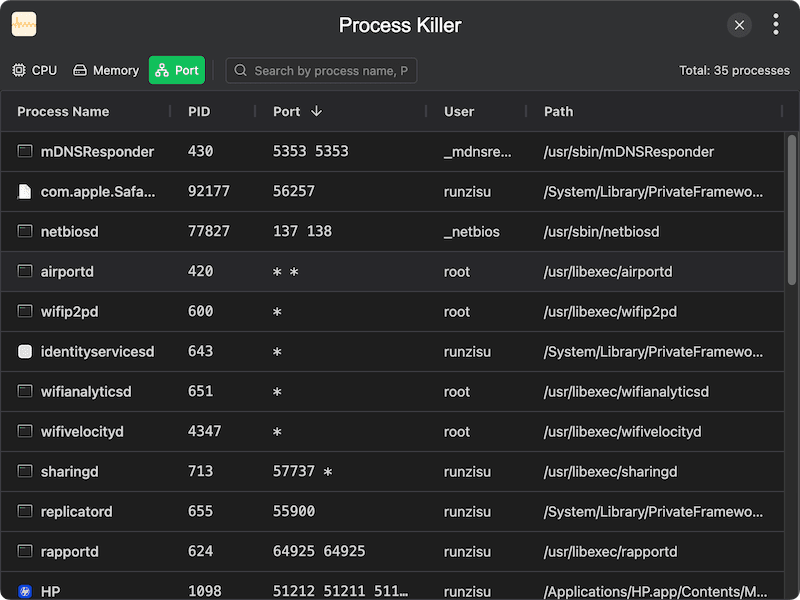
| System Info | Process Killer |
 |
 |
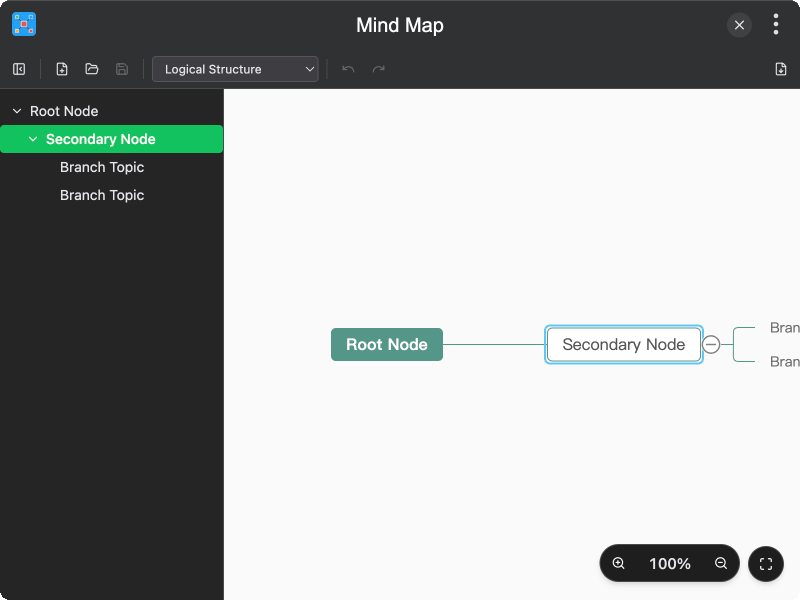
| Mind Map | Media Compressor |
 |
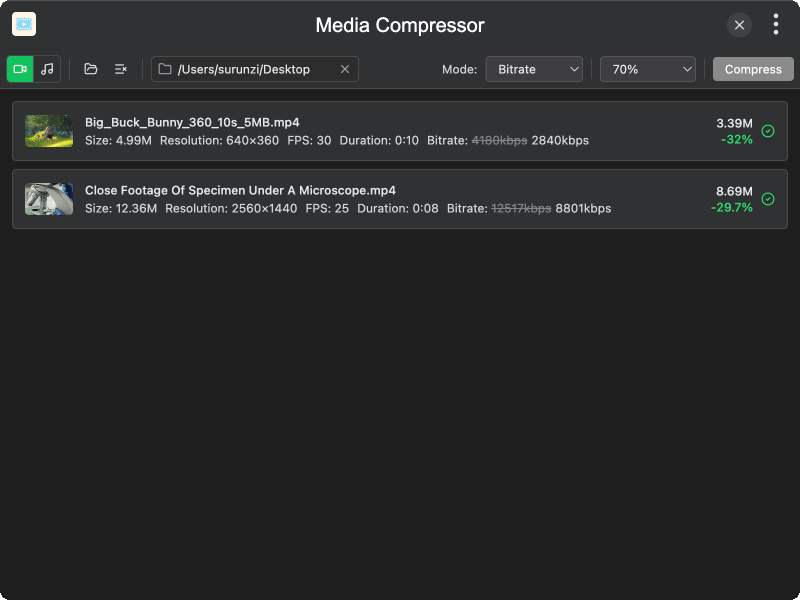 |
| Media Converter | Notepad |
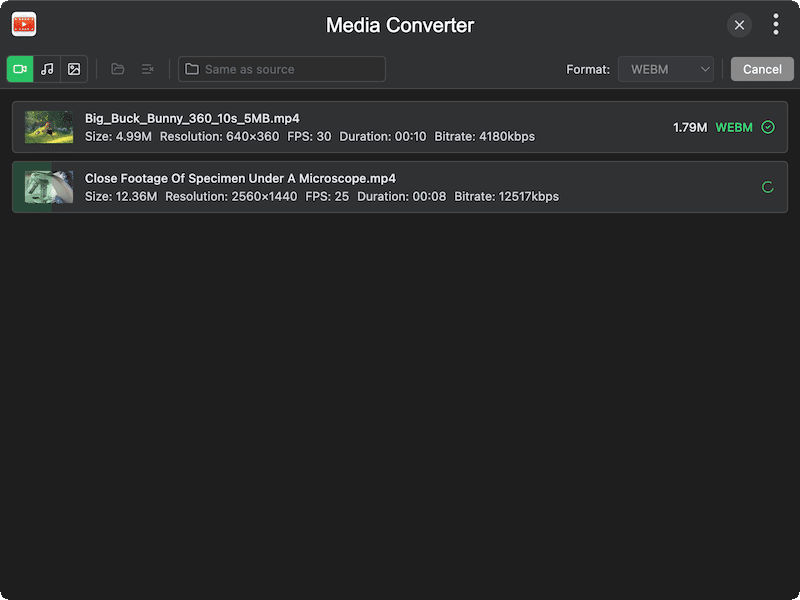 |
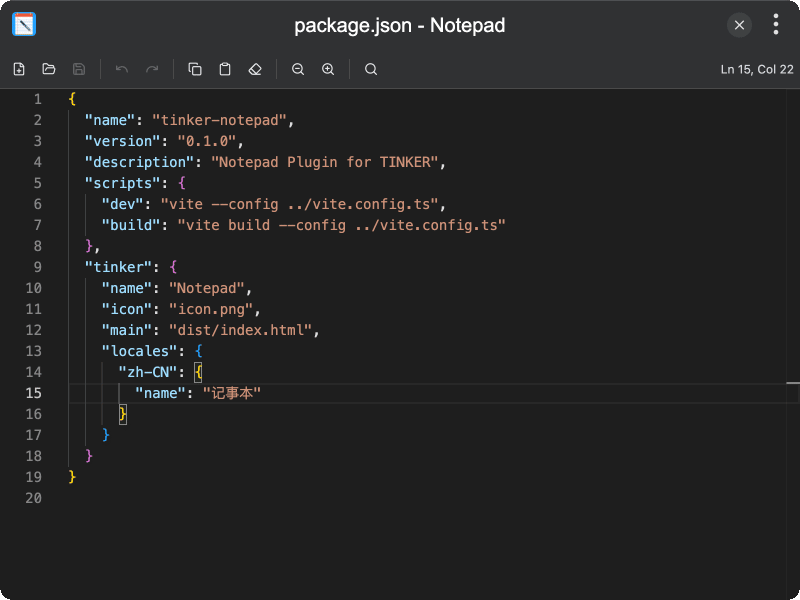 |
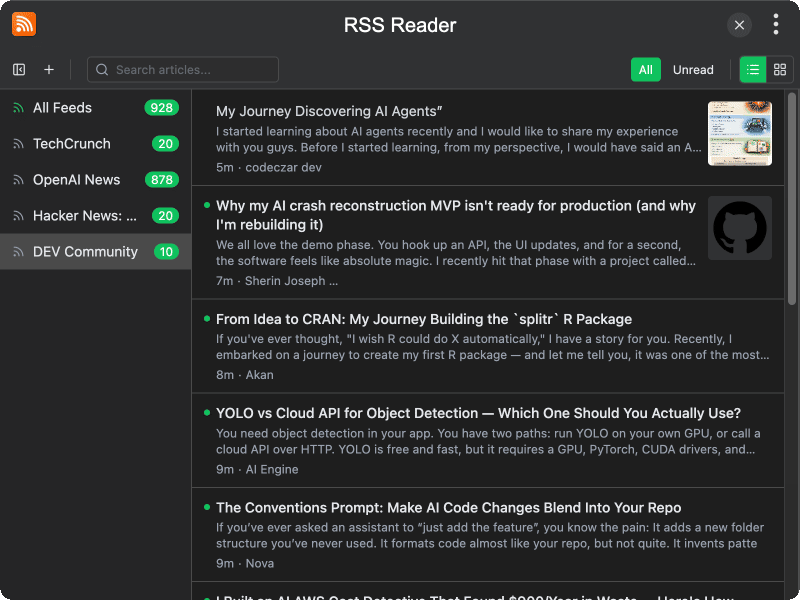
| Timer | RSS Reader |
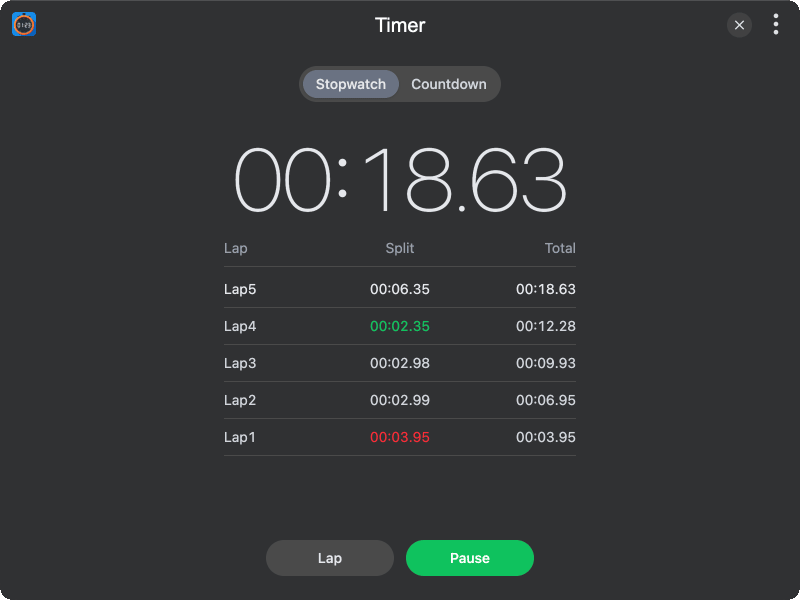 |
 |
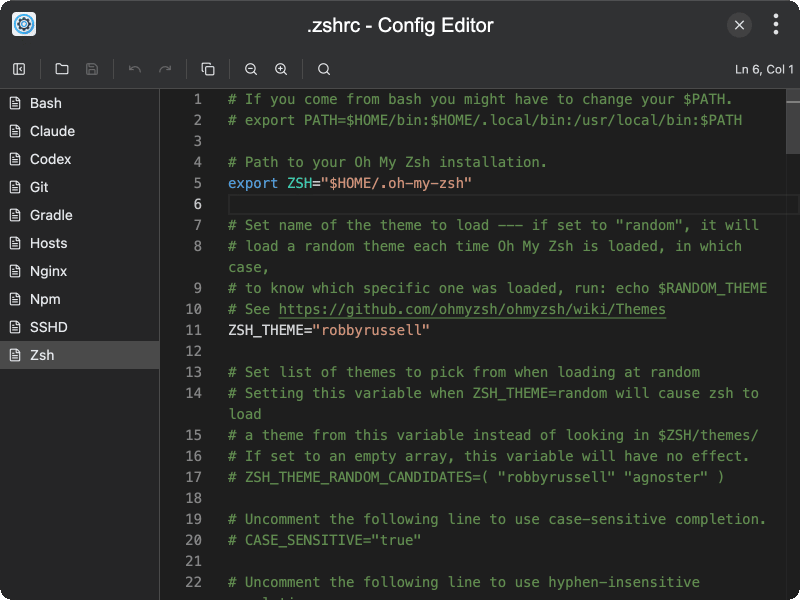
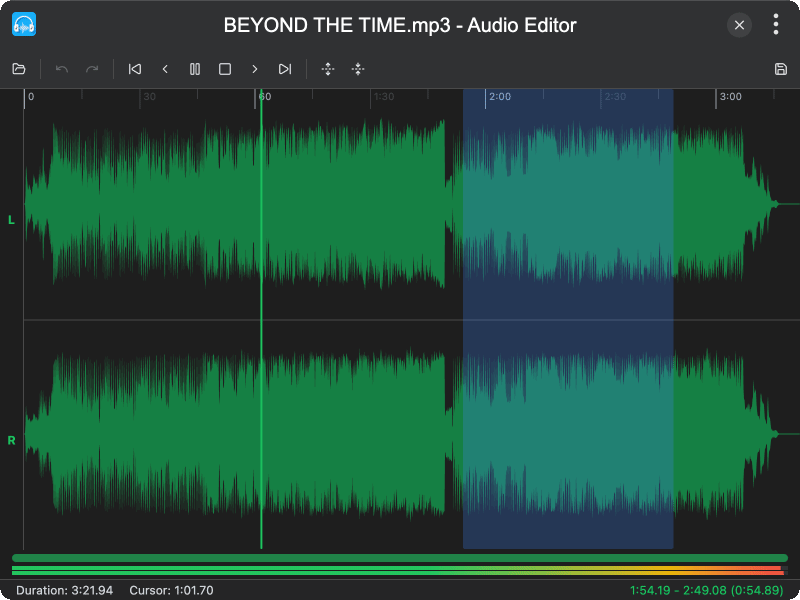
| Config Editor | Audio Editor |
 |
 |
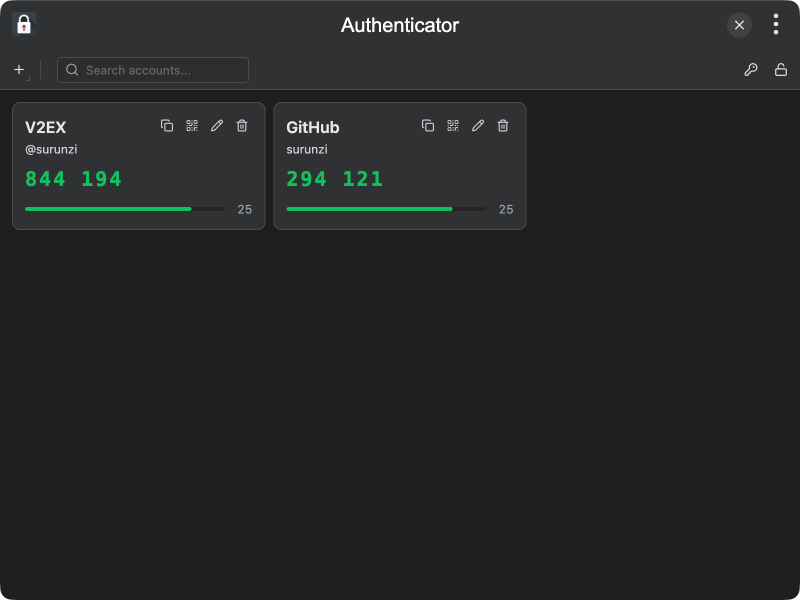
| Authenticator | AI Chat |
 |
 |
| AI Assistant | Disk Usage |
 |
 |
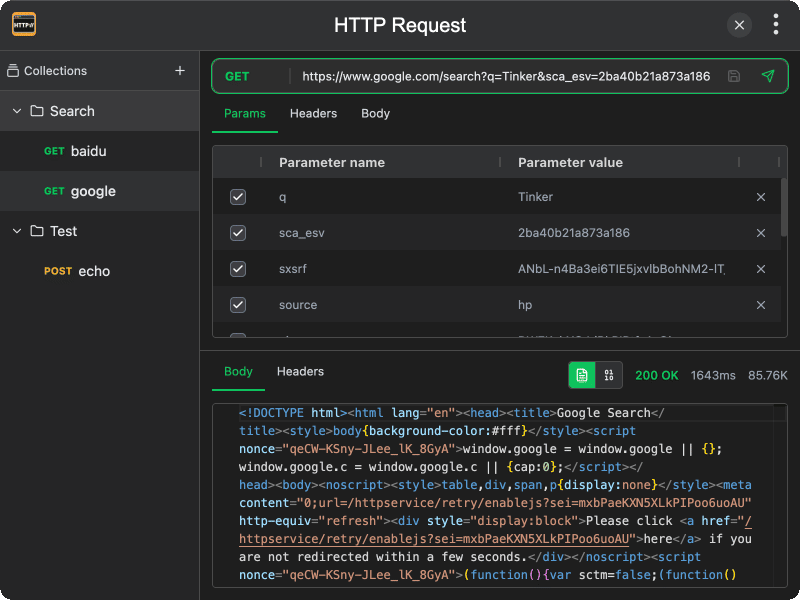
| Renamer | HTTP Request |
 |
 |
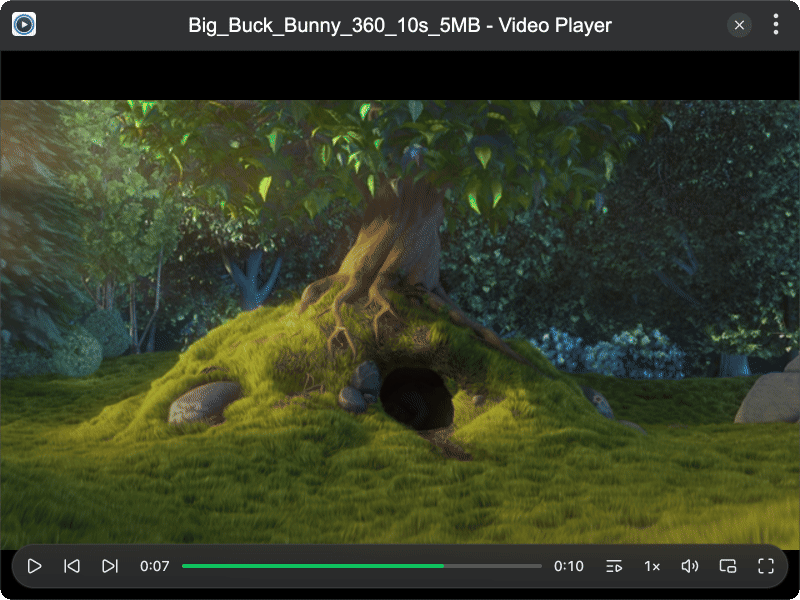
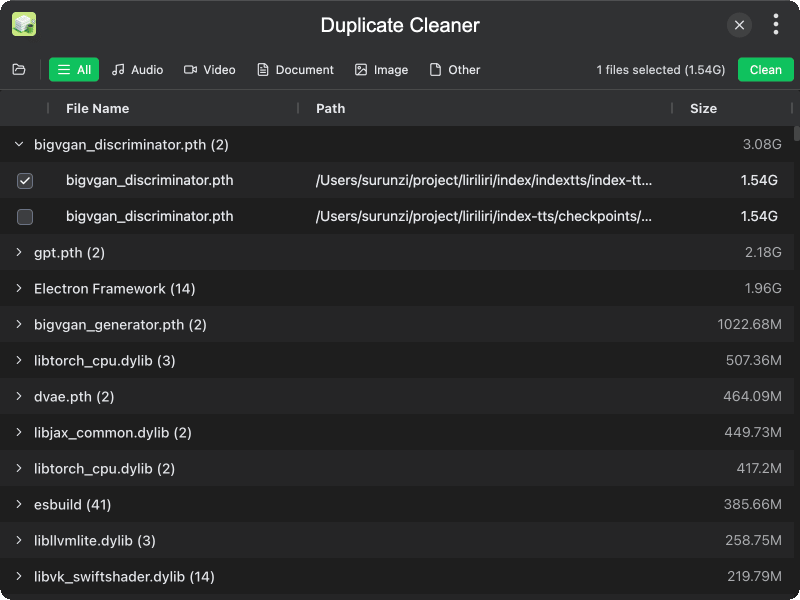
| Video Player | Duplicate Cleaner |
 |
 |
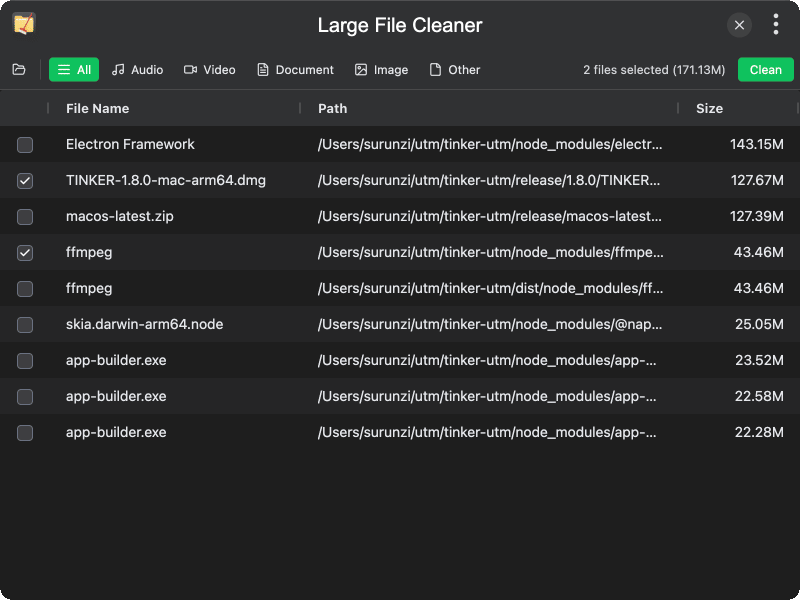
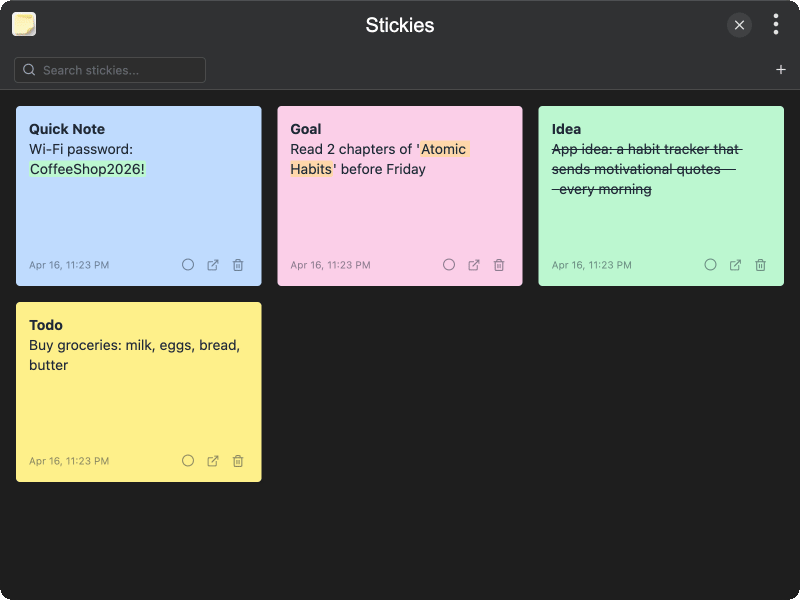
| Large File Cleaner | Stickies |
 |
 |
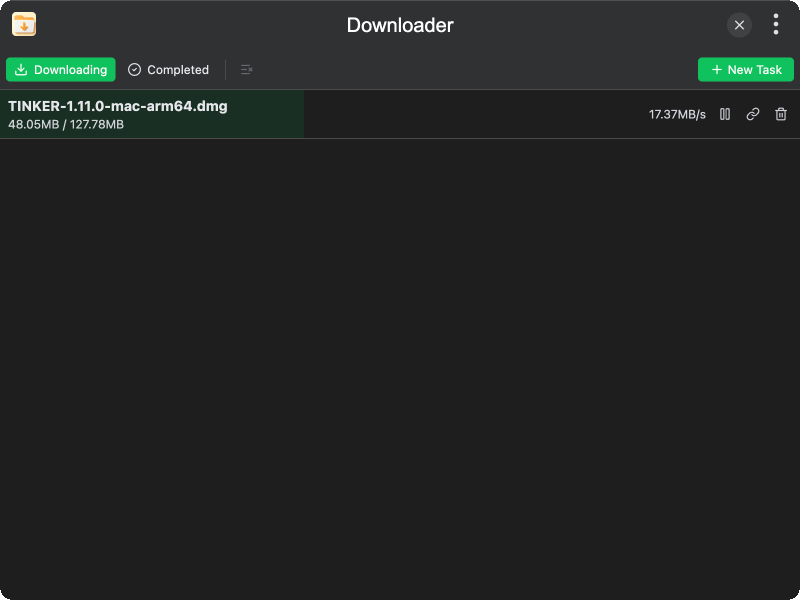
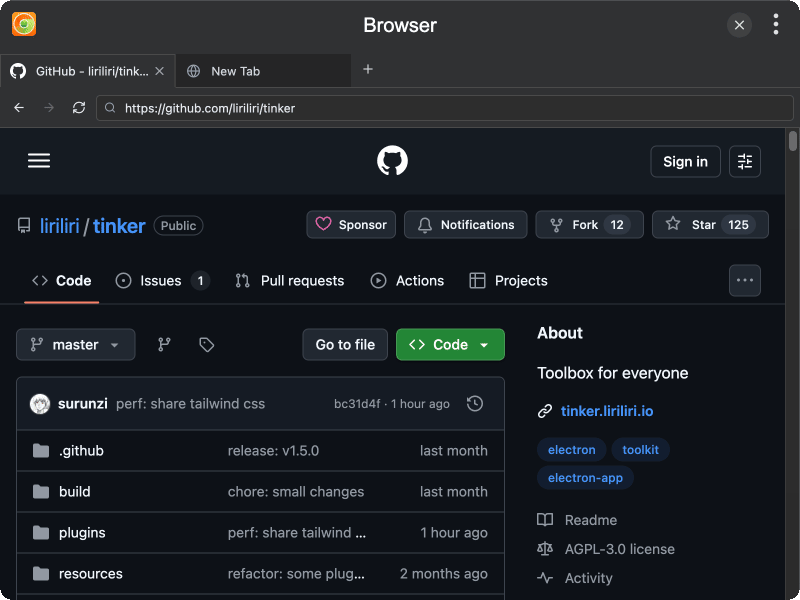
| Downloader | Browser |
 |
 |
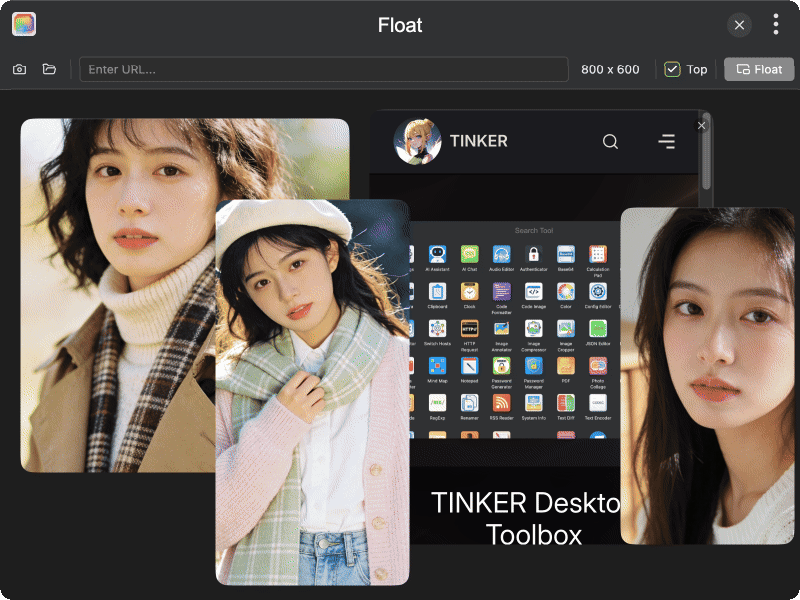
| Float | Cleaner |
 |
 |
| File Search | Music Player |
 |
 |
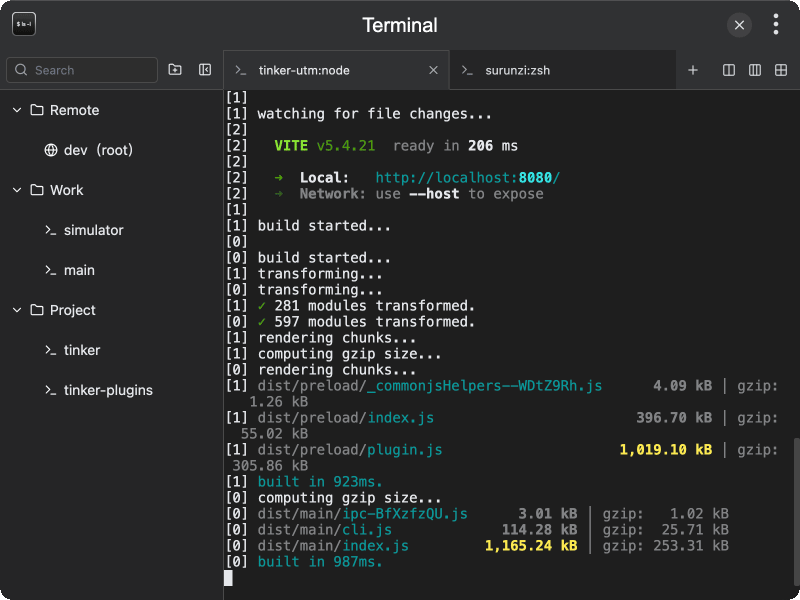
| Web Runner | Terminal |
 |
 |
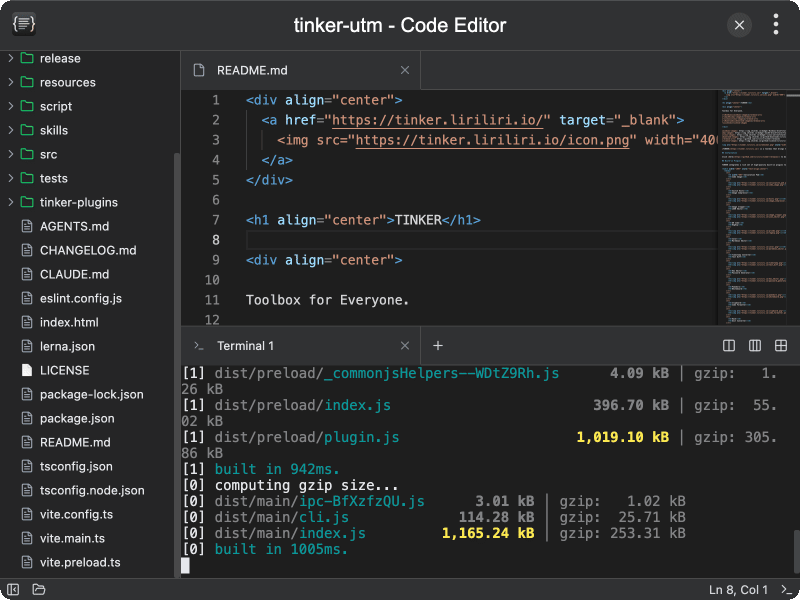
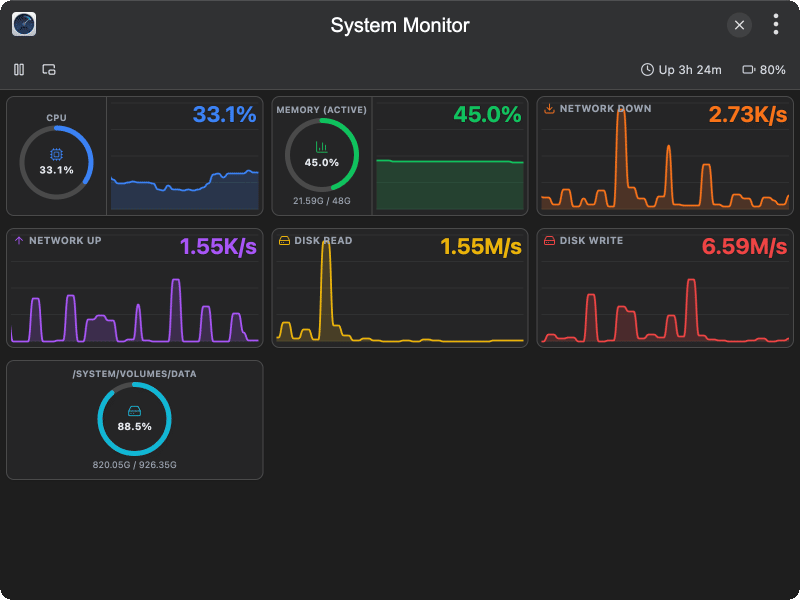
| Code Editor | System Monitor |
 |
 |
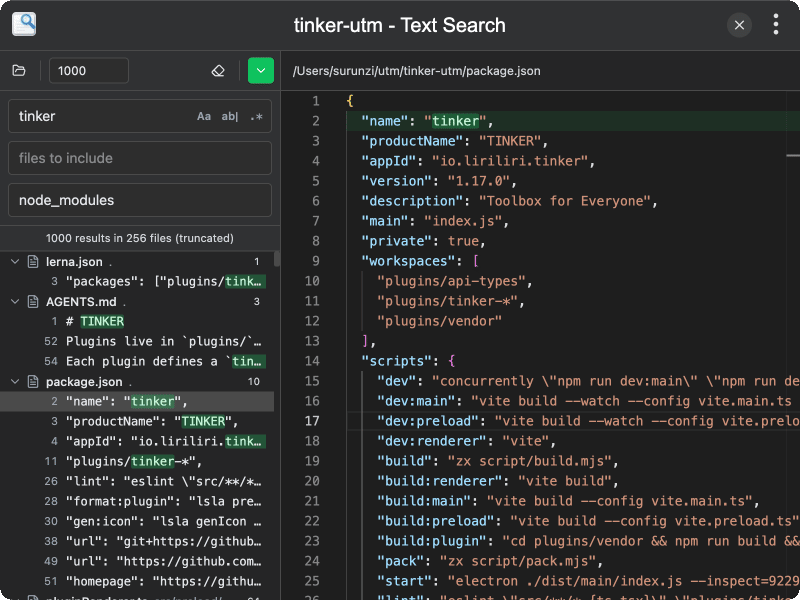
| Text Search | Git |
 |
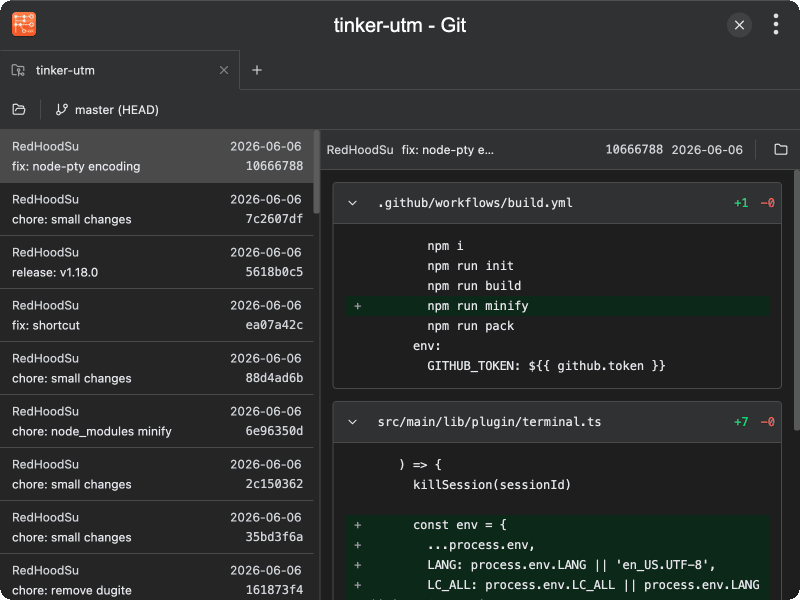 |
| File Explorer | Photo Viewer |
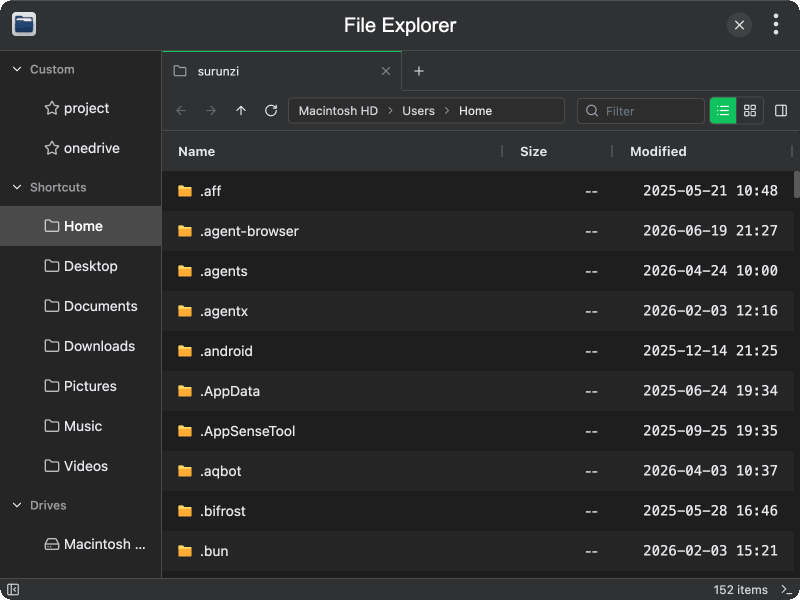 |
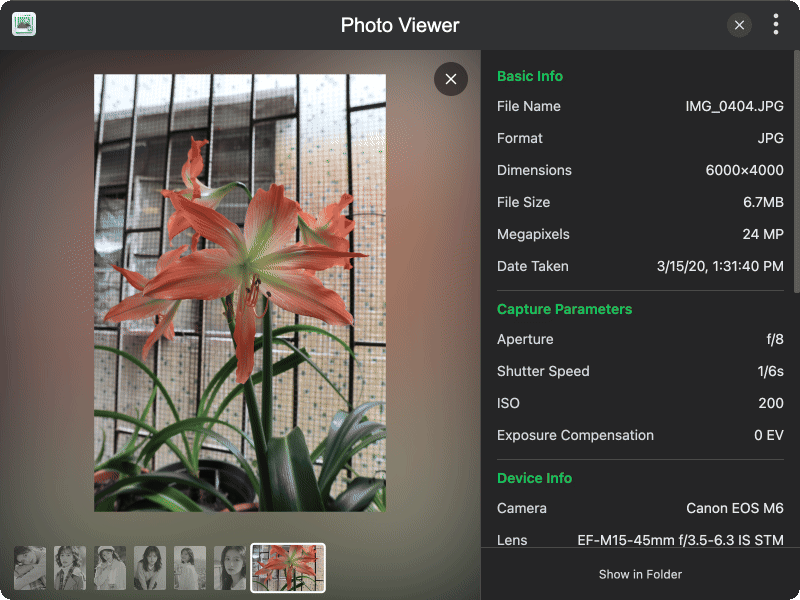 |
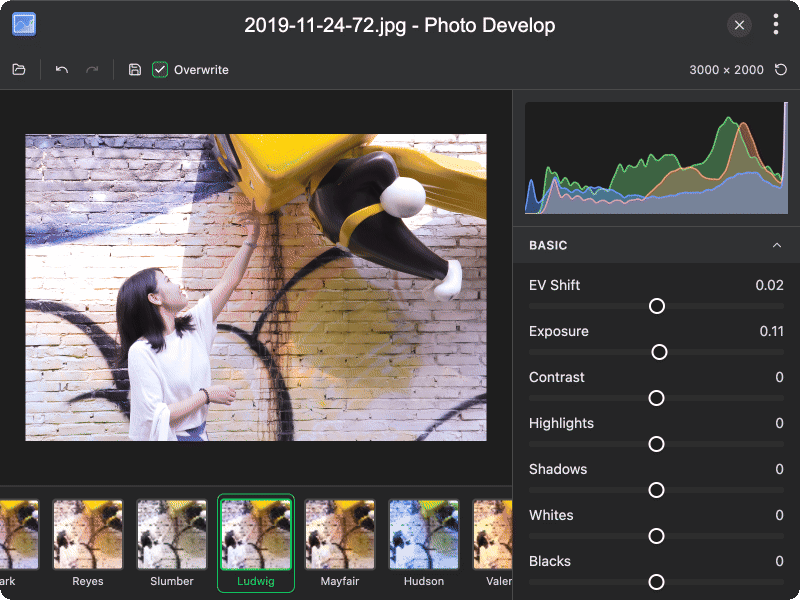
| File Shredder | Photo Develop |
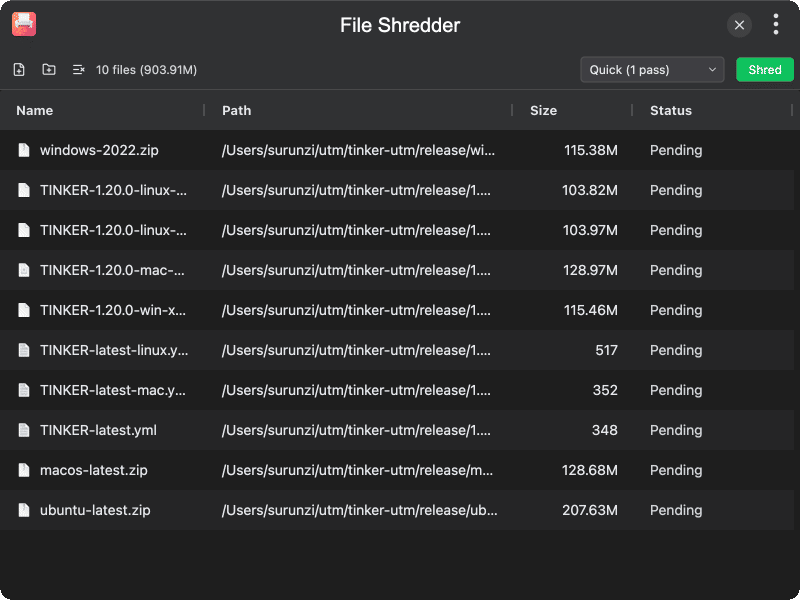 |
 |
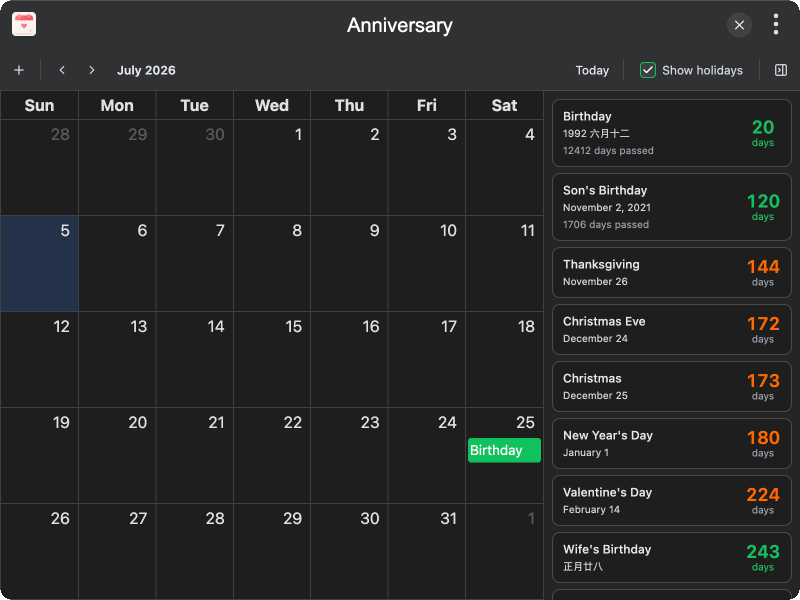
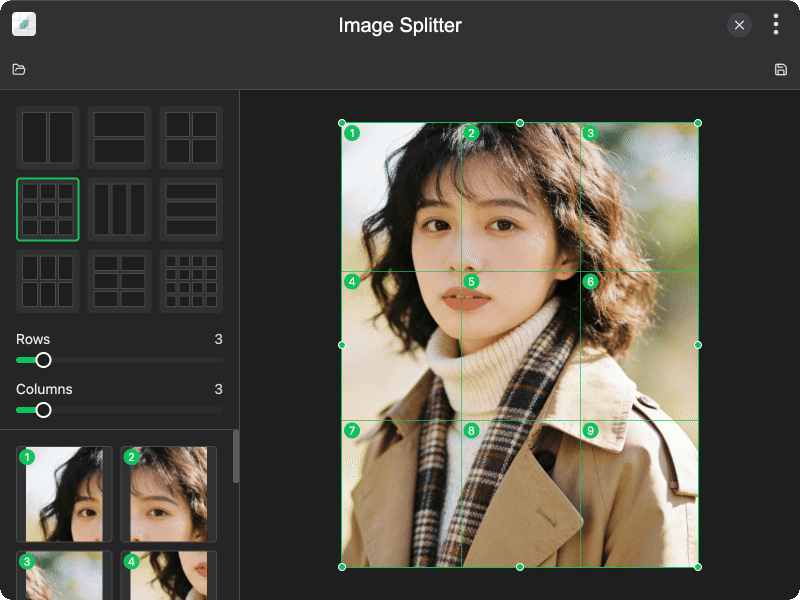
| Anniversary | Image Splitter |
 |
 |
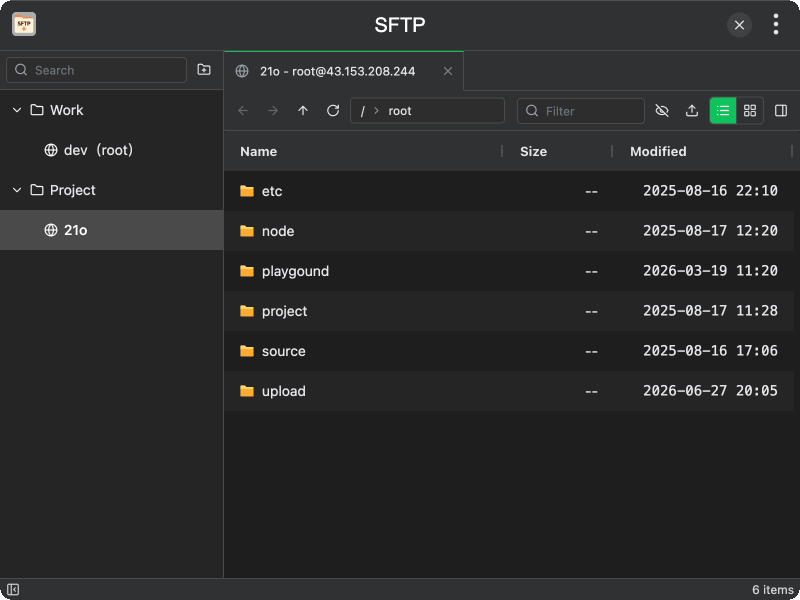
| SFTP | Reader |
 |
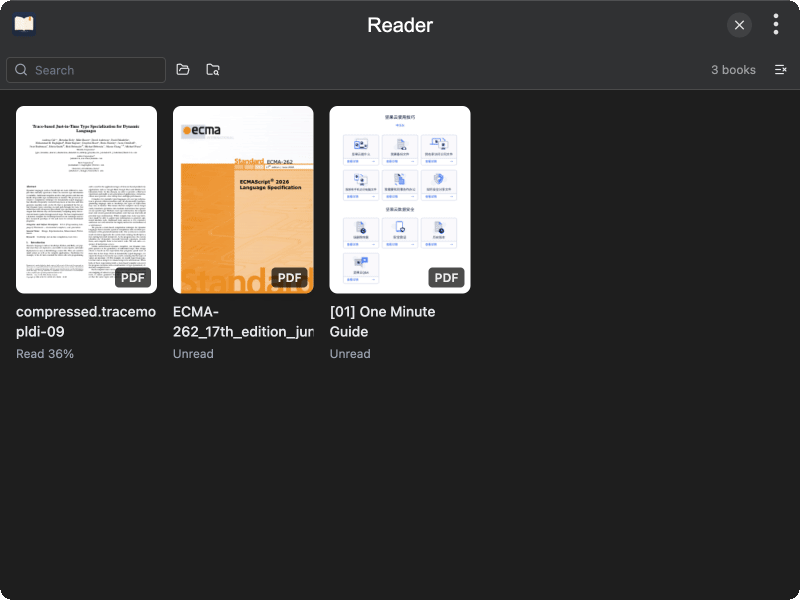 |
| Image Effect | Code Diagram |
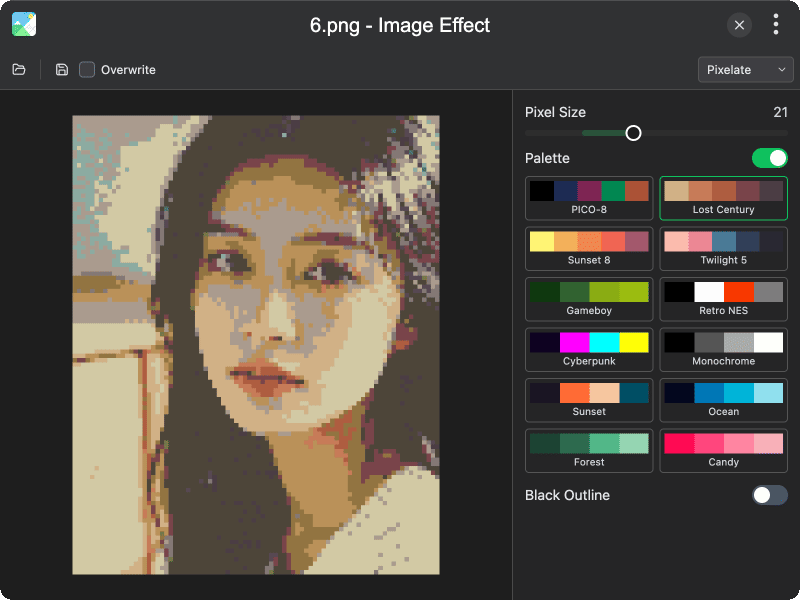 |
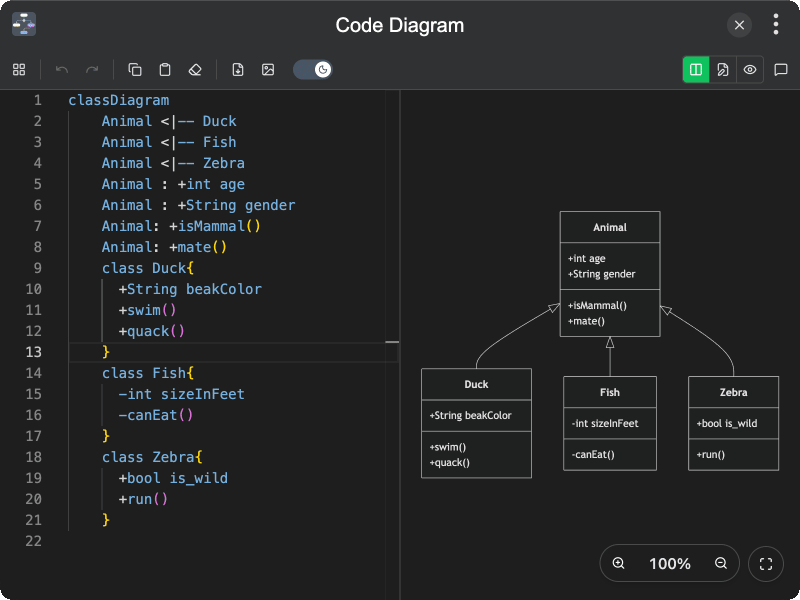 |
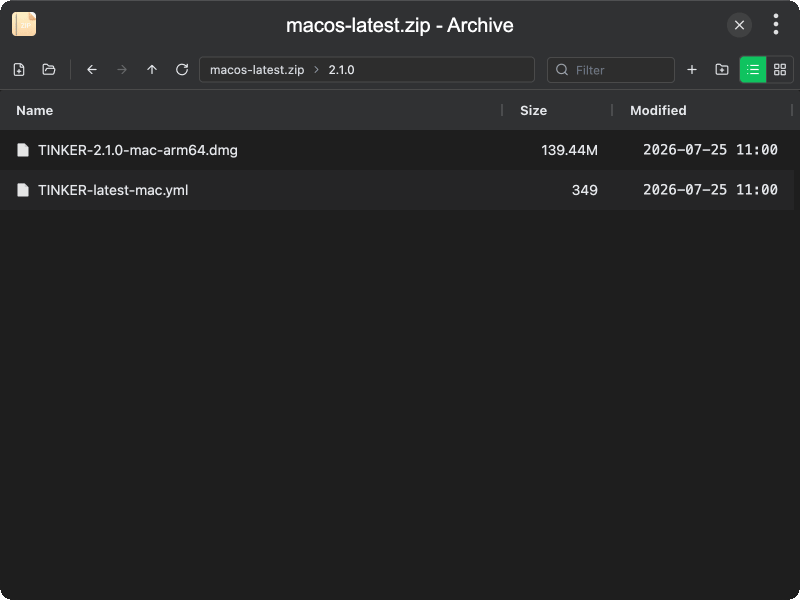
| WebSocket | Archive |
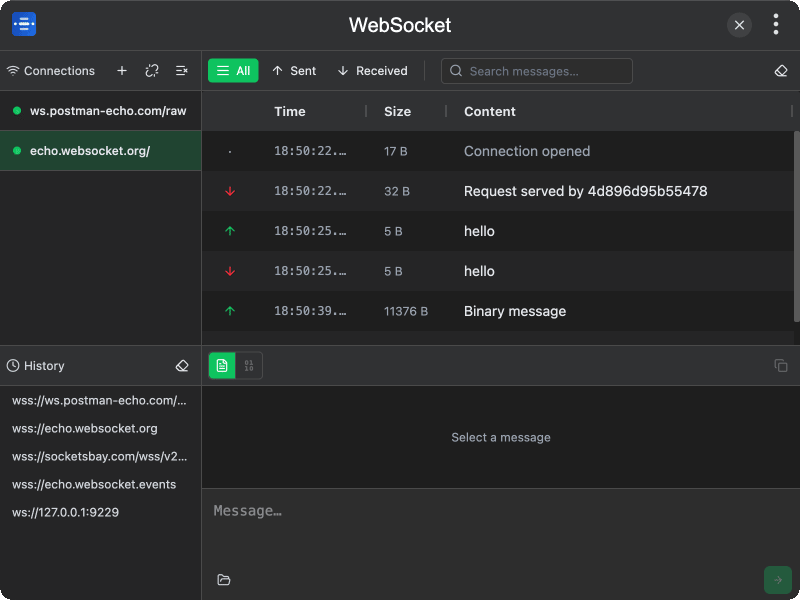 |
 |
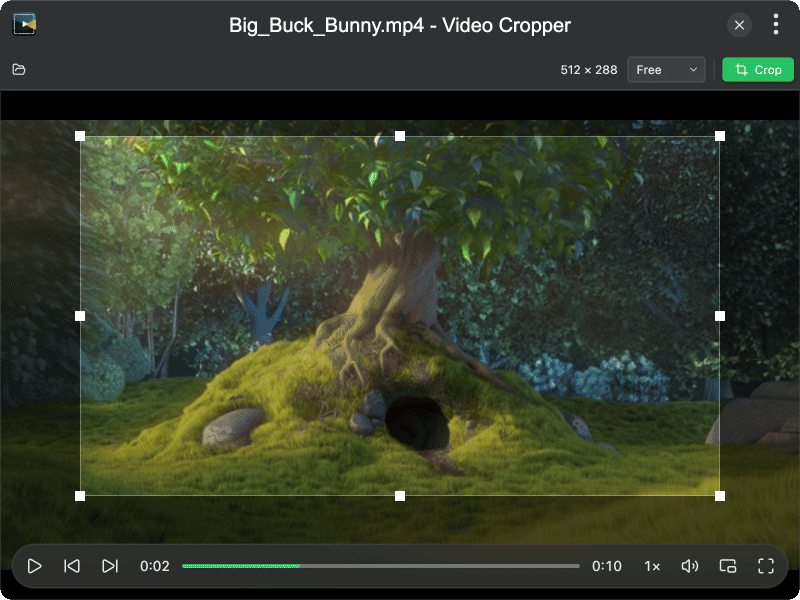
| Resume | Video Cropper |
 |
 |
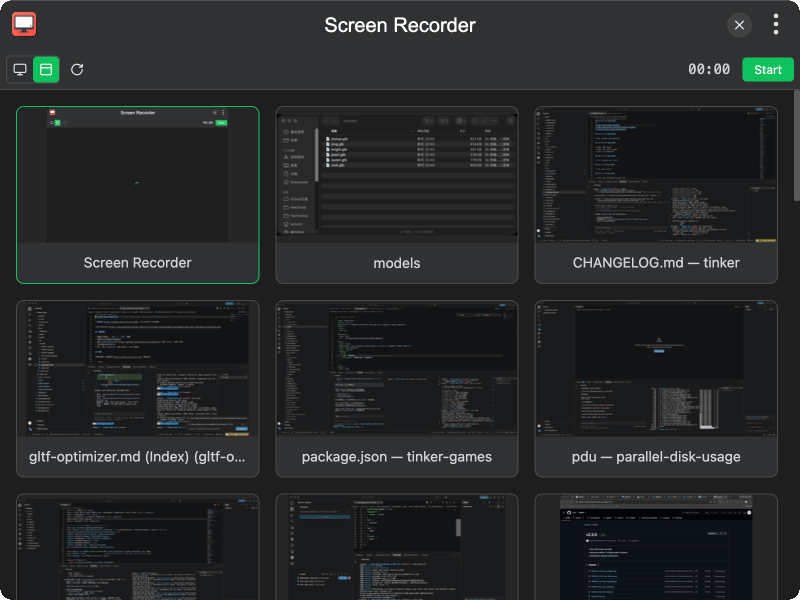
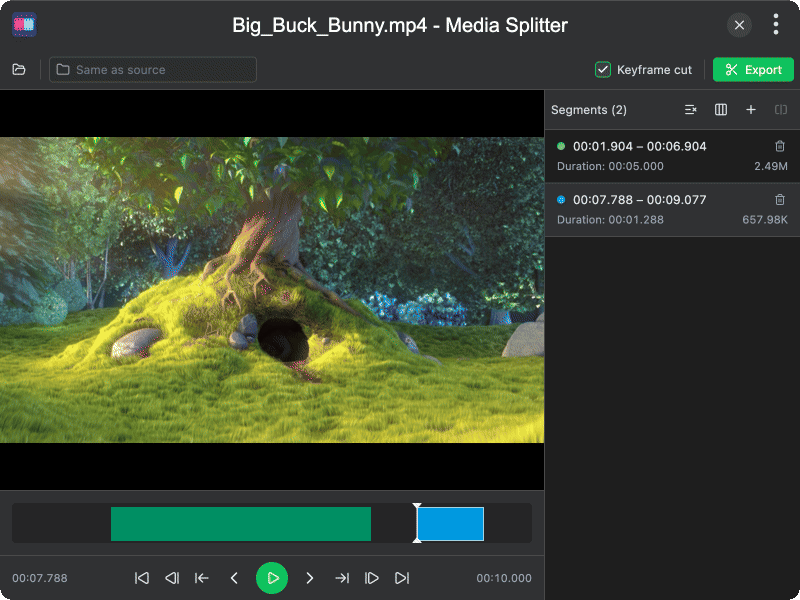
| Screen Recorder | Media Splitter |
 |
 |
| Hotkeys | Pie Menu |
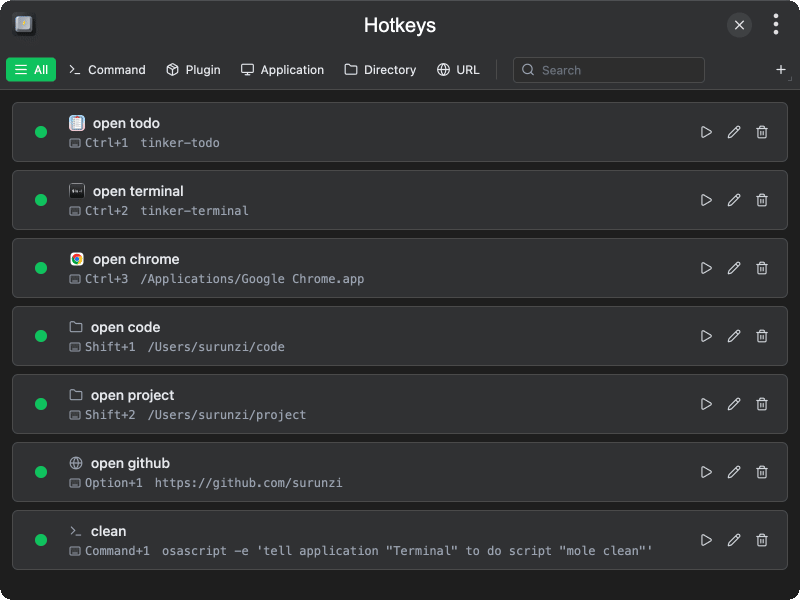 |
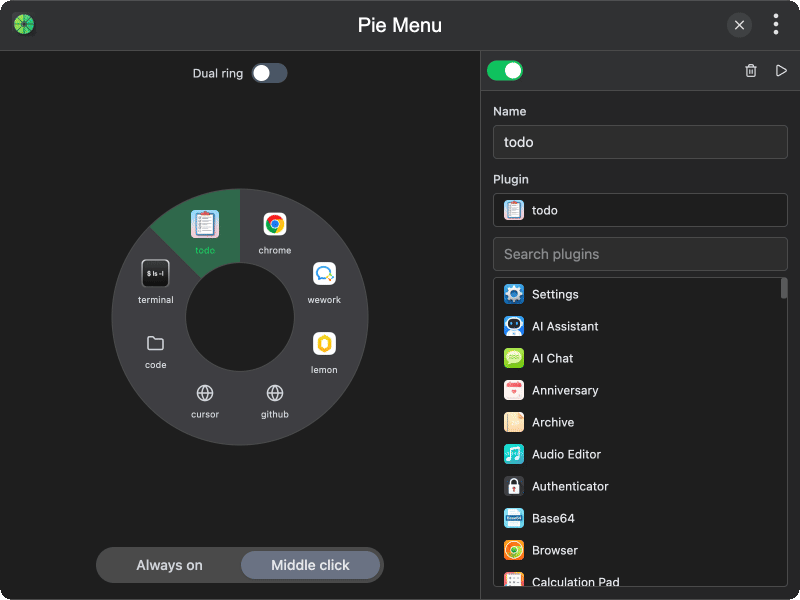 |
Official Plugins
Official non-built-in plugins are maintained at tinker-plugins. Install them via npm packages. For example: npm i -g tinker-whois.
Official Games
Official game plugins are maintained at tinker-games. Install them via npm packages. For example: npm i -g tinker-minesweeper.
Third-party Plugins
You can find a selection of high-quality third-party tools already packaged here. To add them to TINKER, simply install the corresponding npm packages. For example: npm i -g tinker-drawio.
Web Plugins
Web apps wrapped as plugins are maintained at tinker-web. Install them via npm packages. For example: npm i -g tinker-deepseek.