
 Duo Translator
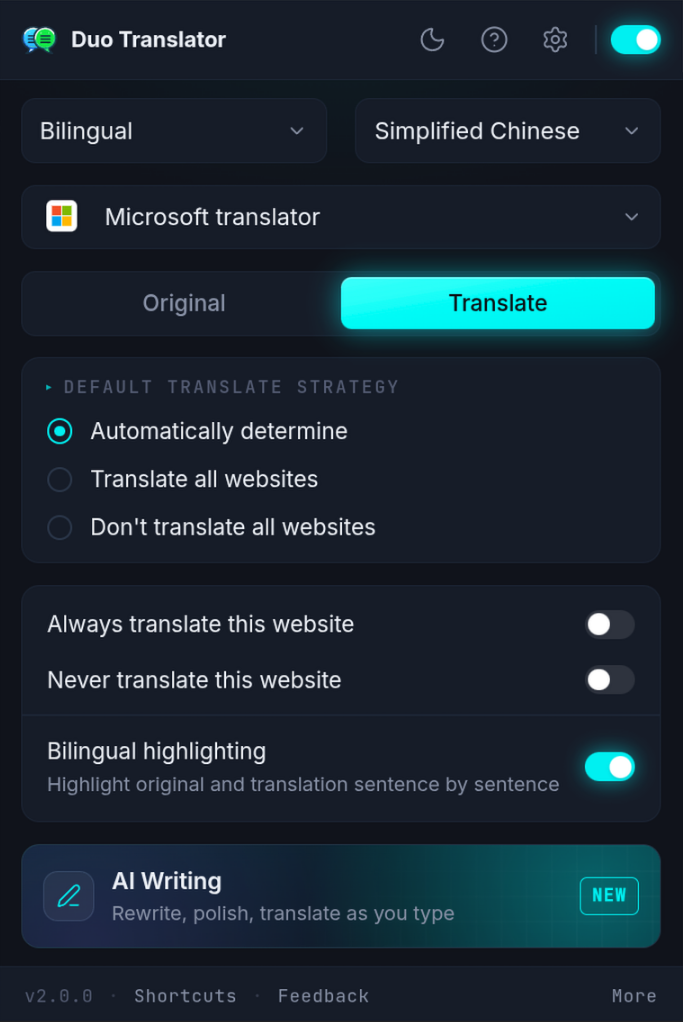
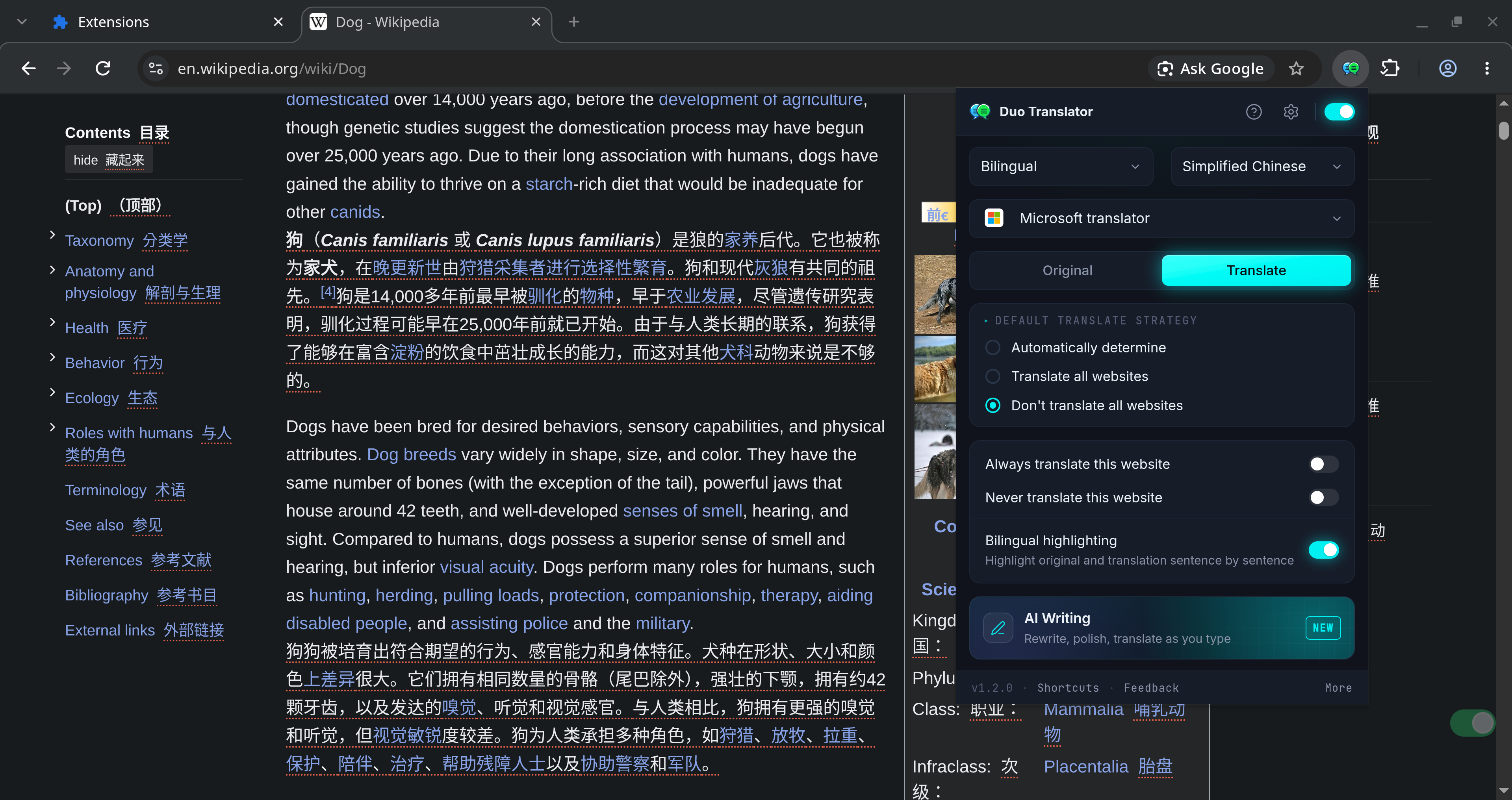
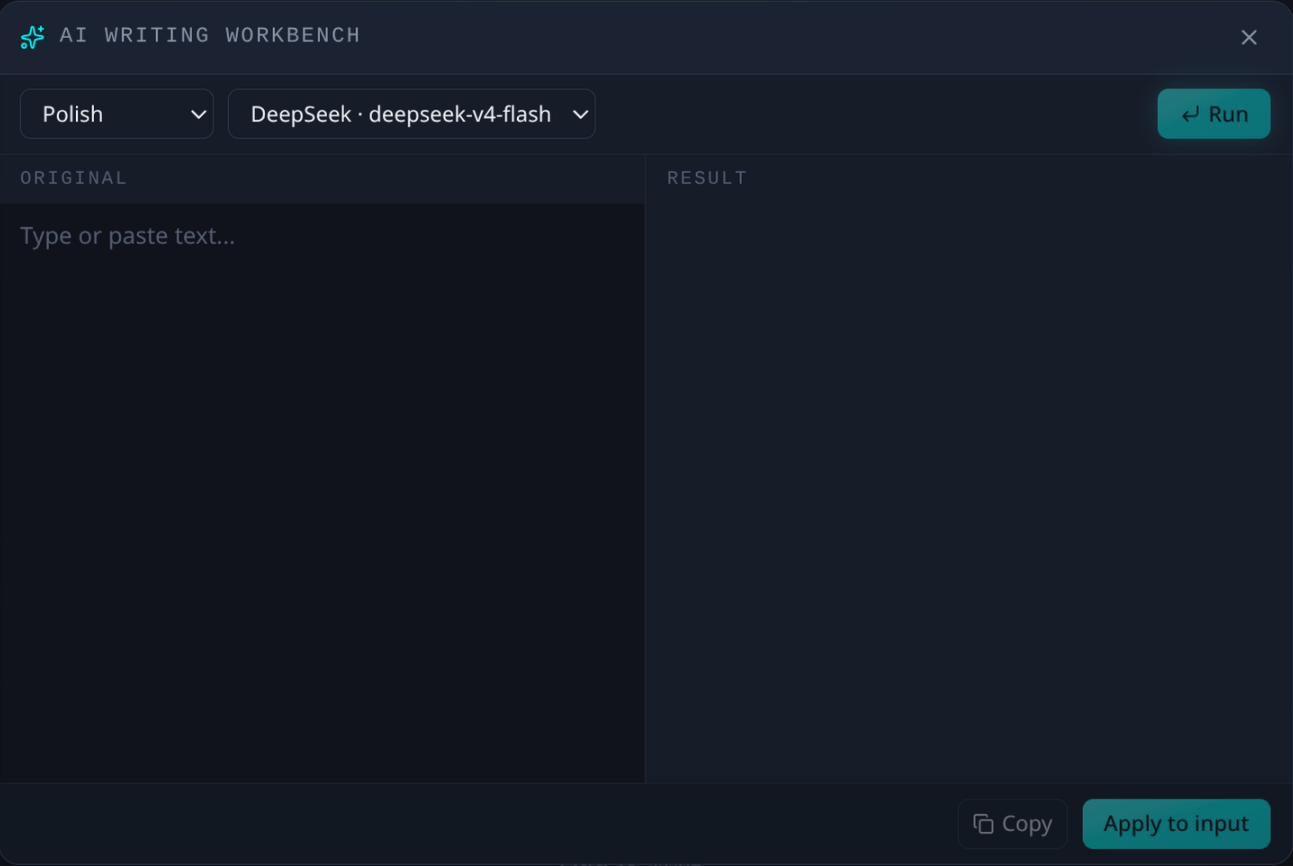
An AI-powered translation and writing assistant. Supports webpage translation, selected text translation, writing enhancement, and more.
Features
- Translation
- AI Writing
- Video subtitles (YouTube bilingual subtitles)
- Multiple translation and AI service integrations
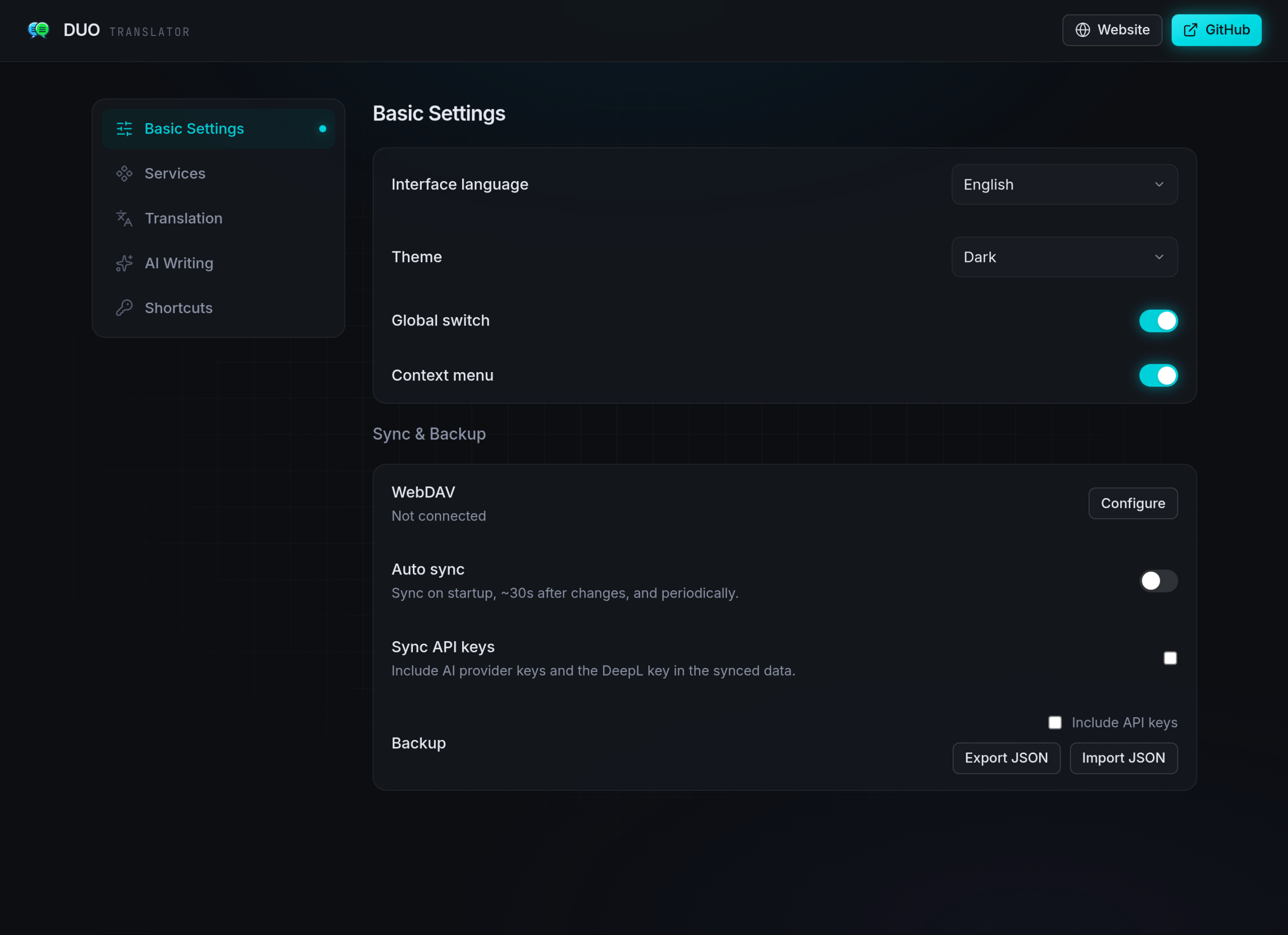
- Sync & Backup
- Shortcuts
- Customization
Installation
Add to your browser:


Alternatively, you can install it manually using the ZIP file.
Safari (beta) — manual install
Requires Safari 18.4 or later on macOS.
- Download
duo-translator-from Releases and unzip it. The folder holding-safari-beta.zip manifest.jsonis the extension — keep it somewhere permanent, Safari reads it from where it sits. - In Safari, open Settings → Advanced and tick Show features for web developers. A Developer tab appears in Settings.
- Go to Settings → Developer and turn on Allow unsigned extensions.
- Click Add Temporary Extension…, confirm with your Mac password or Touch ID, and select the folder from step 1 (the one containing
manifest.json). - Open Settings → Extensions, switch DuoTranslator on, and allow it on every website — the extension rewrites pages in place, so it needs access to the sites you read.
Shortcuts can only be edited from Safari 26 onwards, under Safari → Settings → Extensions.
Community
Screenshots
Development
Built with WXT + React. Package manager is pnpm.
- Install dependencies:
pnpm i - Start the dev build (with HMR):
pnpm dev(Firefox:pnpm dev:firefox) - Open
chrome://extensions/, enable Developer mode, and load the unpacked extension from.output/chrome-mv3-dev
pnpm build— production build to.output/chrome-mv3(Firefox:pnpm build:firefox, Edge:pnpm build:edge)pnpm zip— package the extension for store uploadpnpm test— unit tests (Vitest)pnpm e2e:build && pnpm e2e— end-to-end tests (Playwright)
Thanks to the LINUX DO community for their help and support.