
XR Blocks


AI-native library for rapid AI + XR prototyping & innovation
Site — Manual — Templates — Demos — Gem — YouTube — arXiv — Blog
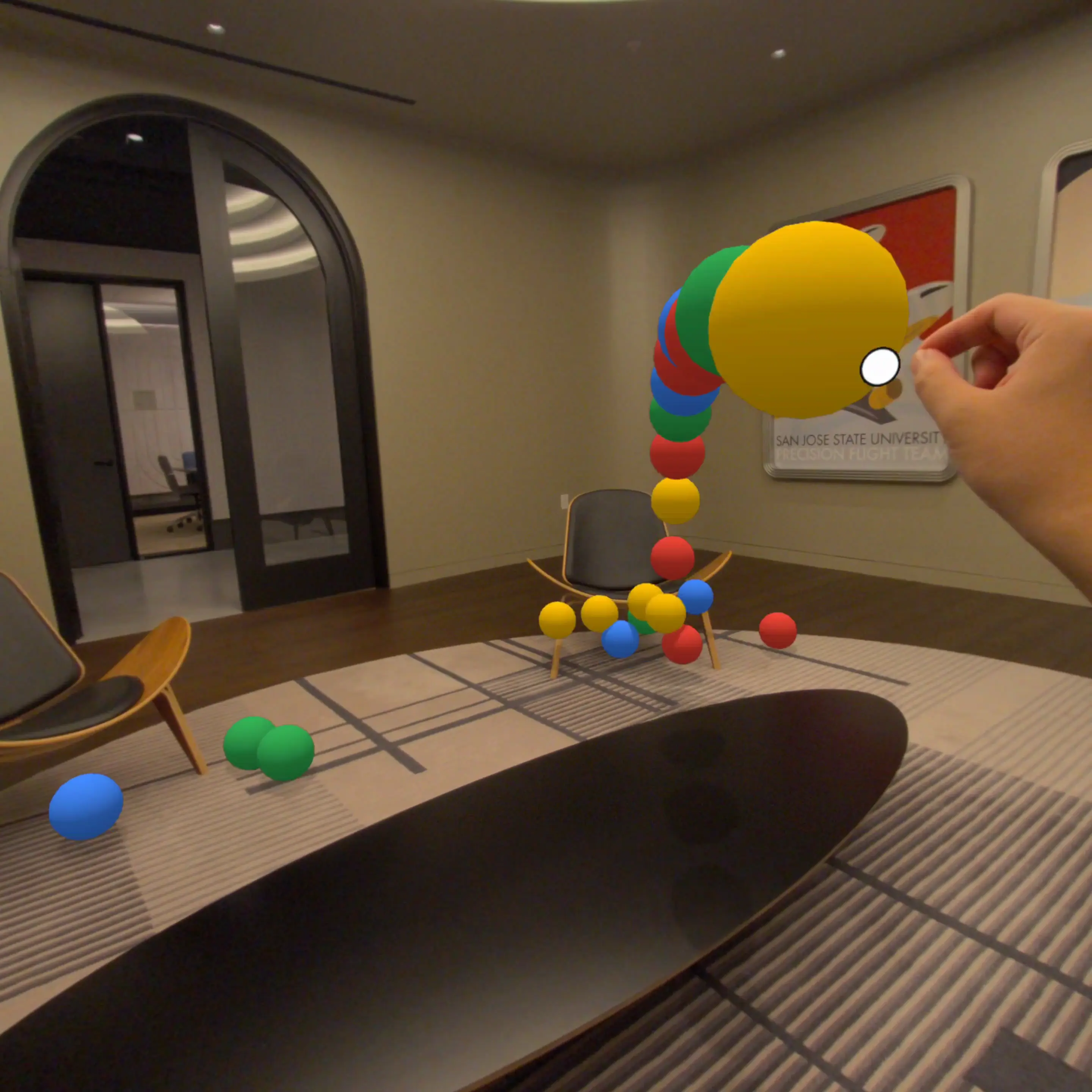
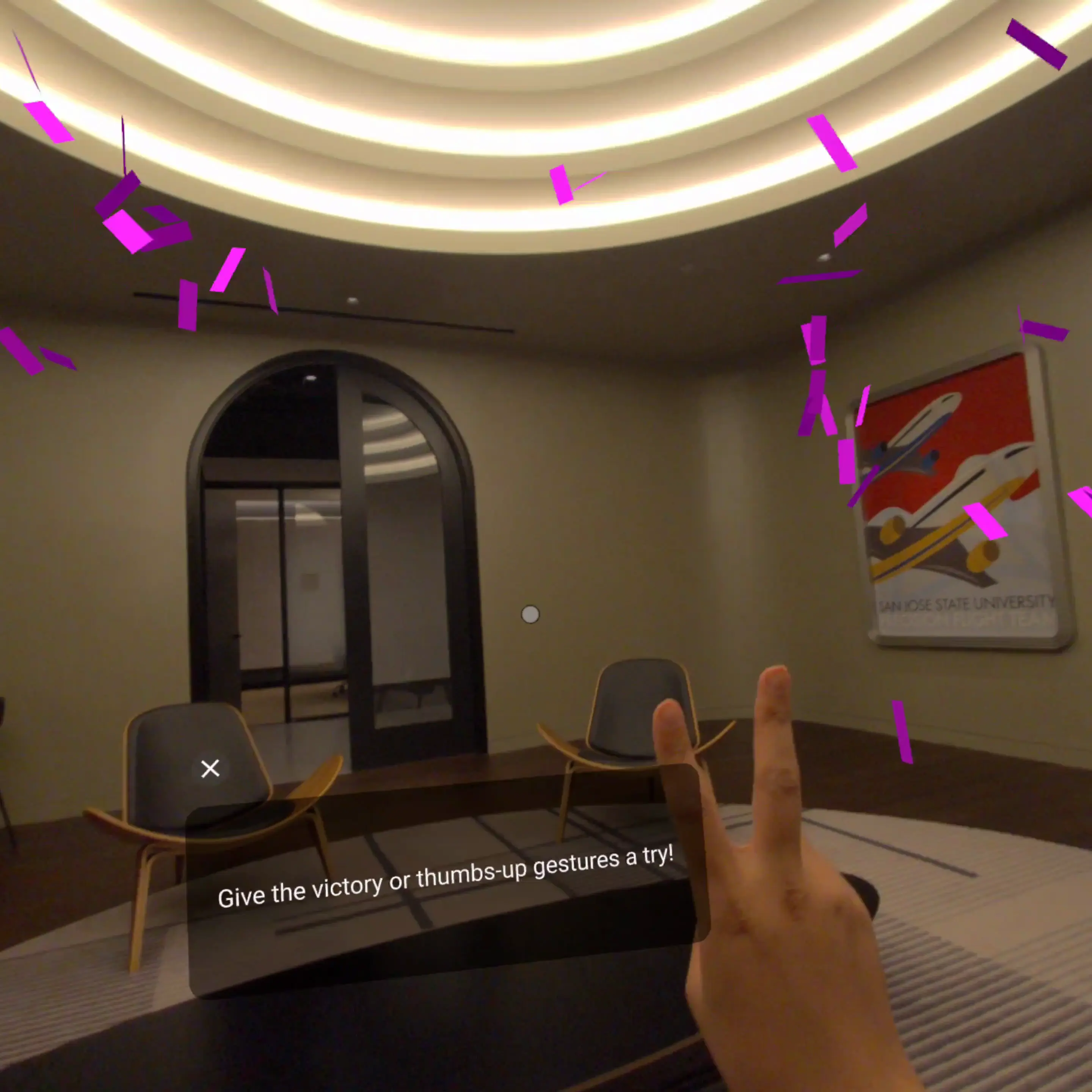
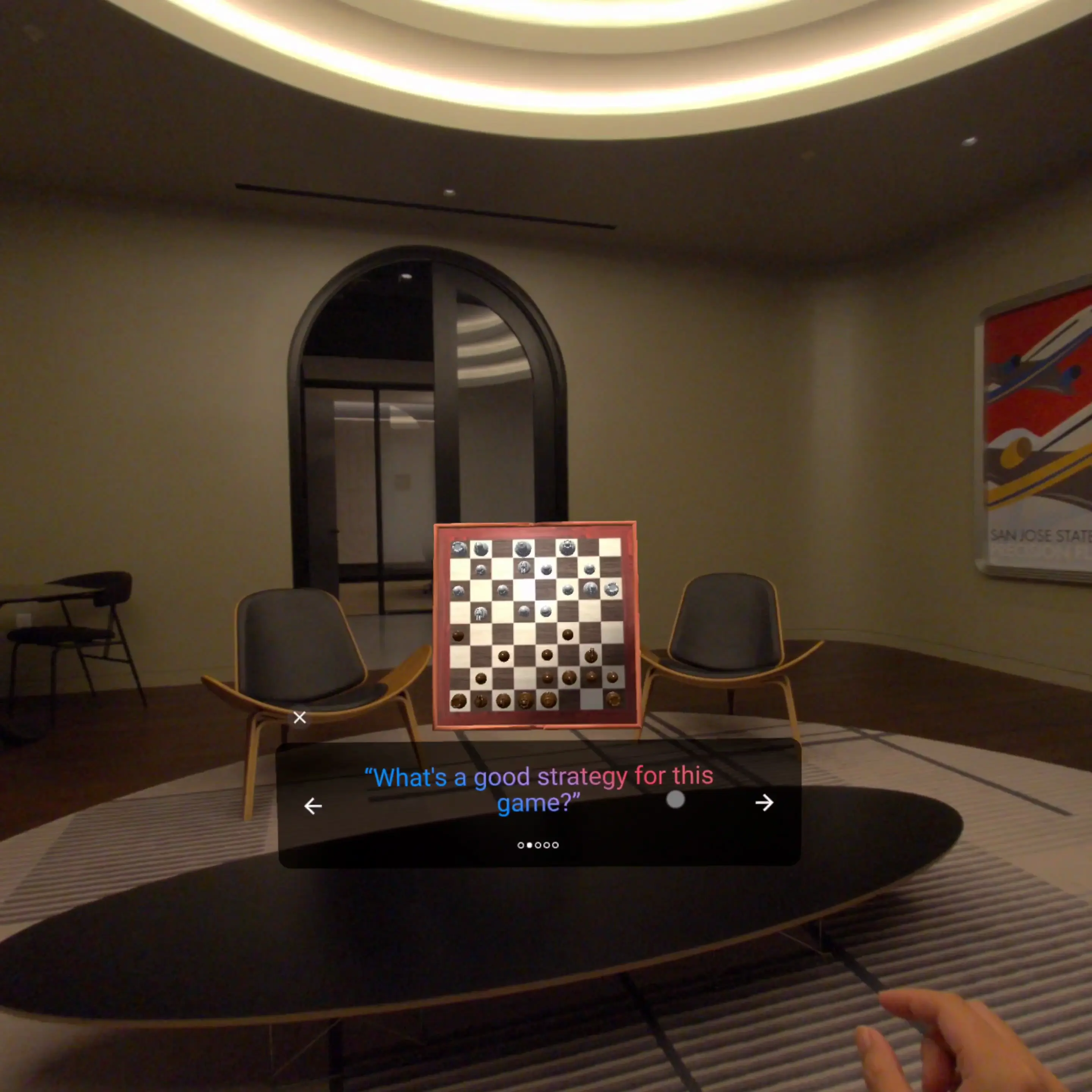
Description
XR Blocks is a lightweight, cross-platform library for rapidly prototyping advanced XR and AI experiences. Built upon three.js, it targets Chrome v136+ with WebXR support on Android XR (e.g., Galaxy XR, XREAL Aura) and also includes a powerful desktop simulator for development. The framework emphasizes a user-centric, developer-friendly SDK designed to simplify the creation of immersive applications with features like:
- Hand Tracking & Gestures: Access advanced hand tracking, custom gestures
- Hand Gesture Recognition: Opt into pinch, open-palm, fist, thumbs-up, point,
options.enableGestures(), tune providers or
thresholds, and subscribe to gesturestart/gestureupdate/gestureend
events from the shared subsystem.
- Head Gesture Recognition: Detect completed nod and shake motions with
options.enableHeadGestures() and subscribe through
xb.input.headGestures on device or in the desktop simulator.
- World Understanding: Present samples with depth sensing, geometry-aware
- Unified Interaction: Use one target and capture pipeline for mouse, gaze,
- Built-in Spatial UI: Compose world-space cards and view-space overlays from
- Agent Context: Expose an agent-facing scene context with semantic trees,
xb.context.
- AI Integration: Seamlessly connect to Gemini for multimodal
- Cross-Platform: Write once and deploy to both XR devices and desktop
We welcome all contributors to foster an AI + XR community! Read our blog post and white paper for a visionary roadmap.
Usage
XR Blocks can be imported directly into a webpage using an importmap. This code creates a basic XR scene containing a cylinder. When you view the scene, you can pinch your fingers (in XR) or click (in the desktop simulator) to change the cylinder's color. Check out this live demo with simple code below:
<!DOCTYPE html>
<html lang="en">
  <head>
    <title>Basic Example | XR Blocks</title>
    <meta charset="utf-8" />
    <meta
      name="viewport"
      content="width=device-width, initial-scale=1.0, user-scalable=no"
    />
    <link
      type="text/css"
      rel="stylesheet"
      href="https://cdn.jsdelivr.net/gh/google/xrblocks@main/samples/main.css"
    />
    <script type="importmap">
      {
        "imports": {
          "three": "https://cdn.jsdelivr.net/npm/[email protected]/build/three.module.js",
          "three/addons/": "https://cdn.jsdelivr.net/npm/[email protected]/examples/jsm/",
          "xrblocks": "https://cdn.jsdelivr.net/gh/google/xrblocks@build/xrblocks.js",
          "xrblocks/addons/": "https://cdn.jsdelivr.net/gh/google/xrblocks@build/addons/"
        }
      }
    </script>
  </head>
  <body>
    <script type="module">
      import * as THREE from 'three';
      import * as xb from 'xrblocks';
/**
       * A basic example of XR Blocks to render a cylinder and pinch to change its color.
       */
      class MainScript extends xb.Script {
        init() {
          // Add a simple light to the scene.
          this.add(new THREE.HemisphereLight(0xffffff, 0x666666, 3));
// Create the 3D object.
          const geometry = new THREE.CylinderGeometry(0.2, 0.2, 0.4, 32);
          const material = new THREE.MeshPhongMaterial({
            color: 0xffffff,
            transparent: true,
            opacity: 0.8,
          });
          this.player = new THREE.Mesh(geometry, material);
// Position the object in front of the user.
          this.player.position.set(
            0,
            xb.user.height - 0.5,
            -xb.user.objectDistance
          );
          this.add(this.player);
        }
/**
         * Changes the color of the mesh on a pinch or click.
         */
        onSelectEnd(event) {
          this.player.material.color.set(Math.random() * 0xffffff);
        }
      }
// When the page content is loaded, add our script and initialize XR Blocks.
      document.addEventListener('DOMContentLoaded', function () {
        xb.add(new MainScript());
        xb.init(new xb.Options());
      });
    </script>
  </body>
</html>
Gem
For rapid prototyping, please refer to this blog and try out XR Blocks Gem on Android XR or desktop using Chrome.
A video demonstration of XR Blocks Gem can be found here.
Development Guide
Setup
# Clone the repository.
git clone --depth=1 [email protected]:google/xrblocks.git
cd xrblocks
Install dependencies and build the SDK.
npm ci
After setup, either serve the samples and demos or develop locally, as described below.
Serve samples and demos
Serve the repository to view samples and demos through http://localhost:8080/:
# Serve the repository on http://localhost:8080
npm run serve
Develop locally
For active SDK development, run watch mode and local serving together:
# Build the SDK in watch mode and serve the repository on http://localhost:8080
npm run dev
Linting and formatting
XR Blocks uses Oxlint for linting and Prettier for formatting. Run the following commands to check your code before submitting a pull request:
npm run lint # Oxlint check
npm run format # Prettier format
If you are using VS Code, install the Oxc extension and the Prettier extension, then set Prettier as your default formatter.
Devtools
For local before/after Chrome measurements, see the standalone profiler. It records interleaved samples and raw traces and generates a static HTML report, with optional WebGL depth-call counters.
For additional agent-first development tools including UI visualizers, 3d model visualizers, CLI based embodied XR Blocks runners, and automatic agent controls, see XR Blocks Devtools.
Notice
This is not an officially supported Google product, but will be actively maintained by the XR Labs team and external collaborators. This project is not eligible for the Google Open Source Software Vulnerability Rewards Program.
User Data & Permissions
When using specific features in this SDK (e.g., WebXR, hand tracking, camera), users will be prompted with permission requests and the application may not function as expected with denied permissions.
XR Blocks is an open source software development kit that does not handle data by itself; however, the use of other APIs may collect user data and require user permissions:
When using WebXR and LiteRT APIs (e.g., depth sensing, gesture recognition), all data is stored and processed locally with on-device models.
When using AI features (e.g., Gemini Live, Gemini Flash), the data will be sent to Gemini servers and please follow Gemini's Privacy & Terms.
Keep Your API Key Secure
This SDK does not require any API keys for non-AI samples. In specific AI use cases, this SDK provides an interface to use cloud-hosted Gemini services with XR experiences, requiring an API key from AI Studio. Please follow this doc for best practices to keep your API key secure.
Treat your Gemini API key like a password. If compromised, others can use your project's quota, incur charges (if billing is enabled), and access your private data, such as files.
Critical Security Rules
Never commit API keys to source control. Do not check your API key into version control systems like Git.
Never expose API keys on the client-side. Do not use your API key directly in web or mobile apps in production. Keys in client-side code (including our JavaScript/TypeScript libraries and REST calls) can be extracted.
Uninstallation
To remove XR Blocks from your code, simply remove the lines from your
Chat with me