
Dolos
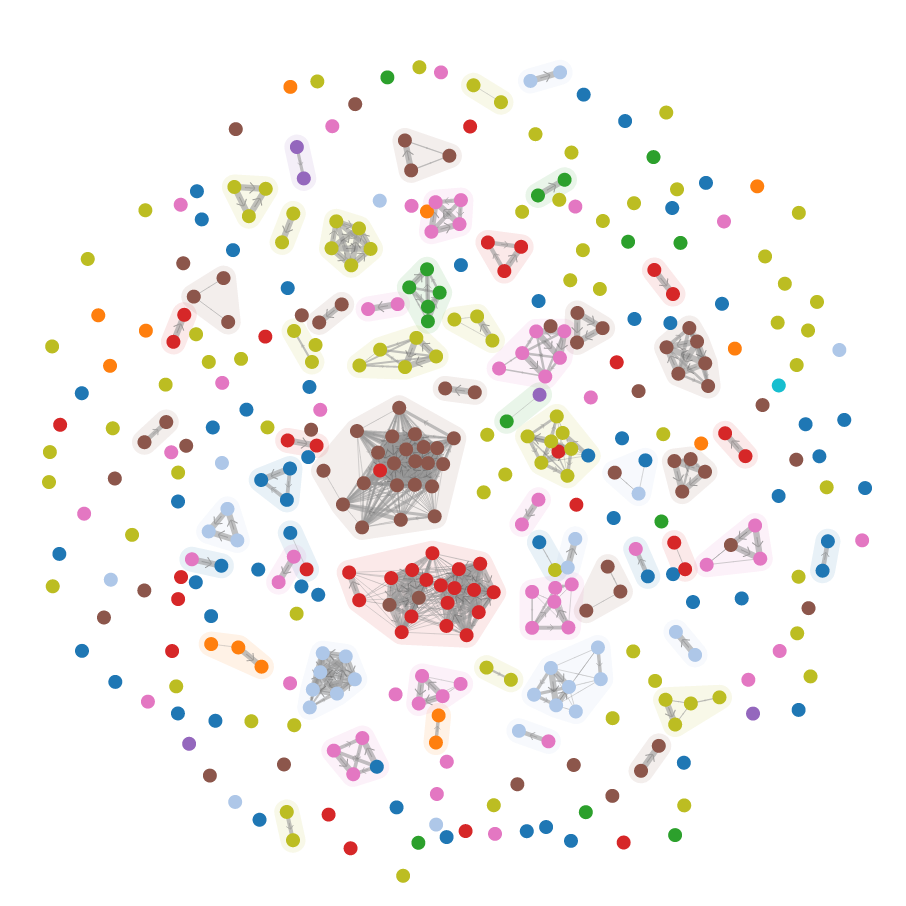




Dolos is a source code plagiarism detection tool for programming exercises. Dolos helps teachers in discovering students sharing solutions, even if they are modified. By providing interactive visualizations, Dolos can also be used to sensitize students to prevent plagiarism.
Dolos aims to be:
- Easy to use by offering a web app with an intuitive user interface
- Flexible to support many programming languages
- Powerful by using state-of-the-art algorithms to help you discover plagiarism
You can use our free to use instance of Dolos on
Self-hosting Dolos
As Dolos is open source, it is also possible to host the Dolos web app.
Follow our instructions on
Local installation with Dolos CLI
If you want to run the Dolos CLI instead of using the web app, you can install Dolos CLI your system using npm:
npm install -g @dodona/dolosSee the installation instructions on our website for more complete instructions.
Usage
Dolos can be launched using the command-line interface, but it is able to show the results in your browser.
Launch Dolos using the following command in your terminal:
dolos run -f web path/to/your/files/*More elaborate instructions on how to use Dolos.
Documentation
Visit our web page at
Building and developing
To develop the parsers, library or CLI components, you will need to clone this repository recursively to include its submodules (the tree-sitter parsers):
git clone --recursive git://github.com/dodona-edu/dolos.git
or, if you have cloned the repository already:
git submodule update --init --recursive
You only need to run install the dependencies once in the repository root by
running npm install. This will install all dependencies and link them in each
project's node_modules. You should not run npm install in each project's directory separately.
This will also link the dist folder from the core, lib and web projects as their versions match in the package.json file.
This allows you to simultaneously develop the CLI, lib and the web project together.
Each component has its own build instructions in its own directory.
Local installation using Docker
The latest Dolos version comes pre-installed in a Docker container image that is available from GitHub's container registry. Use the following command to pull the image:
docker pull ghcr.io/dodona-edu/dolos-cli:latestNext, you can run an analysis with Dolos and start a web server to view the results using the following docker command:
docker run --init --network host -v "$PWD:/dolos" dodona/dolos -l javascript -f web *.jsThe arguments passed to docker serve the following purpose:
--initwill make sure stopping the container with Control-C works--network hostallows Dolos's webserver to bind to-v "$PWD:/dolos"gives Dolos acces to your current directory
Components
- CLI: the command-line interface
- Core: the Javascript library with only the core algorithms
- Parsers: the tree-sitter parsers vendored by Dolos
- Lib: the Node.js library which can parse and analyze files
- Web: the graphical user interface in your browser which can be launched using the CLI
- Docs: the source code of
- API: the API server running the Dolos web app at
Who made this software?
Dolos is an active research project by Team Dodona at Ghent University. If you use this software for your research, please cite:
- Maertens et. al. (2024) SoftwareX doi:10.1016/j.softx.2024.101755