B1Admin
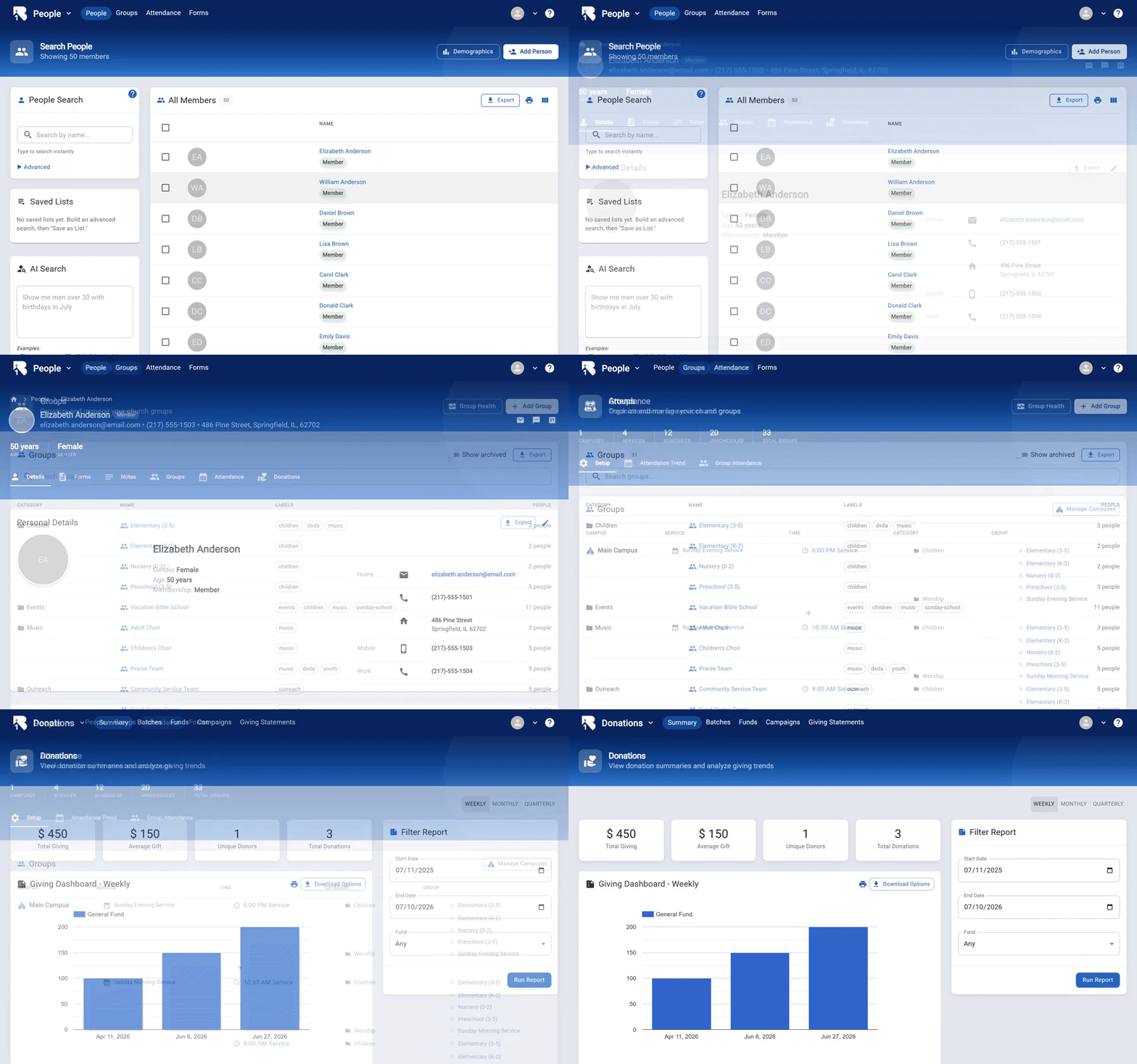
B1Admin is completely free, open-source church management software that allows you to manage key data on church members and visitors. It offers comprehensive features including member and guest information tracking, attendance management with a self check-in app, group coordination, donation tracking with detailed reports, and custom form creation. Visit https://b1.church/ to learn more.
🚀 Self-Hosting (Beta)
Run your own private instance — B1Admin, the B1 member portal, the API, and a MySQL database.
Docker
git clone https://github.com/ChurchApps/B1Admin.git
cd B1Admin
docker compose up -d
Then open http://localhost:3101 and register — the first account becomes the server admin. See the Docker self-hosting guide for custom domains, email, backups, and updating.
Railway
Prefer managed hosting? Deploy the same stack with one click (guide):

Get Involved
🤝 Help Support Us
The only reason this program is free is because of the generous support from users. If you want to support us to keep this free, please head over to ChurchApps or sponsor us on GitHub. Thank you so much!
🏘️ Join the Community
We have a great community for end-users on Facebook. It's a good way to ask questions, get tips and follow new updates. Come join us!
⚠️ Report an Issue
If you discover an issue or have a feature request, simply submit it to our issues log. Don't be shy, that's how the program gets better.
💬 Join us on Slack
If you would like to contribute in any way, head over to our Slack Channel and introduce yourself. We'd love to hear from you.
🏗️ Start Coding
If you'd like to set up the project locally, see our development guide. The short version is:
- Copy
dotenv.sample.txtto.envand updated it to point to the appropriate API urls. - Install the dependencies with:
npm install - Run
npm run postinstallto get language files - run
npm startto launch the project.
⚙️ Payment Gateway Setup
To accept online donations you must first register for developer credentials with one of the supported payment providers:
- Stripe: Visit https://dashboard.stripe.com/register (or sign in at https://dashboard.stripe.com/login), then navigate to Developers → API keys to copy your Publishable Key and Secret Key for both test and live modes.
- PayPal: Go to https://developer.paypal.com/, log in or create an account, then under My Apps & Credentials create a new application to obtain your Sandbox and Live Client ID and Secret.
- KingdomFunding: Kingdom Funding is a payment processing option built with Christian values in mind! To get started:
https://api.churchapps.org/giving/donate/webhook/kingdomfunding?churchId={YOUR_CHURCH_ID} (replace {YOUR_CHURCH_ID} with the church ID from B1Admin — the exact URL is also shown with a copy button in Giving Settings when Kingdom Funding is selected)
- Kingdom Funding does not generate a signing key for you: choose your own secret, enter it on the webhook endpoint in the merchant portal, and paste the same value into the Webhook Key field in B1Admin's Giving Settings. Both sides must match — webhooks are rejected if the key is missing or wrong.
- Subscribe at minimum to: transaction.sale.success, transaction.auth.success, the refund events, and the ACH check.* status events (e.g. check.status.settled, check.status.returned).
After obtaining your tokens, open Settings → Giving Settings in B1Admin, select the provider, paste in your Public and Private keys, and toggle "Pay Fees" as desired. Finally, configure your fee parameters in Fee Options.