

10ten Japanese Reader
Hi fellow Japanese reader! Formerly known as Rikaichamp, this browser extension lets you look up Japanese words with the hover of a mouse or tap of a screen.


Table of Contents
Installing
Features
- Pitch accent information
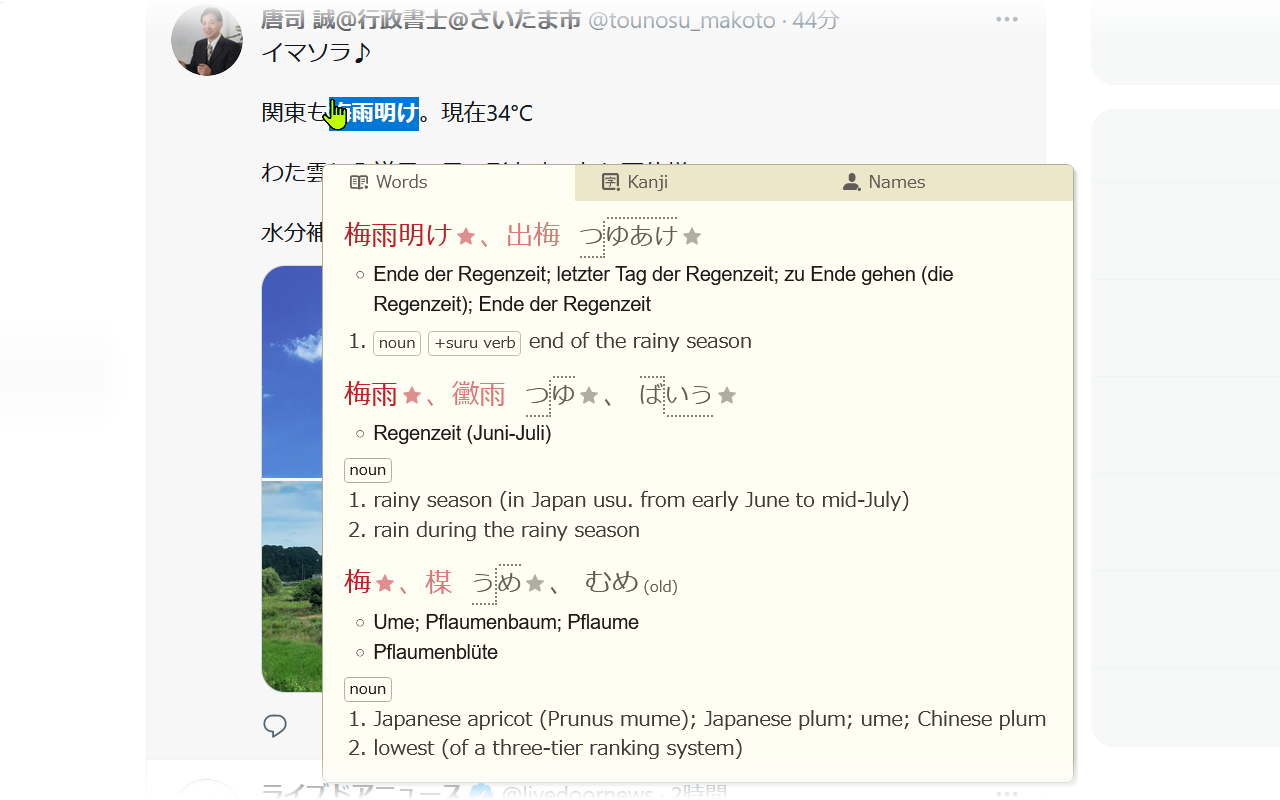
- Support for non-English dictionaries
- Dictionaries that update automatically twice a week by fetching just the updated entries
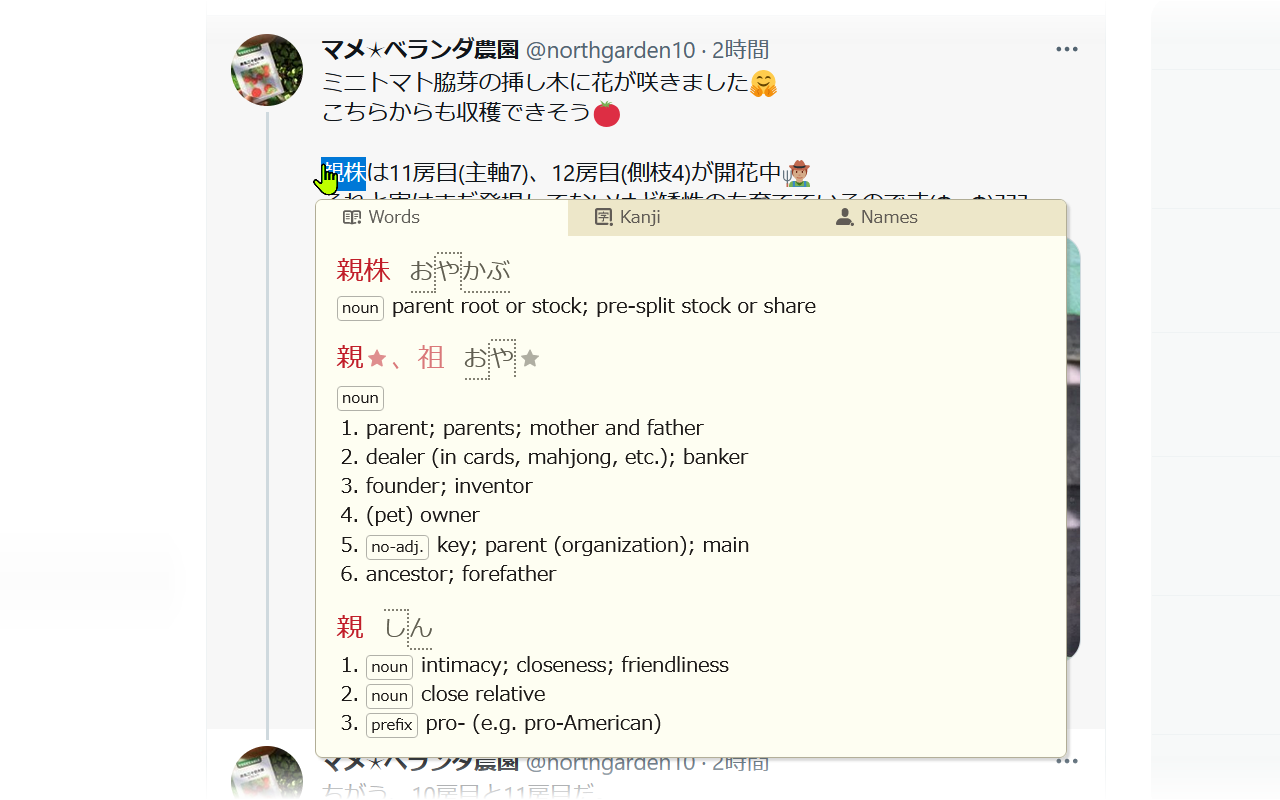
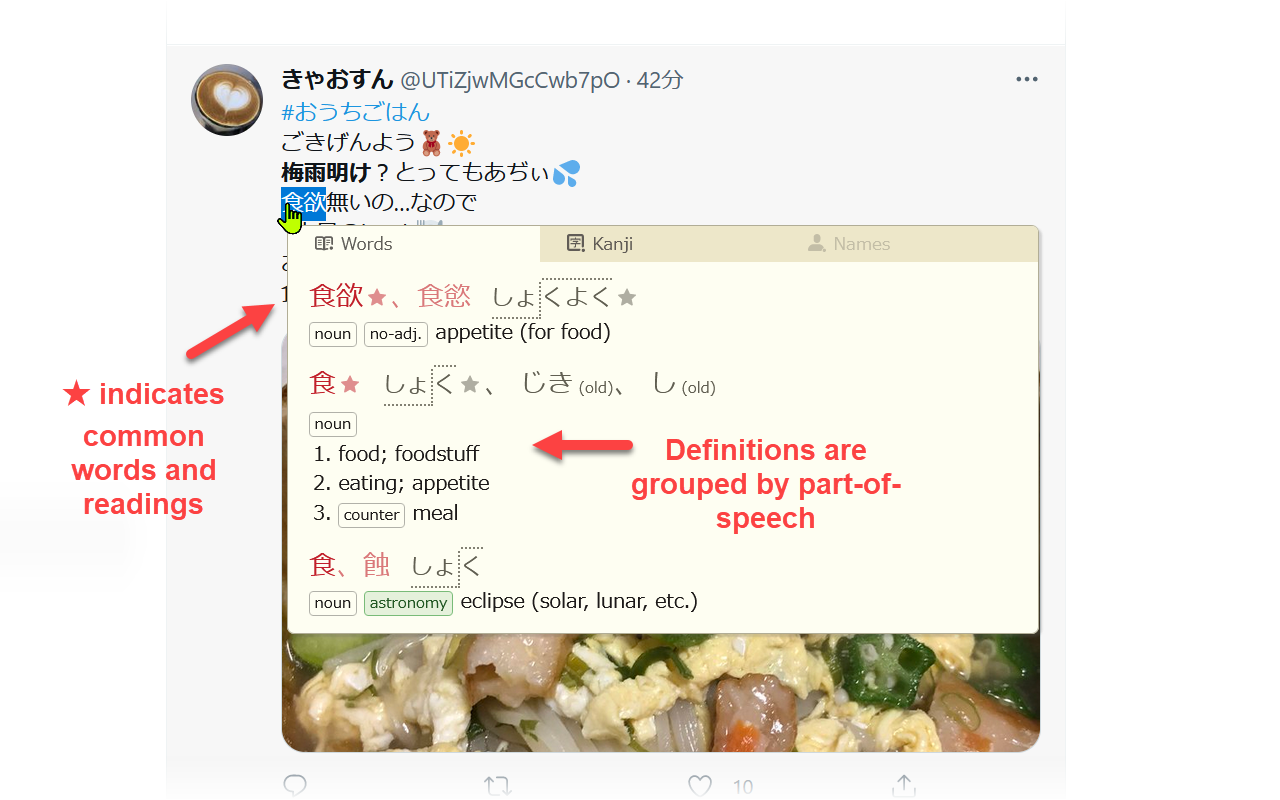
- Easy to read dictionary entries
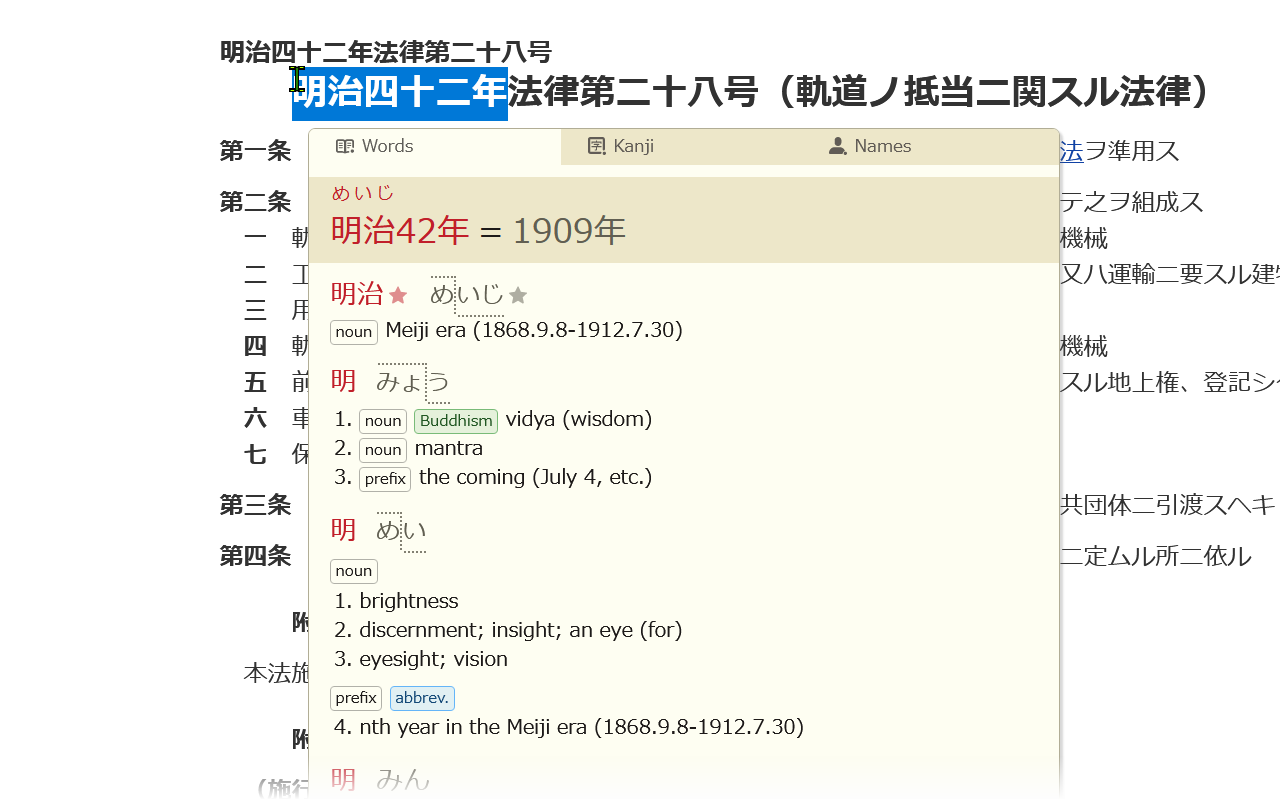
- Automatic translation of Japanese-era years into Gregorian years (e.g. 昭和56年、令和元年、平成三十一年)
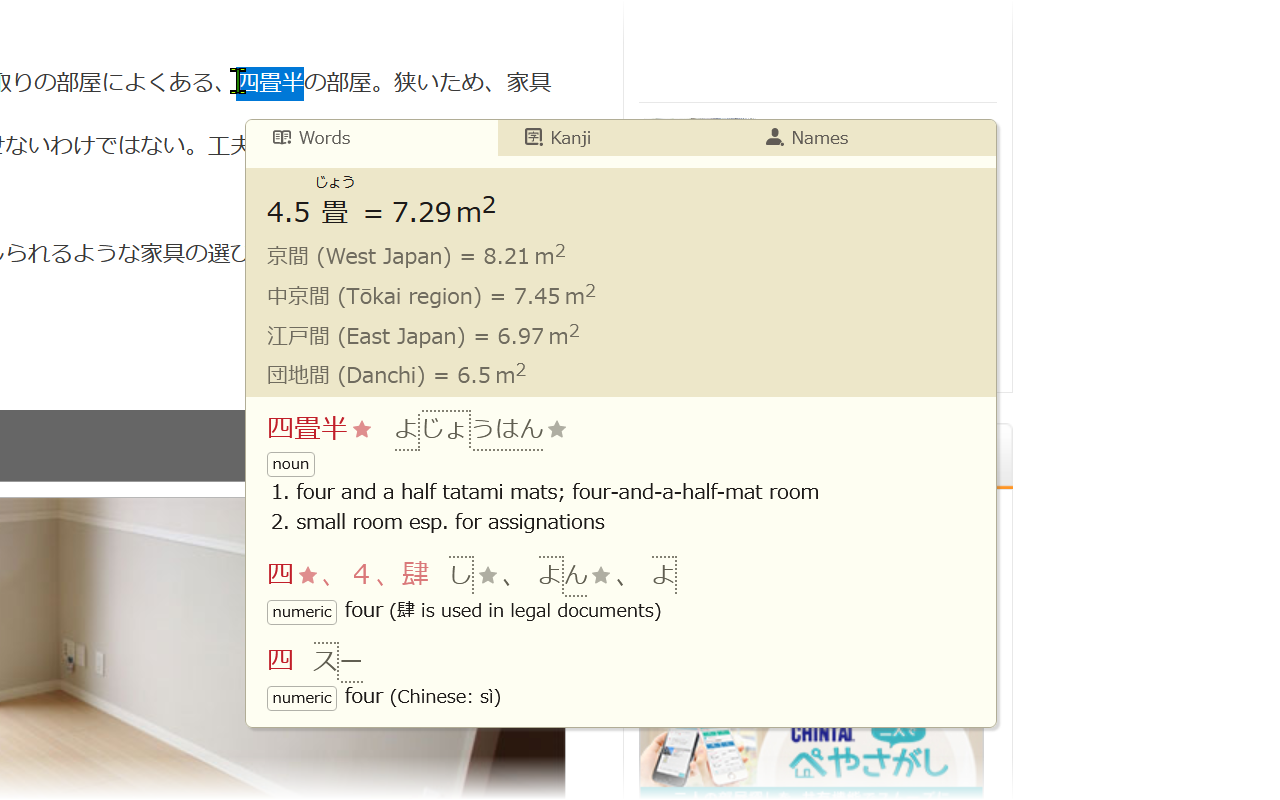
- Automatic translation between 畳/帖 measurements and square meters (e.g. 四畳半、12.6 帖、25 平米、6m2)
- Recognition of a wide range of grammatical forms
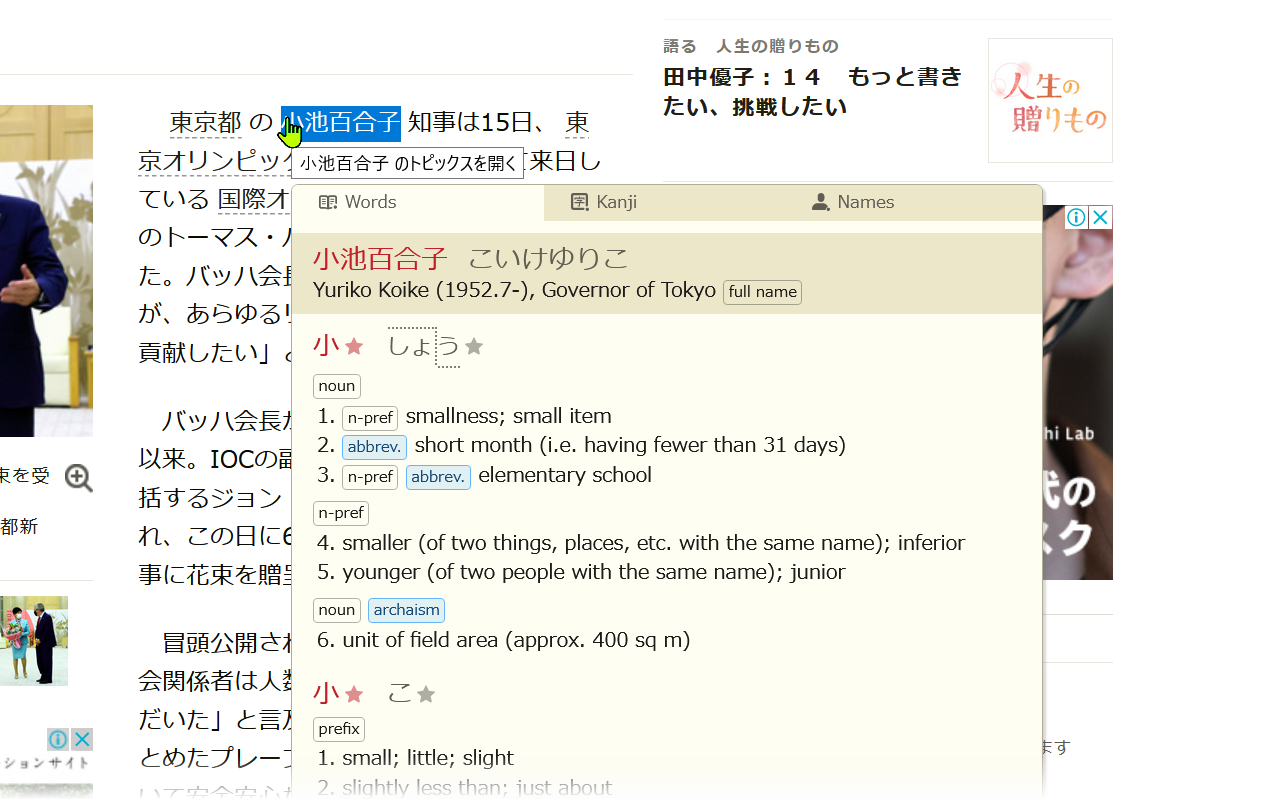
- Automatic preview of name entries when there is a better match in the name dictionary
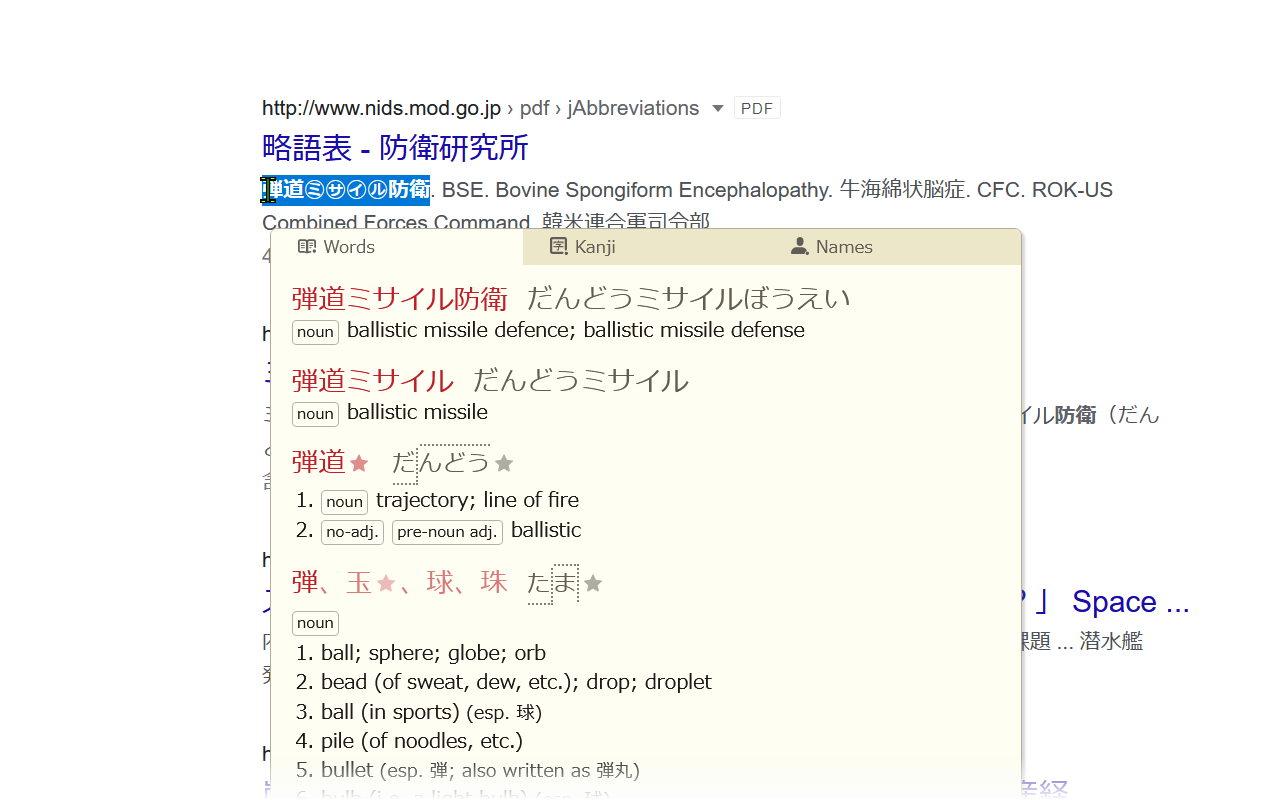
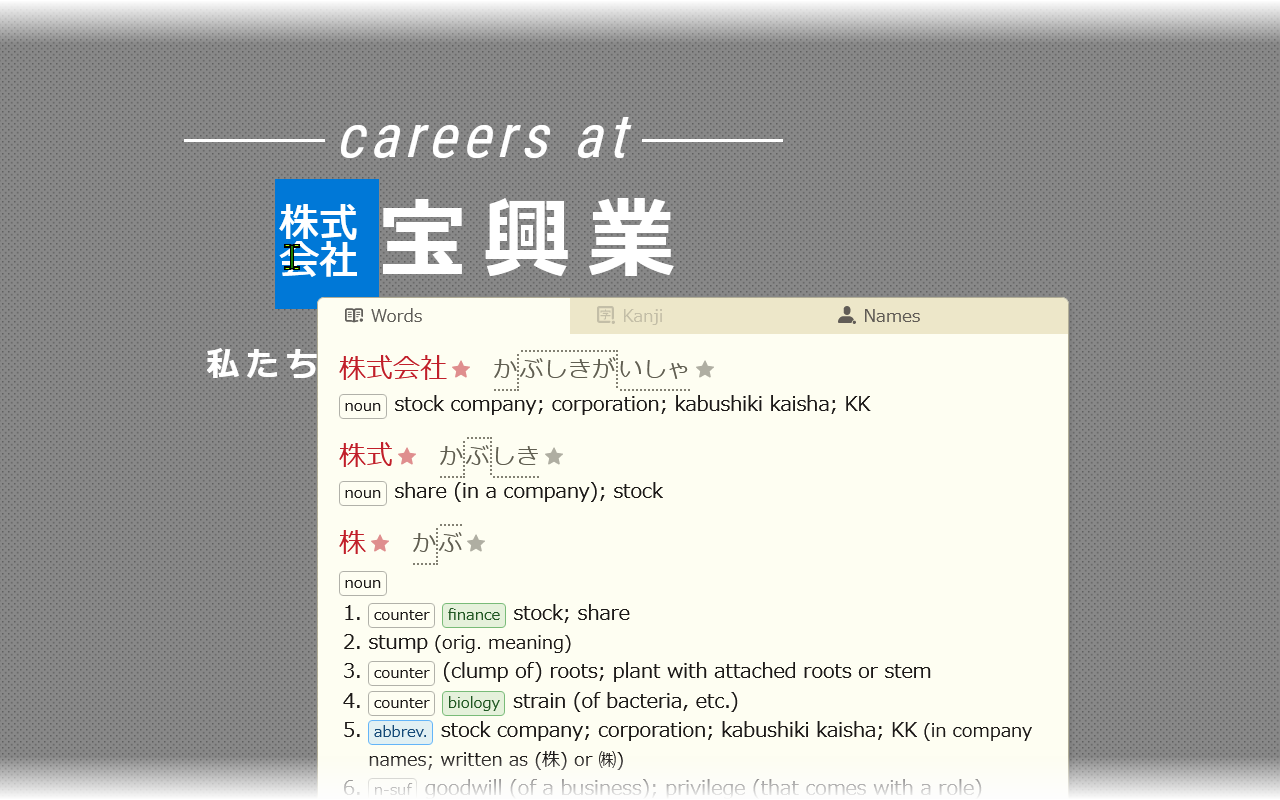
- Handling of a wide range of characters including ㋕, ㌀, ㋿, 𠏹沢, 8月, B級グルメ, オーサカ
- Localized into Japanese (so you can study Japanese while you study Japanese!) and Simplified Chinese
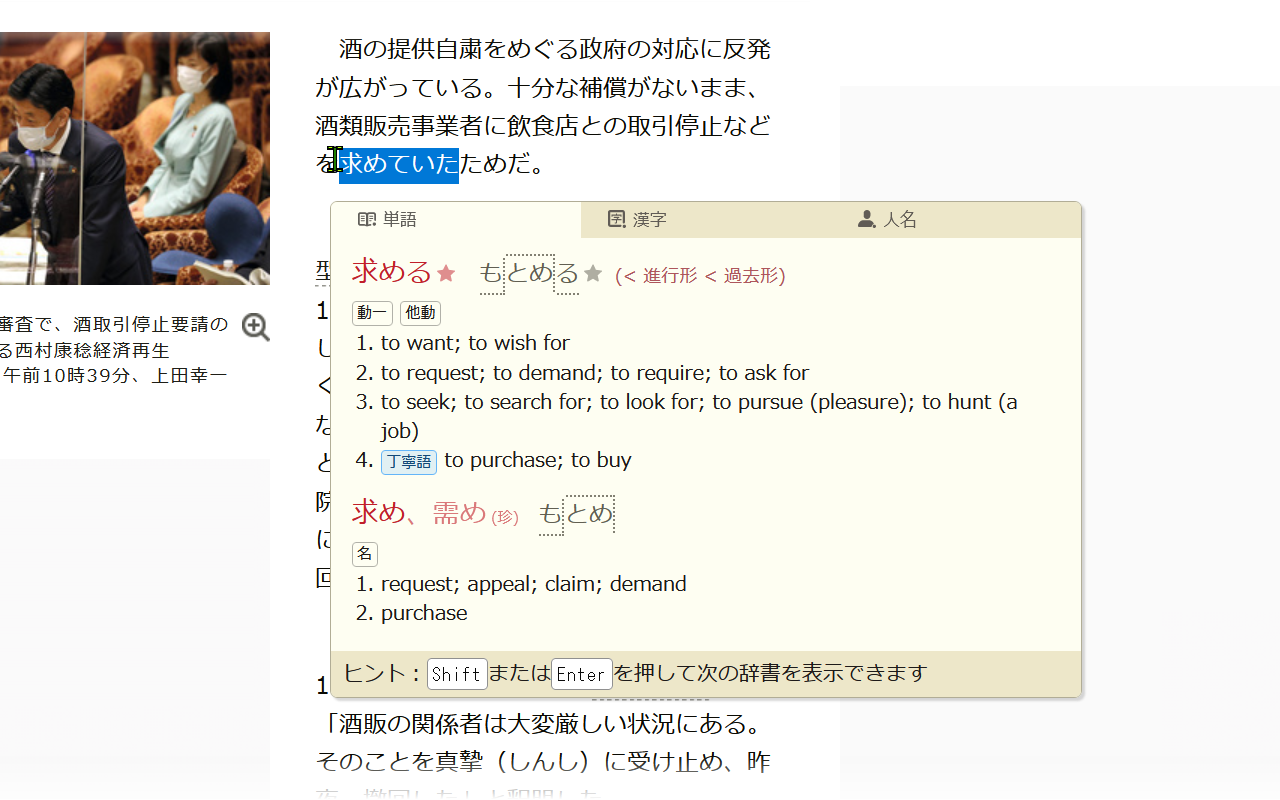
- Prioritization of common matches
- Support for displaying romaji
- Copy feature that allows selecting which entry and in what format to copy to the clipboard
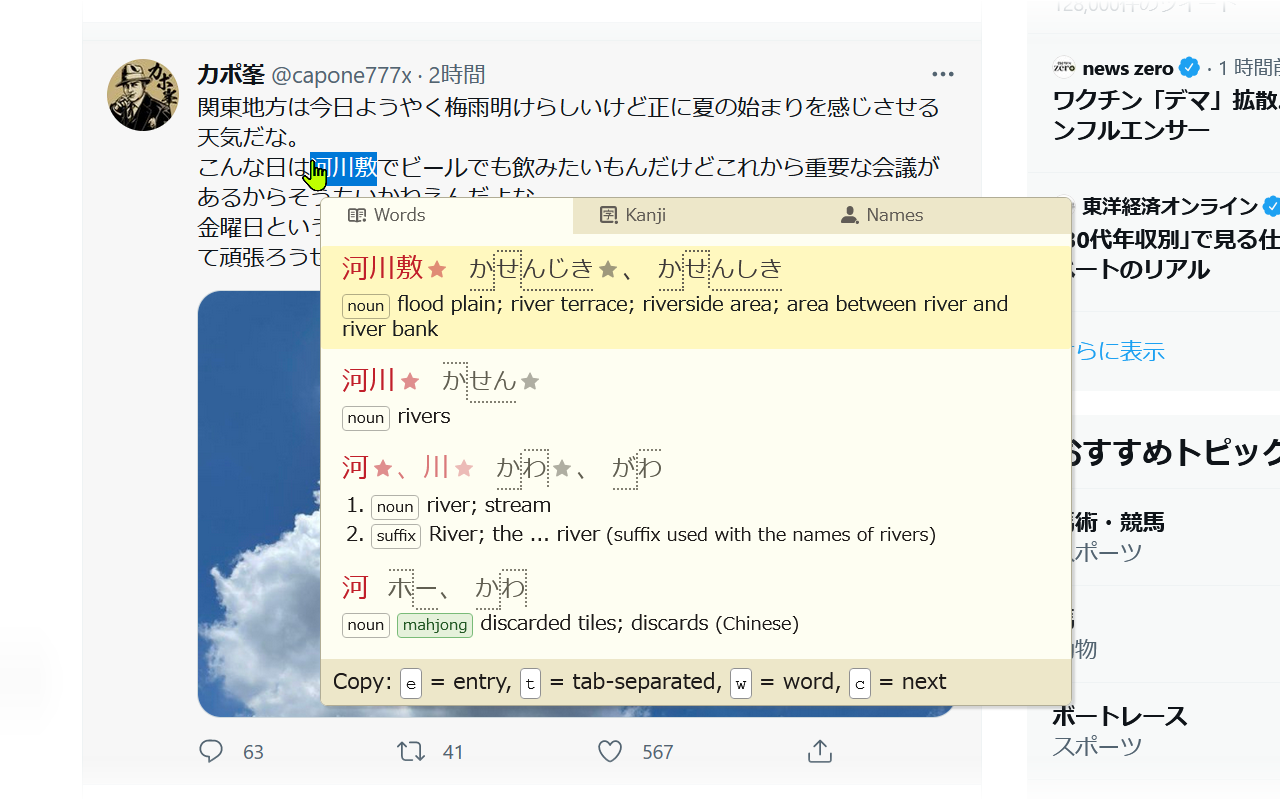
- Smart popup positioning
- Support for vertical text and text in SVG images
- Minimal memory usage
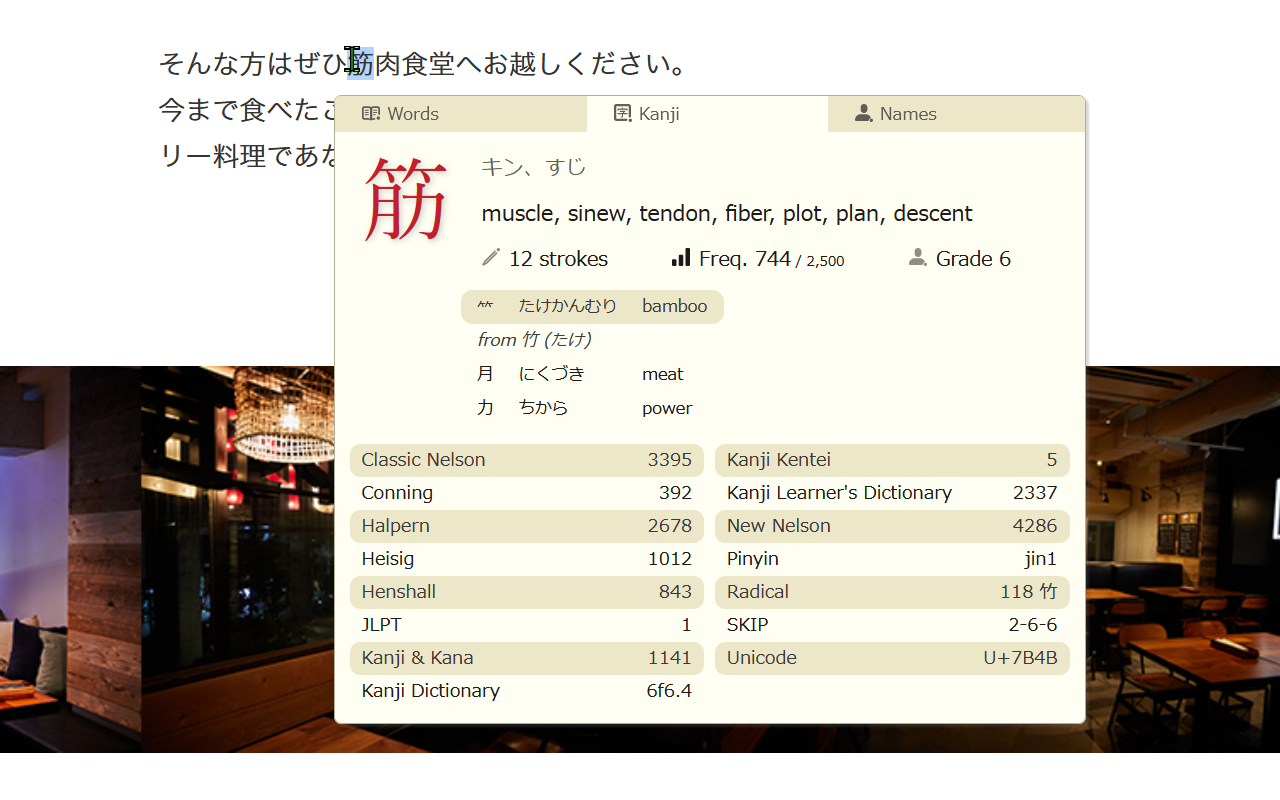
- Kanji data for Kanji kentei, Conning references, updated educational levels, heavily reworked kanji components etc.
- Intuitive settings window
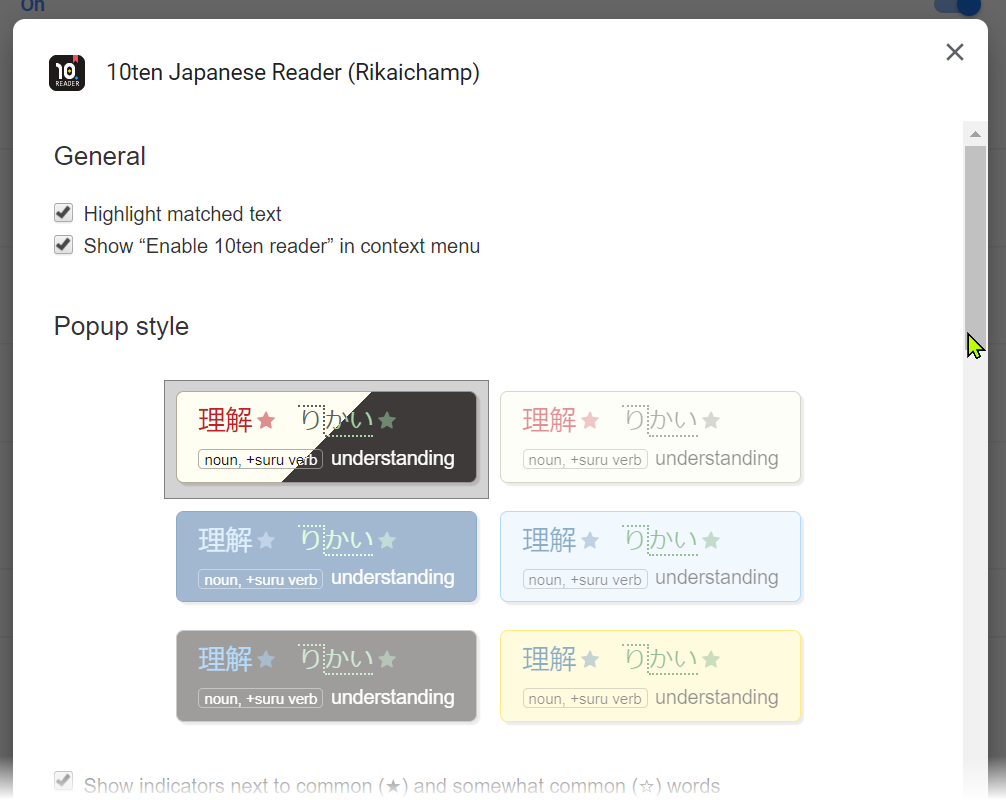
- Isolation of styles so that the popup always looks correct
- Handling of ruby text in YouTube
Usage
By default, you can enable the 10ten Japanese Reader by either:
- Pressing the toolbar button (you may need to add it to the browser toolbar yourself in some browsers)
- Pressing Alt+R
- Choosing to enable it from the context menu
The other keys are as follows:
| Action | Key | | ----------------------------------------- | --------------------------------------------------- | | Switch dictionary (words → kanji → names) | Shift / Enter | | Show kanji results only | Shift _(disabled by default)_ | | Toggle display of definitions | d _(disabled by default)_ | | Move the popup up or down | j / k _(disabled by default)_ | | Enter copy mode | c | | (Copy mode) Copy entry | e | | (Copy mode) Copy tab-separated fields | y | | (Copy mode) Copy word/kanji | w | | (Copy mode) Select next entry | c |
Building a release from source
You may also build the add-ons using a source package from the Releases page and running the following commands:
export RELEASE_BUILD=1
pnpm install
pnpm package:firefox
Or yarn package:firefox for versions 0.20.0 and earlier
Or yarn package for versions 0.5.8 and earlier
(Note that you may ignore the .js files associated with each release.
These are published simply to provide a public URL for each version of the
source files to associating stack traces from error reports.)
The above builds the package for Firefox.
Use pnpm package:chrome to build the Chrome package, pnpm package:edge for
Edge, pnpm package:safari for Safari, or pnpm package:thunderbird for
Thunderbird.
Note: For versions prior to and including 0.5.5 pnpm install will try to
install husky but fail so you will need to run pnpm install --ignore-scripts.
To build the latest trunk version please see CONTRIBUTING.md.
Contributing
Please see CONTRIBUTING.md.
Contributors
Thank you to everyone who has contributed including the following people (emoji key):


This project follows the all-contributors specification. Contributions are very welcome!