
ALIENS EYE

AI-OSINT Username Scanner
Advanced AI-Powered Social Media Username Finder
Scan 840+ platforms with ML-blended detection





🐧 New from the author: lxask
lxask is a Linux command assistant that runs entirely on your own machine: describe what you want in plain English and it suggests the command. No API key, no cloud, about 1 GB on disk, no GPU. If you find Aliens Eye useful, a ⭐ on lxask helps a lot.
To hide the gold box about it under the Aliens Eye banner, set ALIENS_EYE_NO_PROMO=1.
💙 Sponsored by Swiftproxy
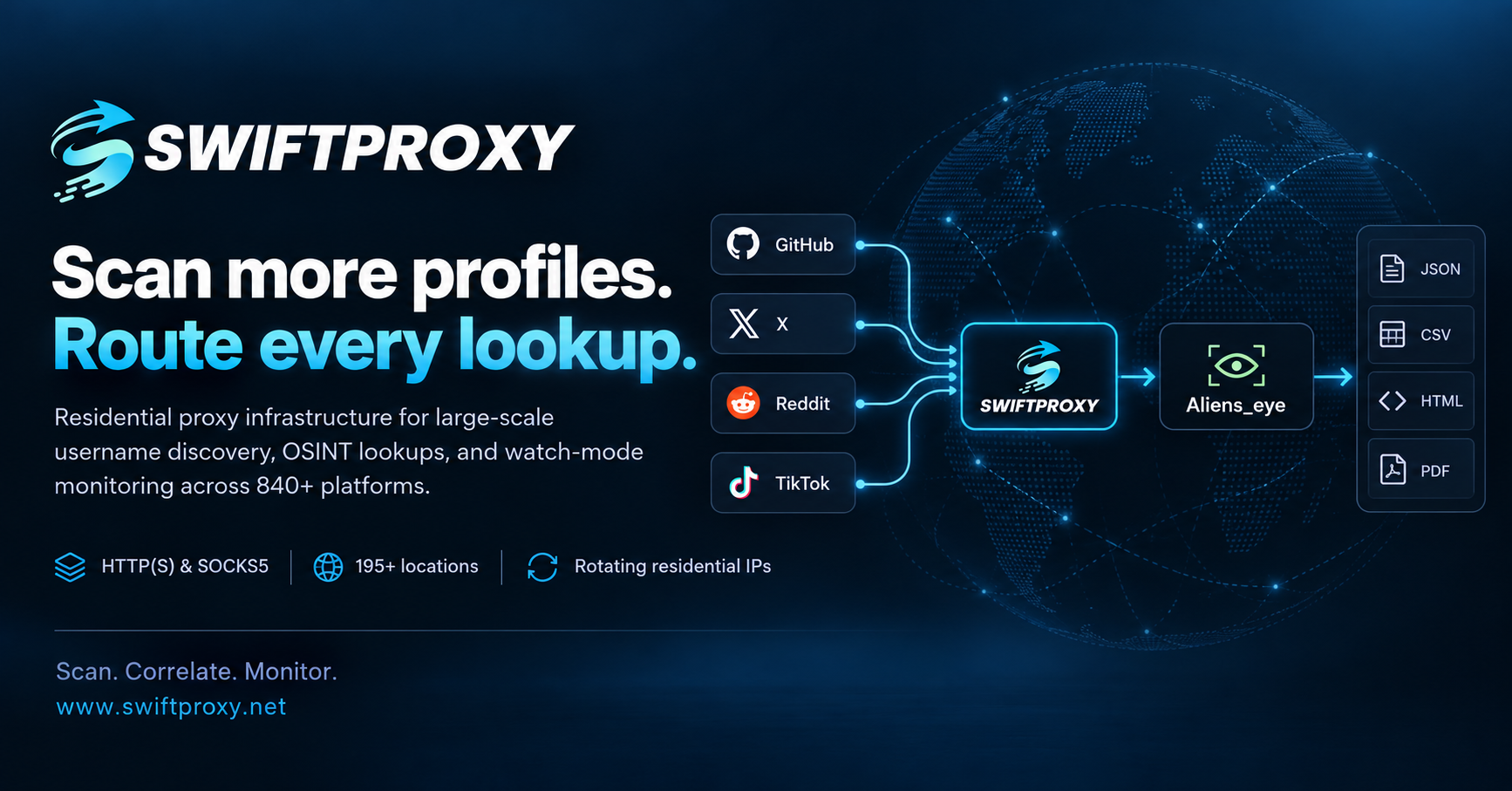
Power your web scraping and data collection with Swiftproxy — a residential proxy provider offering rotating and static residential proxies for reliable, efficient data access.
- 90M+ residential IPs across 220+ locations
- Protocols: HTTP(S) and SOCKS5
- Flexible sessions: Rotating and sticky
- Pricing: Plans starting at $0.7/GB
- Discount: Get an additional 10% off with code
PROXY90 - Free trials available
Highlights
- 840+ platforms scanned asynchronously in seconds
- ML + heuristic detection — a trained model blended with 30 structural signals (HTTP status, DOM shape, keywords, fingerprints) instead of naive status-code checks
- Profile extraction — display name, bio, and avatar pulled from each hit (OpenGraph / JSON-LD / per-site CSS)
- Cross-site correlation — cluster profiles that look like the same person by avatar hash, bio, shared links, and name (
--correlate) - Recursive expansion — follow linked usernames out of bios and re-scan them (
--recurse-depth N) - Domain check — is
.{com,io,net,…} --domains) - Watch mode — re-scan on an interval and alert on changes, optionally to a webhook (
--watch 6h --notify) - Resumable scans — checkpoint progress and continue after an interruption (
--resume file.jsonl) - Modern terminal UI — live progress, sorted result tables, summary panels (powered by rich); plus an interactive browser (
aliens_eye tui, optional extra) - MCP server — expose scanning to LLM agents (
aliens_eye serve, optional extra) - Proxy & Tor support —
--proxy socks5://...or just--tor - Site filtering —
--site github,reddit,--exclude-site,--no-nsfw, plus drop-insites.d/plugin site maps - A second opinion on every Found — the site is also asked for a username that cannot exist; if it shows the same page, the hit is downgraded to Maybe
- Calibrated self-check —
aliens_eye selfcheckreports precision / recall / F1 / FPR per site - Reproducible evaluation — record a frozen response corpus once, then replay it for identical metrics run to run (
aliens_eye corpus record/selfcheck --corpus) - Ablations and baselines —
aliens_eye eval ablatescores detector configurations with bootstrap confidence intervals;eval externalcompares against Sherlock / Maigret / WhatsMyName rules on the same stored responses - Retrainable + active learning — retrain with
aliens_eye train, or hand-label uncertain hits withaliens_eye label - Reports in JSON, CSV, HTML, Markdown, PDF, and graph formats (GEXF, Mermaid, Maltego CSV)
- Playwright fallback for JavaScript-heavy pages (optional extra)
Install
pip install aliens-eyeOptional extras:
pip install "aliens-eye[browser]"   # Playwright fallback for hard pages
python -m playwright install chromium
pip install "aliens-eye[train]"     # scikit-learn, for retraining the ML model
pip install "aliens-eye[correlate]" # Pillow, for avatar-image matching in --correlate
pip install "aliens-eye[pdf]"       # reportlab, for --format pdf
pip install "aliens-eye[tui]"       # textual, for the interactive tui browser
pip install "aliens-eye[serve]"     # mcp, for the serve MCP server
Or with Docker:
docker build -t aliens-eye .
docker run --rm -it aliens-eye username
From source:
git clone https://github.com/arxhr007/Aliens_eye.git
cd Aliens_eye
pip install -e .
Usage
# Interactive prompts
aliens_eye
Single username
aliens_eye username
Multiple usernames
aliens_eye username1 username2
Advanced scan level (prefix/suffix variations)
aliens_eye username -l advanced
Only scan specific sites
aliens_eye username --site github,reddit,gitlab
Skip NSFW sites
aliens_eye username --no-nsfw
Route through Tor (needs a local Tor daemon)
aliens_eye username --tor
Any HTTP or SOCKS proxy
aliens_eye username --proxy socks5://127.0.0.1:1080
Export everything
aliens_eye username --format all --output results
Heuristics only, no ML
aliens_eye username --no-ml
Non-interactive preset: quick / full / aggressive
aliens_eye username --profile quick
Plain output for scripts and CI (no colors/progress)
aliens_eye username --plain
The report as JSON on stdout, one line per username; the banner, progress and summary go to stderr
aliens_eye username --json-stdout | jq '.variations[].sites | to_entries[] | select(.value.status == "Found") | .value.url'
Only Found/Maybe sites in the report (the counts still cover every site scanned)
aliens_eye username --json-stdout --only-found
View results from a previous scan
aliens_eye -r results/username_advanced_20260611_120000.json
Correlate hits into "likely same person" clusters + check domains
aliens_eye username --correlate --domains
Follow linked usernames out of found bios and re-scan them
aliens_eye username --recurse-depth 1
Export a graph of the results (import into Gephi / Maltego / Mermaid)
aliens_eye username --correlate --format gexf,mermaid,maltego
Investigator PDF with embedded avatars
aliens_eye username --format pdf
Watch for changes every 6 hours and POST them to a webhook
aliens_eye username --watch 6h --notify https://hooks.example/aliens
Resume an interrupted scan
aliens_eye username --resume scan.jsonl
Compare two saved reports
aliens_eye diff results/old.json results/new.json
Validate detection accuracy (precision / recall / F1 per site)
aliens_eye selfcheck --negatives 2 --report json
Record a frozen response corpus, then evaluate against it reproducibly
aliens_eye corpus record --out corpus/v1 --split all --negatives 4
aliens_eye corpus stats corpus/v1
aliens_eye selfcheck --split holdout --corpus corpus/v1 --report json
Compare detector configurations over that corpus, with confidence intervals
aliens_eye eval ablate --corpus corpus/v1 --split holdout
Compare against Sherlock / Maigret / WhatsMyName rules (fetch their data yourself)
aliens_eye eval external --corpus corpus/v1 --sherlock data.json --whatsmyname wmn-data.json
Rebuild the ground-truth splits from those projects account lists
aliens_eye eval groundtruth --sherlock data.json --whatsmyname wmn-data.json
Interactively label uncertain hits into a training set
aliens_eye label results/username_basic_20260611_120000.json --out labeled.csv
Interactive terminal browser (needs [tui])
aliens_eye tui username
Run the MCP server for LLM agents (needs [serve])
aliens_eye serve
Custom platforms: drop a { "site_name": "https://site/{}" } JSON file into
./sites.d/ (or the user config dir's sites.d/) and it is merged automatically;
--sites-dir DIR adds another location.
How detection works
Every response is converted into a 30-dimensional feature vector: HTTP status buckets, username placement (path/title/meta/canonical), error and profile keywords, DOM structure (images, forms, profile/error CSS classes), structured-data signals (og:type, JSON-LD Person), response timing, redirect counts, and per-site fingerprint matches learned from previous scans.
Two judges then vote:
- Heuristic engine — weighted scoring over the features
- ML model — logistic regression trained on labeled scans of real (and deliberately fake) accounts, shipped with the package and running in pure Python (no sklearn needed at runtime)
0.9 ml + 0.1 heuristic, Found above 0.620, Not Found below 0.360. If a model file is missing or invalid, the scanner silently falls back to heuristics with the defaults in core/detector.py (0.4 ML weight, 0.6 / 0.35 thresholds). See WORKING.md for the full table.
A Found then has to survive three checks, because a page is scored on how profile-like it looks and error pages, challenge pages and empty JavaScript shells can look the part:
- an HTTP
404/410is reported as Not Found, and any other error code as Maybe at most; - a bot-check or error page is capped at Maybe;
- the site is asked for a username that cannot exist, and if it answers with the same page, the result is capped at Maybe (
--no-control-checkskips this; it costs one extra request per Found).
Treat Found/Maybe as leads to verify, not as findings. The shipped model was fit on 1,455 samples from 286 platforms. On 135 platforms it never saw, a scan reports Found for 1.0% of usernames that don't exist there (4 of 399) and for 49% of accounts that do (85 of 172): precision 0.96, F1 0.65. Before 2.7.0 those figures were 8.3% and 54%. It favours fewer false leads over catching every account: a real account on a site that shows everyone the same page is a Maybe, since nothing in the response tells it apart. On F1 it is still not statistically distinguishable from a plain HTTP-status check (difference -0.02 to +0.10, 95% interval); what it buys is the false-positive rate, 1% against 30%.
Retraining the model
pip install "aliens-eye[train]"
1. Scan ground-truth accounts + random non-existent usernames to build a dataset
   (reads the train split only; the eval holdout is never touched)
aliens_eye train collect --out dataset.csv --negatives 4
2. Fit and export the model
aliens_eye train fit --data dataset.csv --out model.json
3. Score it on platforms it never trained on
aliens_eye selfcheck --split holdout --model model.json --report json
4. Use it
aliens_eye username --model model.json
Ground truth is split site-disjoint into data/selfcheck.json (train, 30
sites) and data/eval_holdout.json (holdout, 13 sites). Scoring --split train
measures fit, not generalization, and will read high.
Using it as a library
aliens_eye.api is the stable surface for building other tools on Aliens Eye. It
returns plain dicts shaped like the JSON report and prints nothing by default.
import asyncio
from aliens_eye import api
async def main():
    sites = api.load_sites(exclude_nsfw=True)
    report = await api.scan(
        "someone",
        sites=sites,
        on_result=lambda user, r: print(r["site"], r["status"]),  # optional progress hook
    )
    correlation = await api.correlate(report)
    print(len(correlation["clusters"]), "clusters")
asyncio.run(main())
It can also read a profile link back into a site and username, and fetch a page whose address came from somewhere you don't control:
api.match_profile_url("https://www.instagram.com/_someone_/")
[ProfileMatch(site='instagram', username='_someone_')]
page = await api.fetch_page("https://example.com/")   # public http(s) addresses only
Everything outside aliens_eye.api is internal and may change between minor releases.
Configuration
Aliens Eye merges a JSON config file with CLI flags (CLI wins). Search order without --config: ./config.json, then the platform config dir (e.g. ~/.config/aliens_eye/config.json on Linux, %LOCALAPPDATA%\aliens_eye on Windows).
{
  "concurrent": 50,
  "timeout": 10.0,
  "retries": 2,
  "rate_limit_delay": 0.2,
  "output_dir": "results",
  "output_formats": ["json", "csv", "html", "md"],
  "use_playwright": false,
  "proxy": null,
  "use_ml": true,
  "exclude_nsfw": false,
  "level": "basic"
}
Outputs
Results are saved with timestamped filenames:
username_level_YYYYMMDD_HHMMSS.json— full detail including per-site feature analysis.csv— flat rows for spreadsheets.html— styled standalone report.md— Markdown summary of Found/Maybe hits
Architecture
The package lives under src/aliens_eye/: core/ (scanner, detector, analyzer, http, exporter, fingerprints), ml/ (inference, training, dataset collection), utils/ (rich console layer), and data/ (sites.json, trained model, ground-truth sets). For internals and flowcharts, see WORKING.md.
Contributing
Issues and PRs welcome — adding sites to src/aliens_eye/data/sites.json, expanding the ground-truth set in selfcheck.json, or improving the model all directly improve detection. Run pytest and ruff check src tests before submitting.
Disclaimer
This tool is for educational purposes and legitimate OSINT research only. You are responsible for complying with laws and site terms of service.